

How to Create a New IRAS Tax Filing Year
This guide shows you how to create a new IRAS tax filing year in NeuHR. You must have an HR Executive or Super Admin role to access this feature.
-
Navigate to Tax Filing
Section titled “Navigate to Tax Filing”From the sidebar, scroll down to
Settingsand clickTax filing.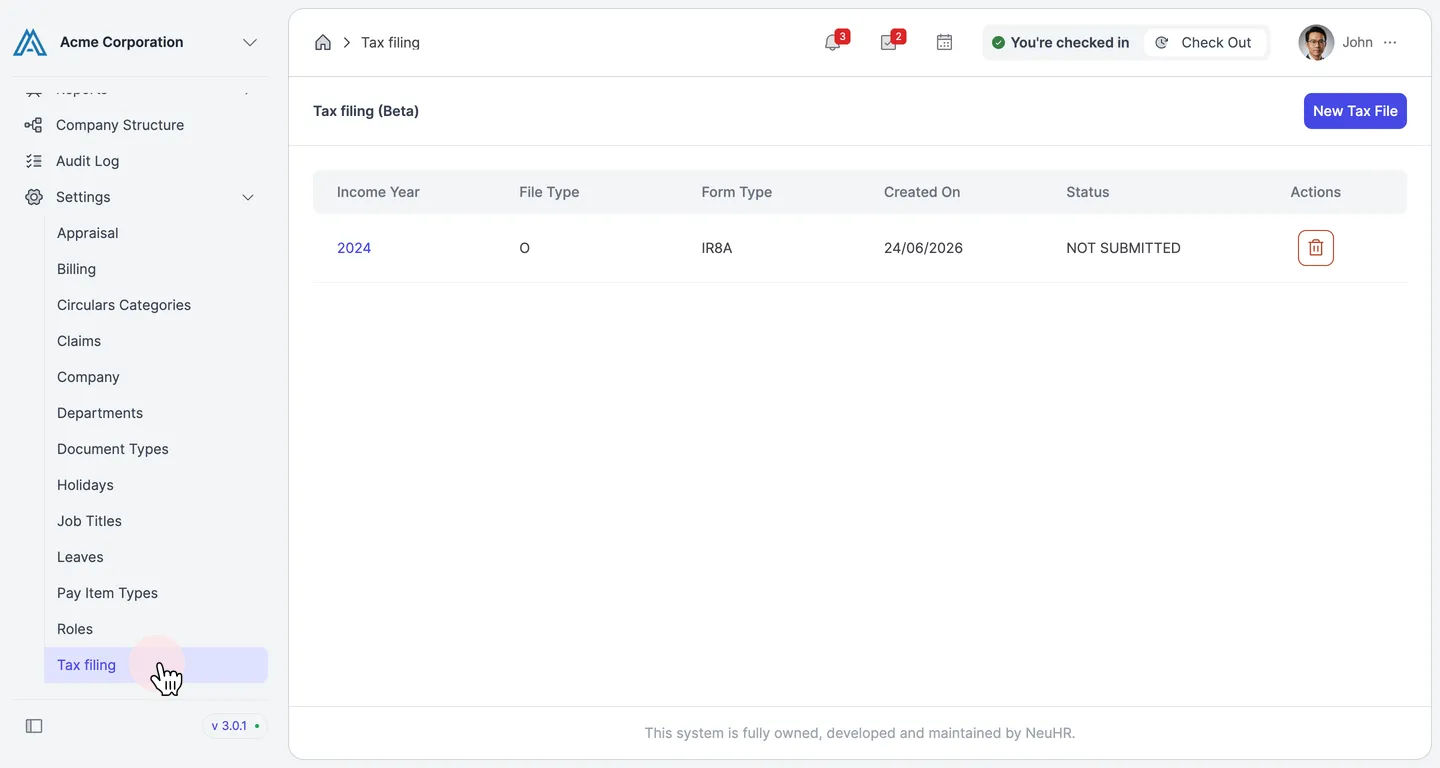
-
Click New Tax File
Section titled “Click New Tax File”On the Tax filing (Beta) page, click the
New Tax Filebutton in the top-right corner.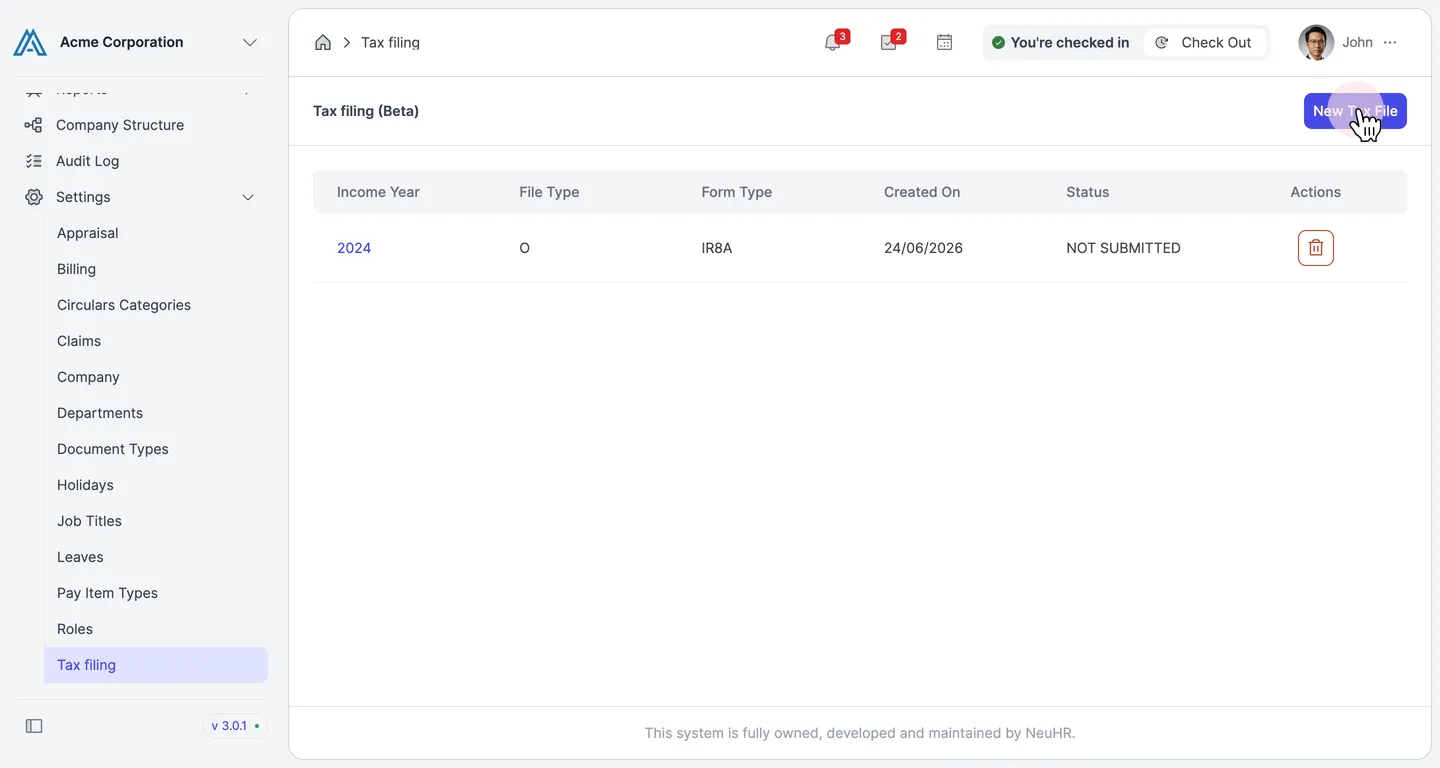
-
Fill in the Tax File Details
Section titled “Fill in the Tax File Details”The Add New Tax File dialog appears with three required fields:
- Income Year: The income year to file for (e.g. 2025)
- Form Type: The IRAS form type (default: IR8A)
- File Type: The submission type (default: Original)
Click the
Income Yeardropdown to select the year.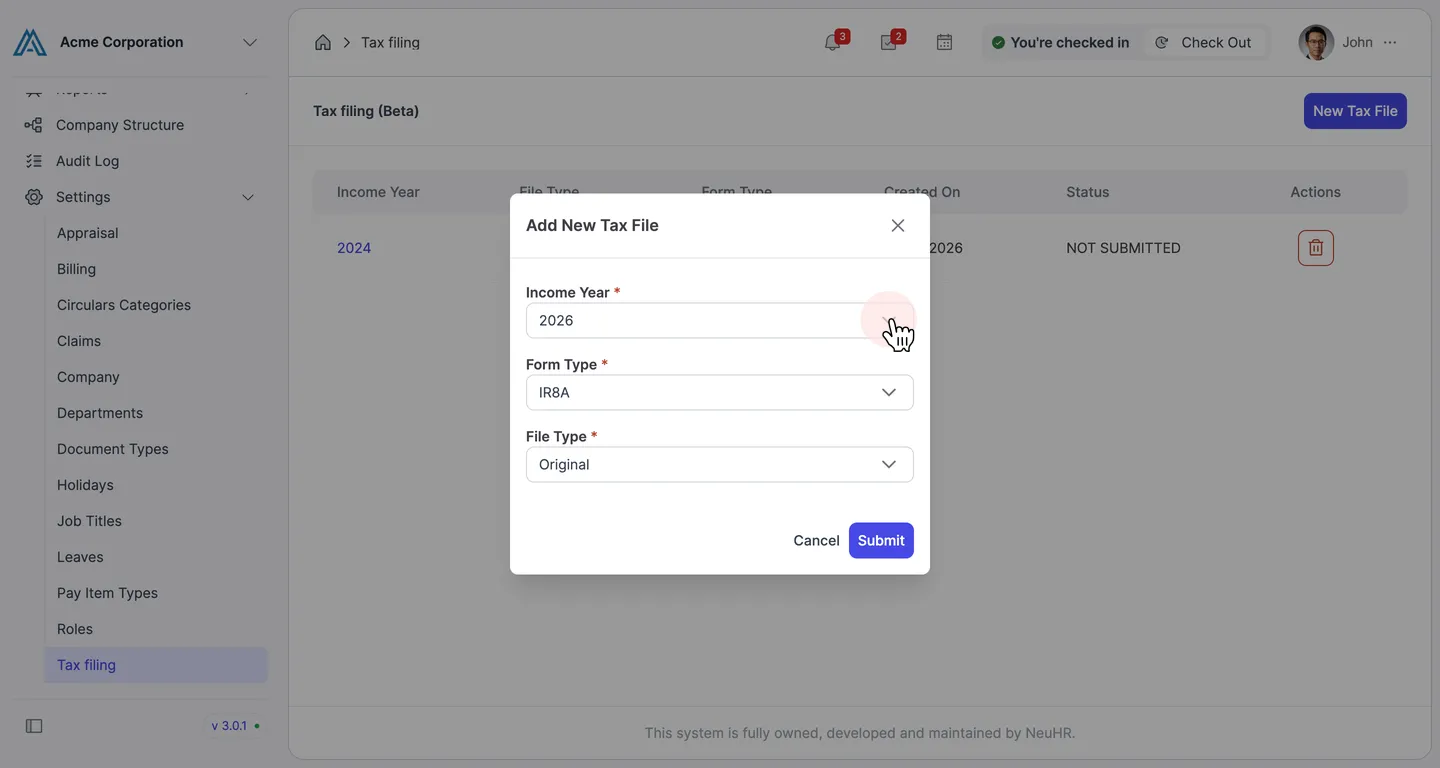
-
Select the Income Year
Section titled “Select the Income Year”Select the income year from the dropdown. For example, select
2025.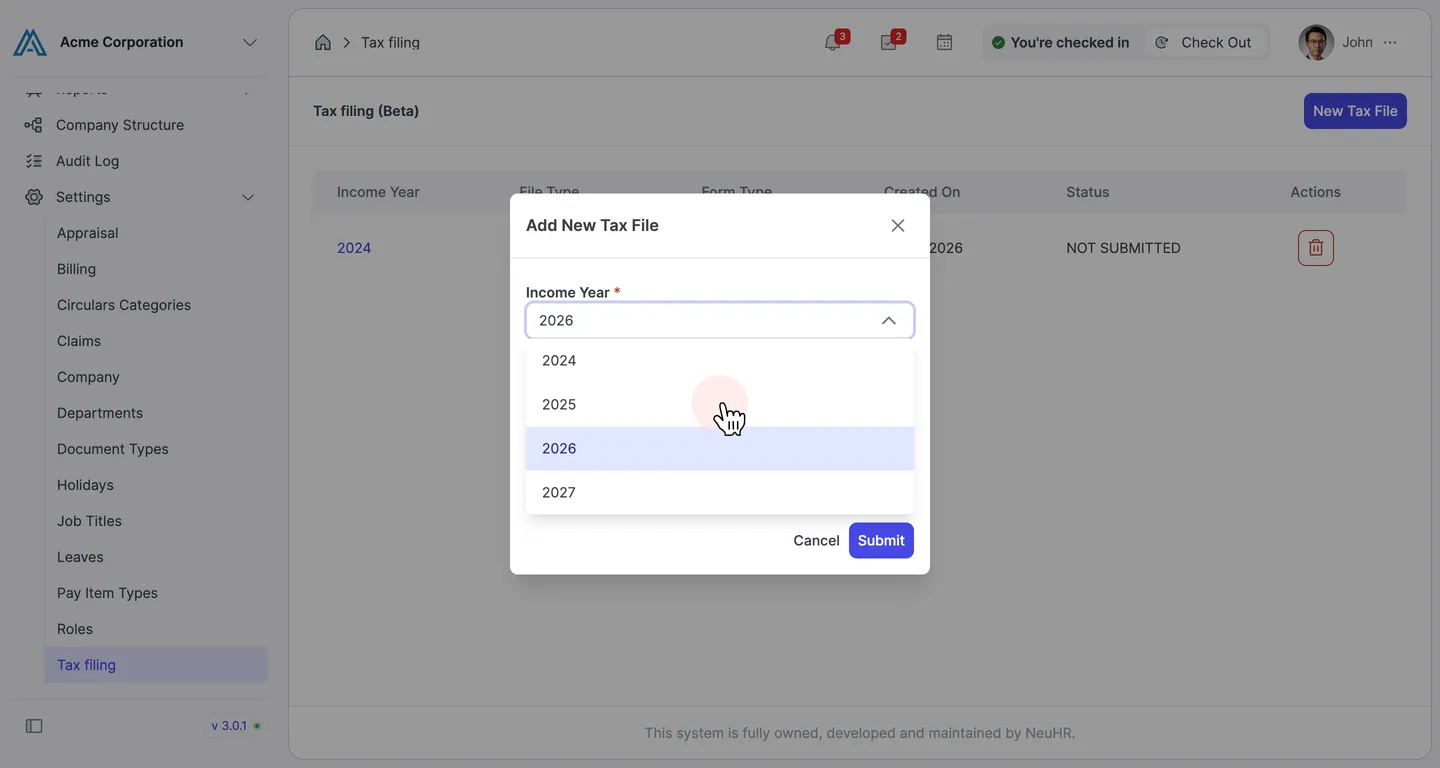
-
Submit the Form
Section titled “Submit the Form”Review the details and click
Submitto create the tax filing year.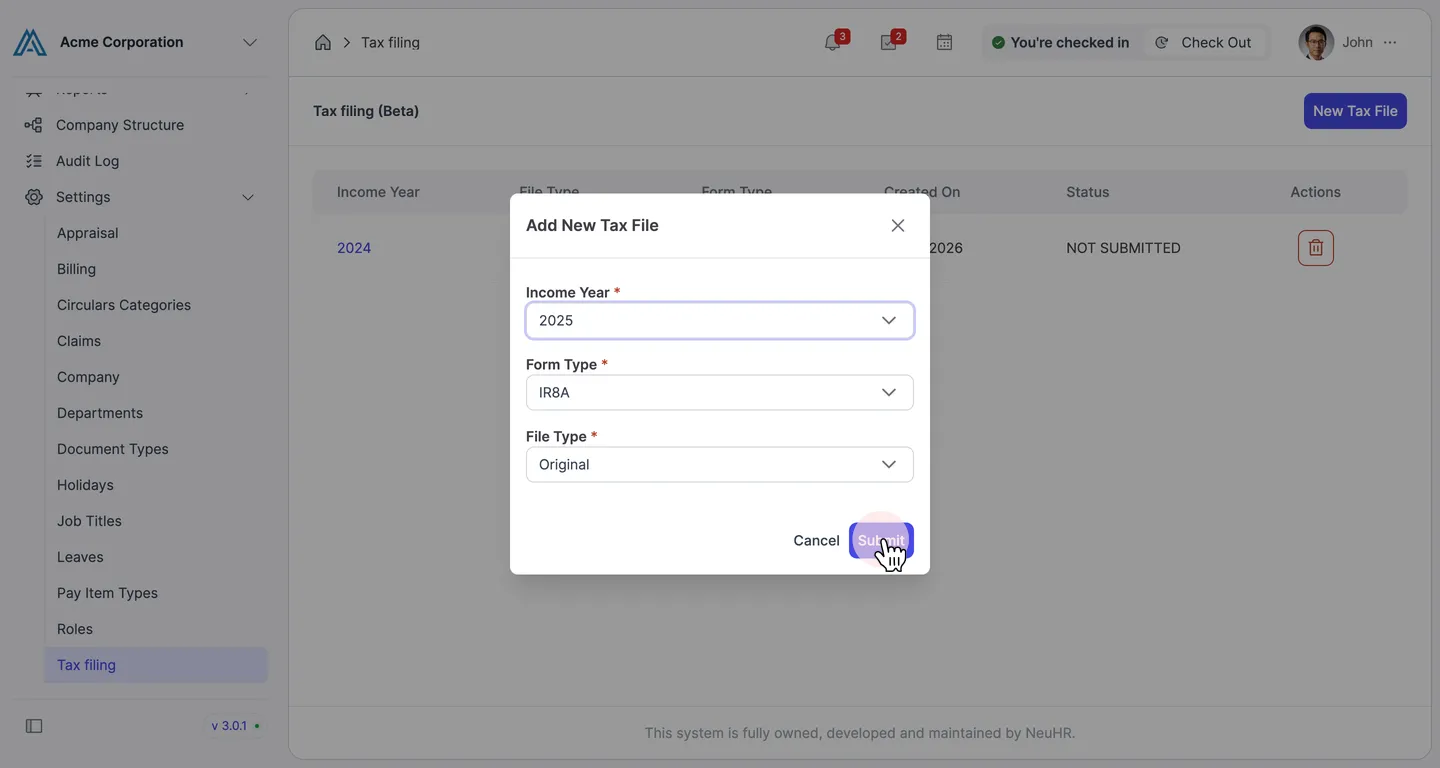
-
Tax Filing Year Created
Section titled “Tax Filing Year Created”The system creates the tax filing year and opens the Tax Filing detail page. You’ll see the income year, company name, and a status of NOT SUBMITTED.
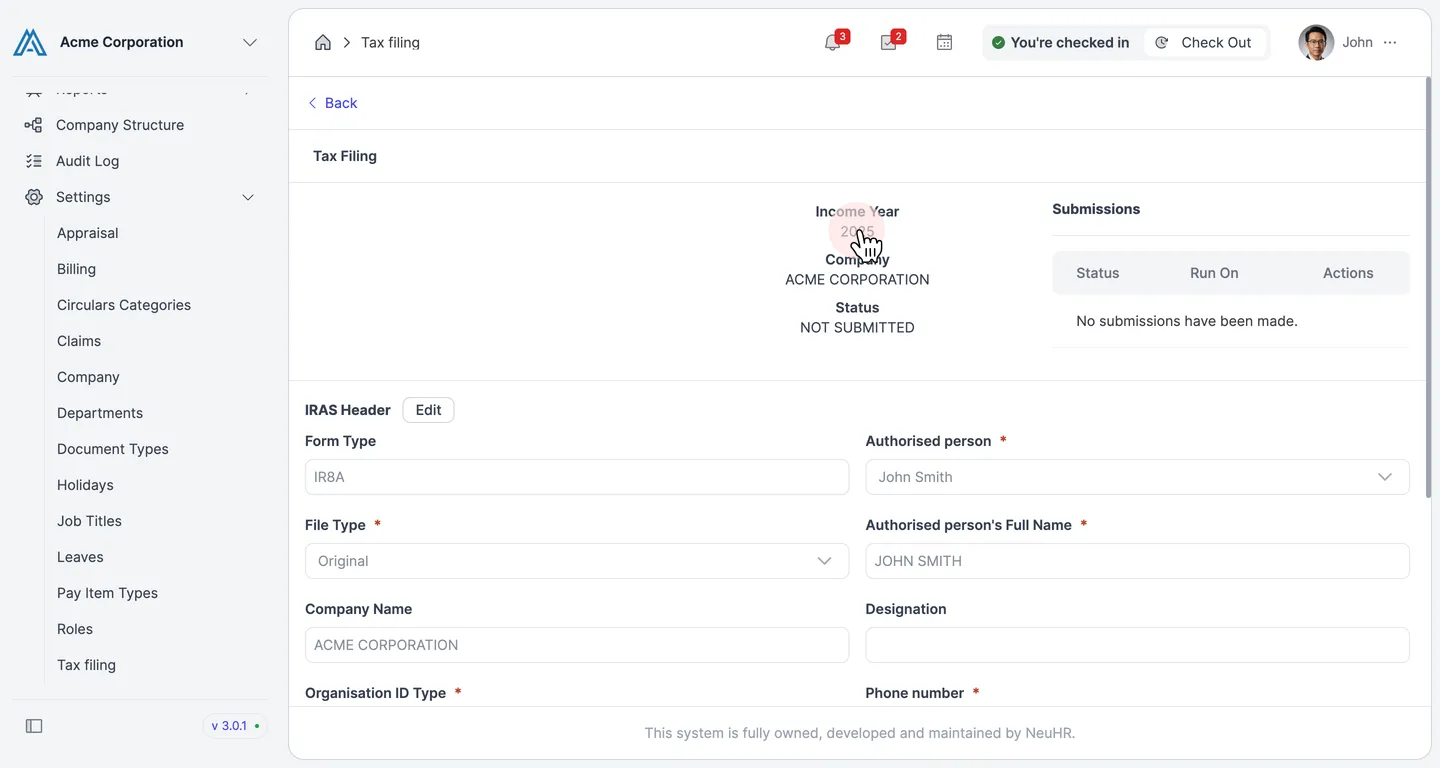
From here, you can edit the IRAS Header details before submitting to IRAS.