How to Delete Circulars Category
This guide shows you how to delete a circulars category in NeuHR. Deleting a category removes it permanently. Ensure no circulars are using the category before deleting it.
-
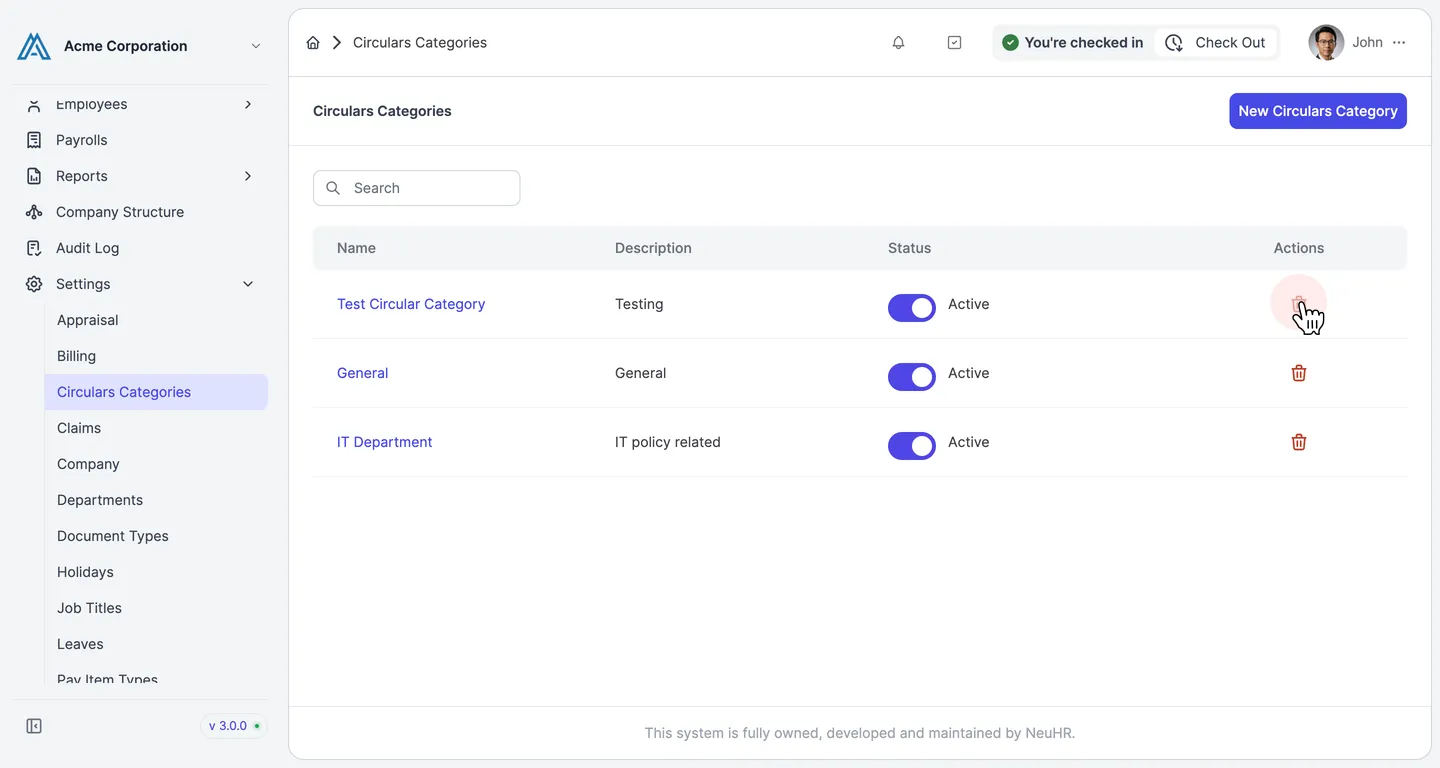
Navigate to Circulars Categories and click the trash icon
Section titled “Navigate to Circulars Categories and click the trash icon”In the left sidebar, go to Settings and click Circulars Categories. The Circulars Categories list page opens. Click the trash icon in the Actions column next to the category you want to delete.
-
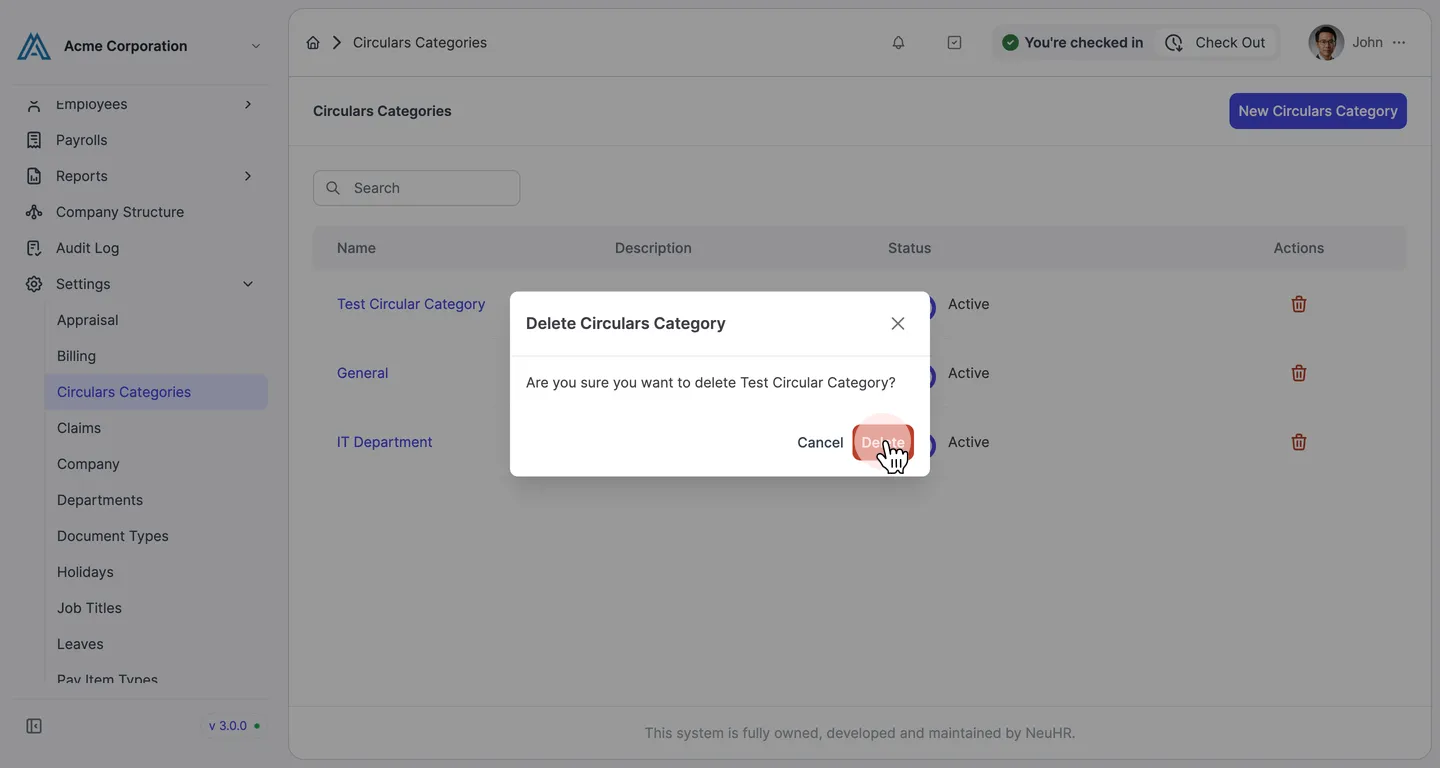
Confirm the deletion
Section titled “Confirm the deletion”A confirmation dialog appears: “Are you sure you want to delete [Category Name]?”. Click the Delete button to proceed.
-
Category deleted successfully
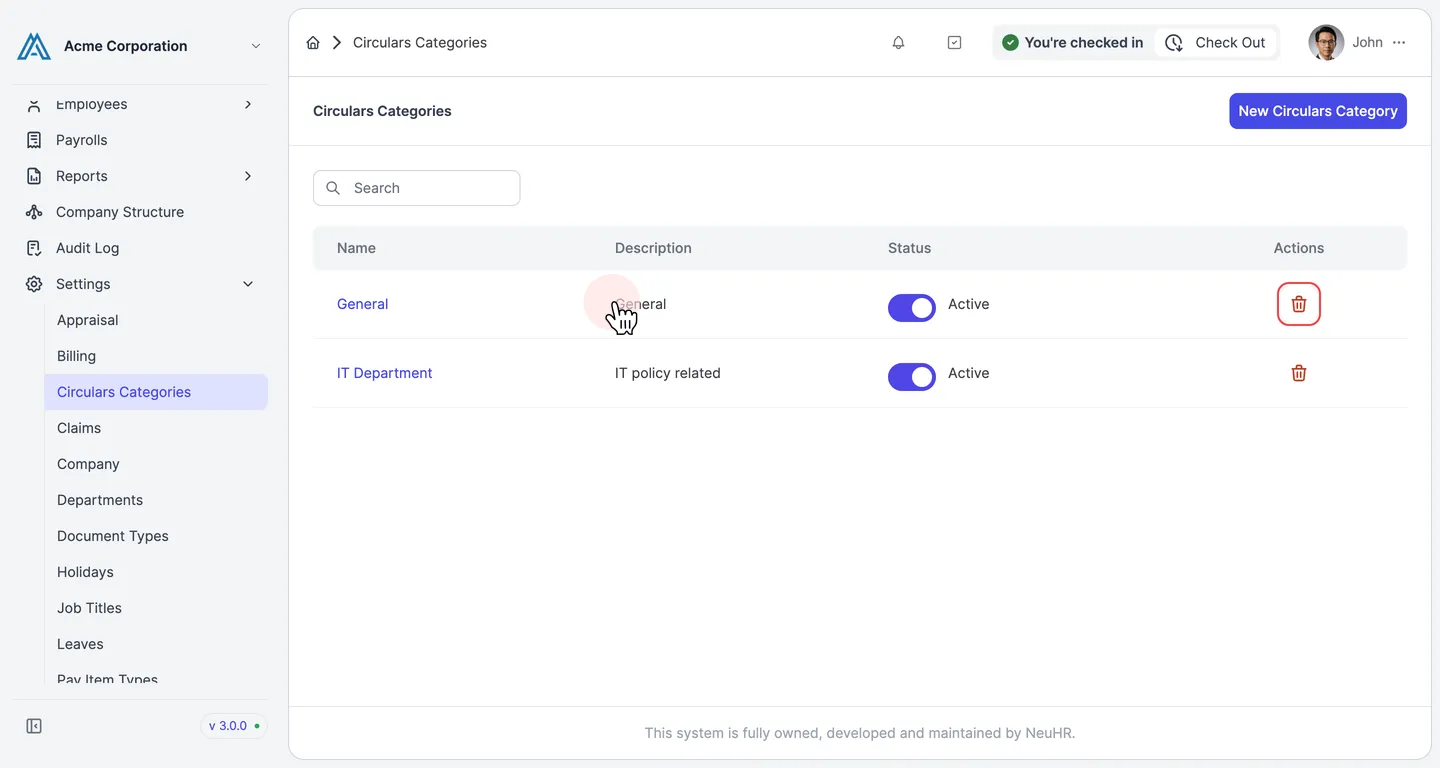
Section titled “Category deleted successfully”The category is removed and no longer appears in the Circulars Categories list.