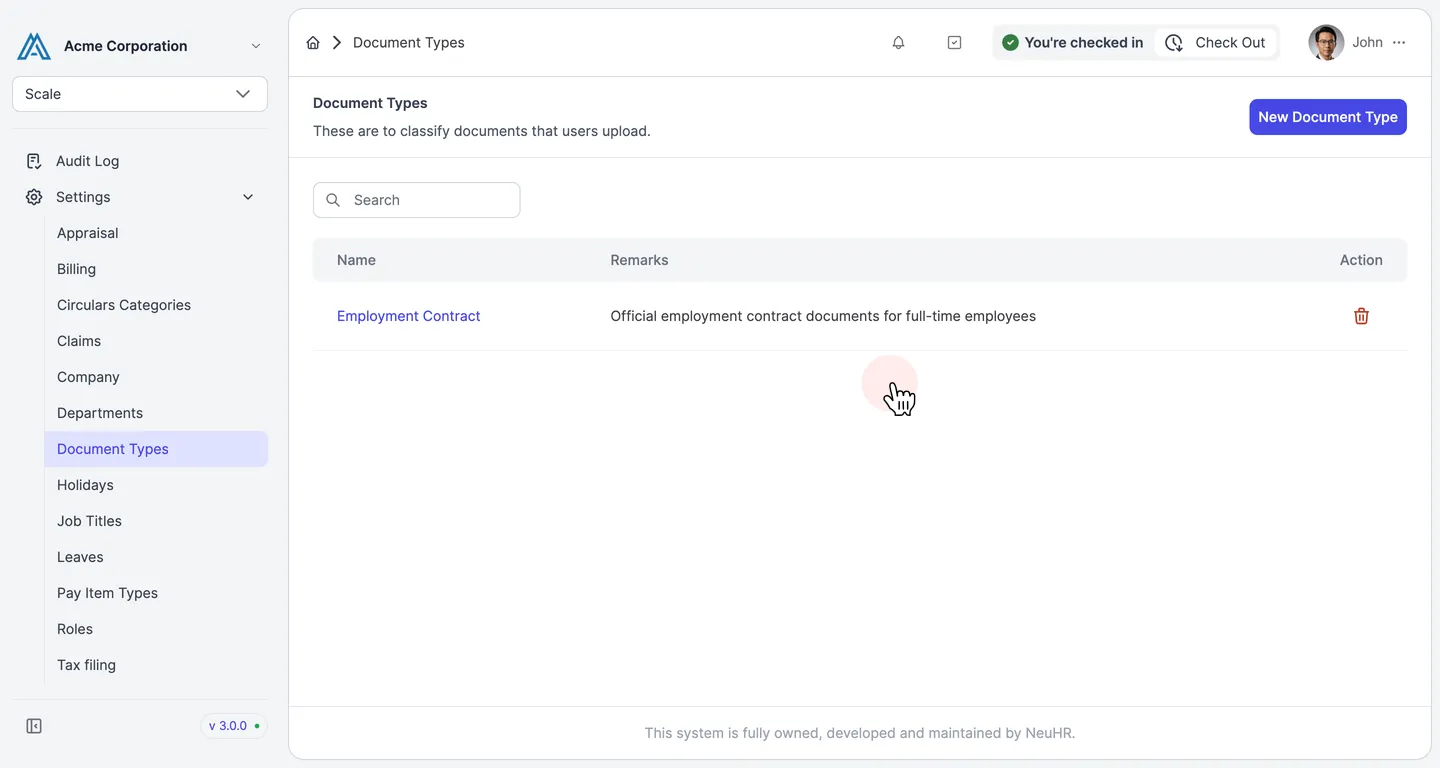
How to Delete Document Types
This guide shows you how to delete a document type in NeuHR. Deleting a document type is permanent and cannot be undone.
-
Navigate to Document Types
Section titled “Navigate to Document Types”From the sidebar, scroll down and click
Settingsto expand the menu, then clickDocument Types.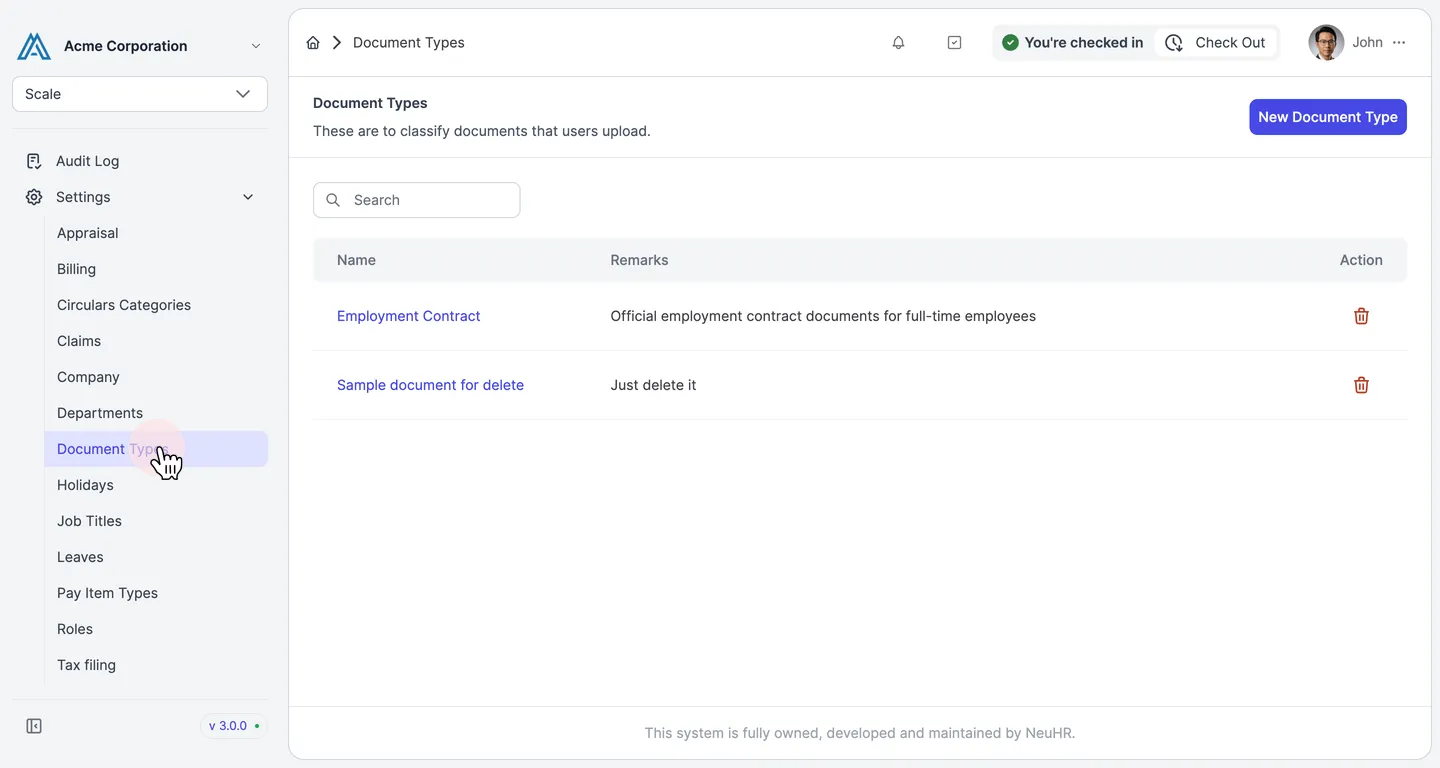
-
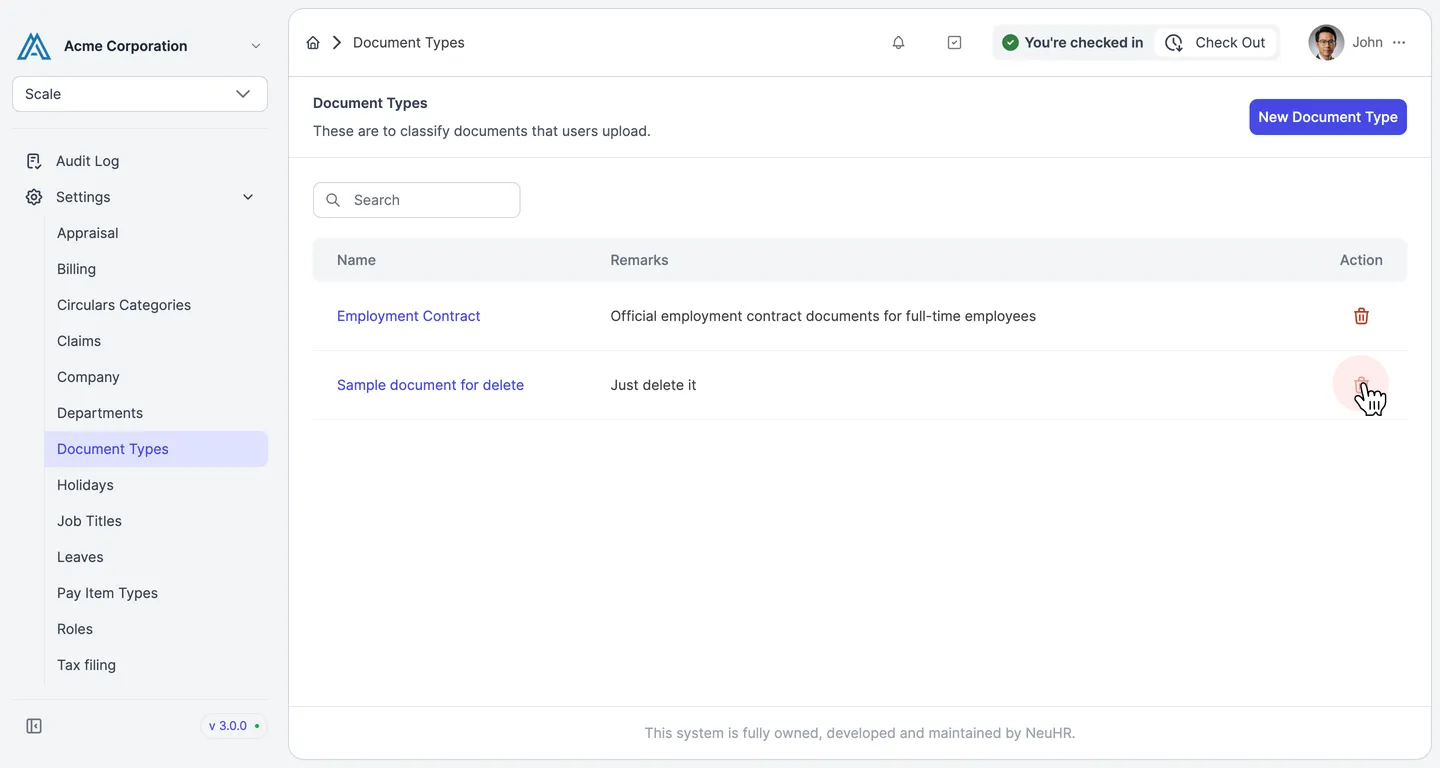
Click the Trash Icon
Section titled “Click the Trash Icon”On the Document Types page, click the trash icon in the Action column of the document type you want to delete.
-
Confirm Deletion
Section titled “Confirm Deletion”A confirmation dialog appears asking “Are you sure you want to delete this item?”. Click
Deleteto confirm.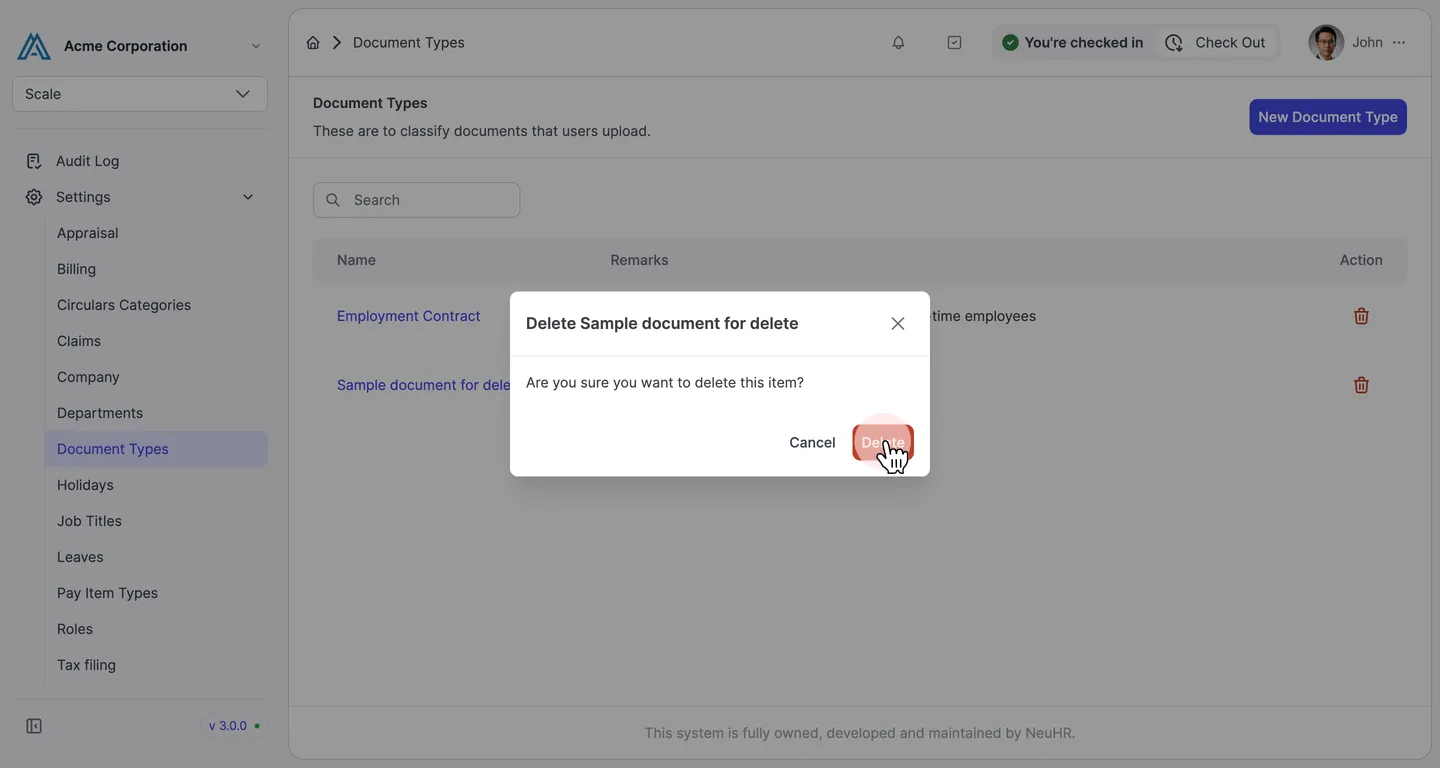
-
Document Type Deleted
Section titled “Document Type Deleted”The document type is permanently removed from the list.