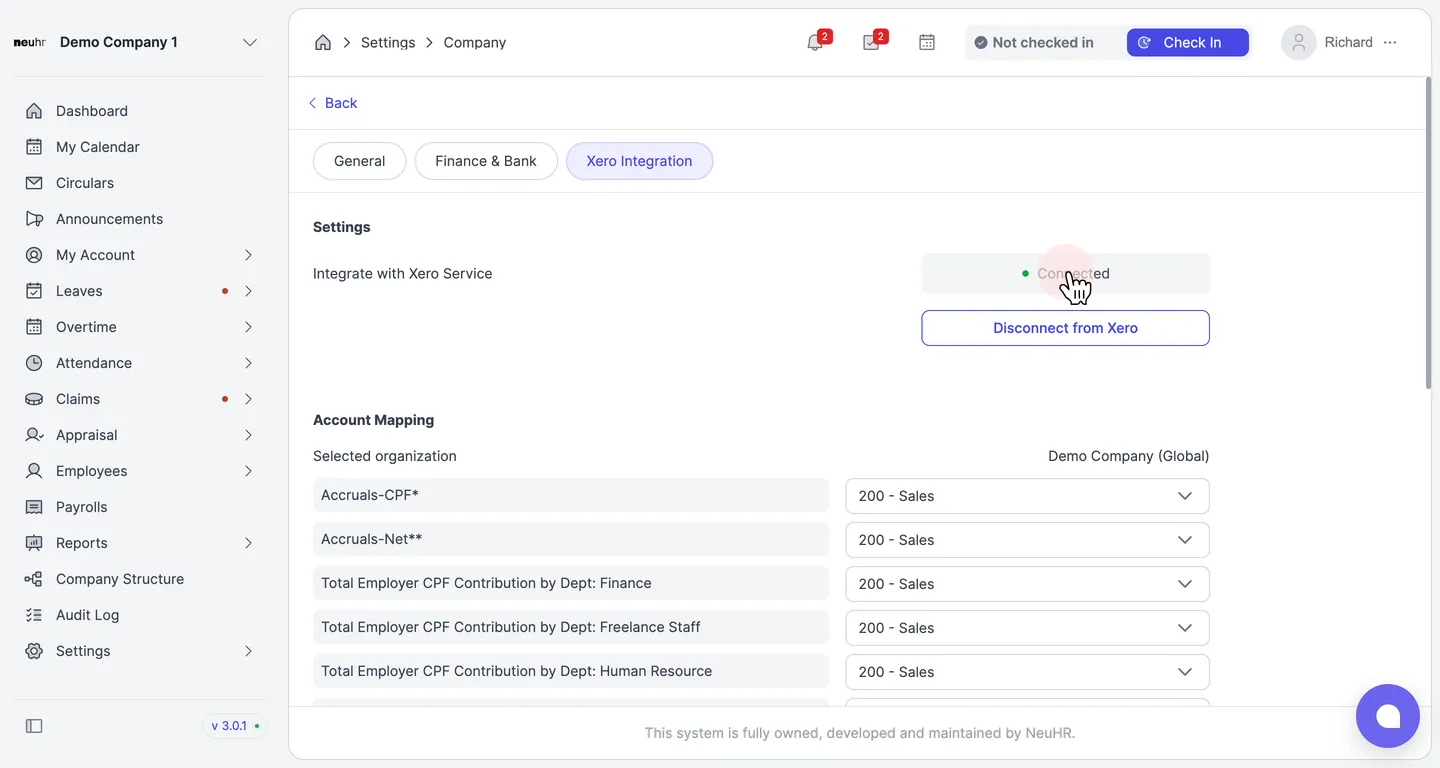
Integrate with Xero
This guide shows you how to connect NeuHR with Xero so that payroll data can be synced to your Xero accounting software.
-
Navigate to Xero Integration
Section titled “Navigate to Xero Integration”From the sidebar, click
Settingsto expand the menu, then clickCompany. On the Company settings page, click theXero Integrationtab.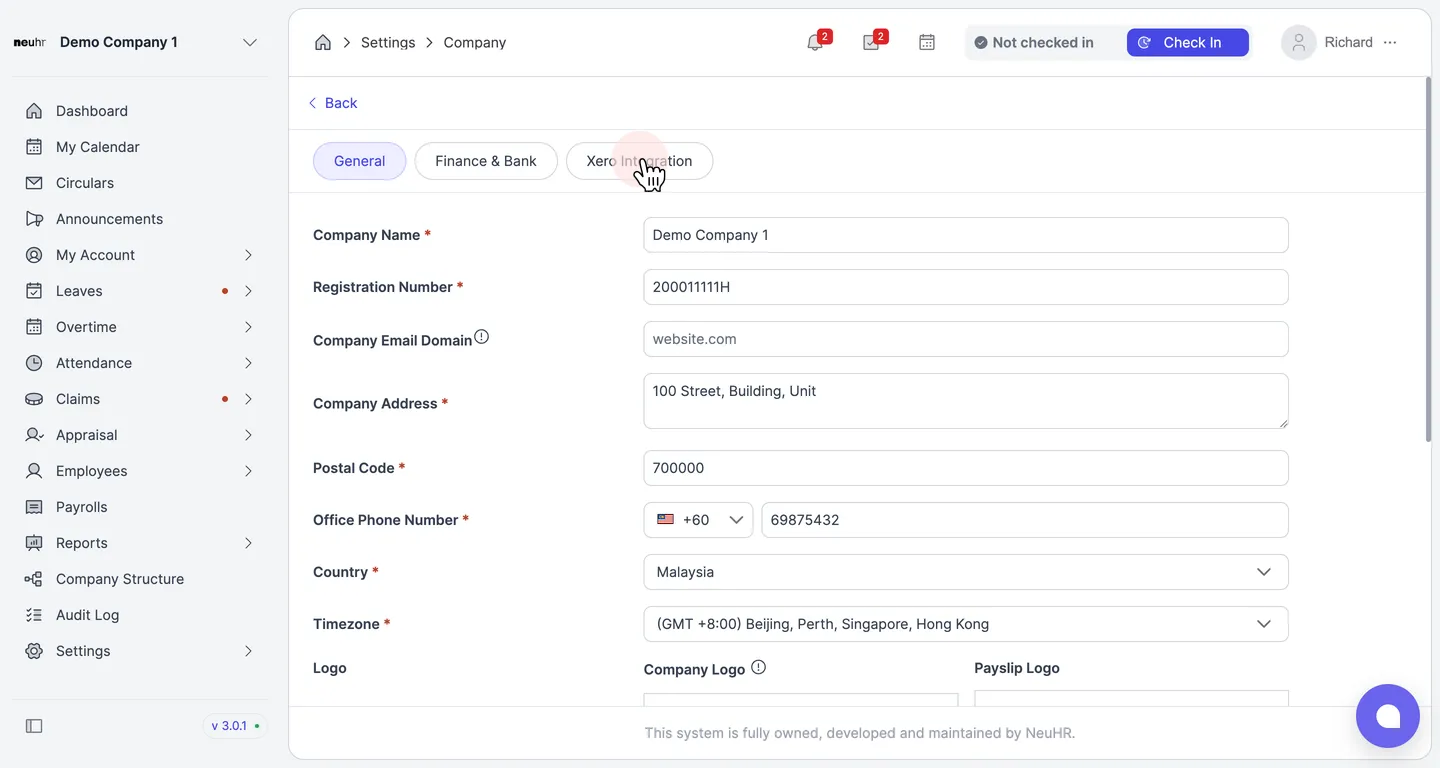
-
Click Connect to Xero
Section titled “Click Connect to Xero”Under the Settings section, you’ll see the Integrate with Xero Service row showing a Not connected status. Click the
Connect to Xerobutton to begin the authorization process.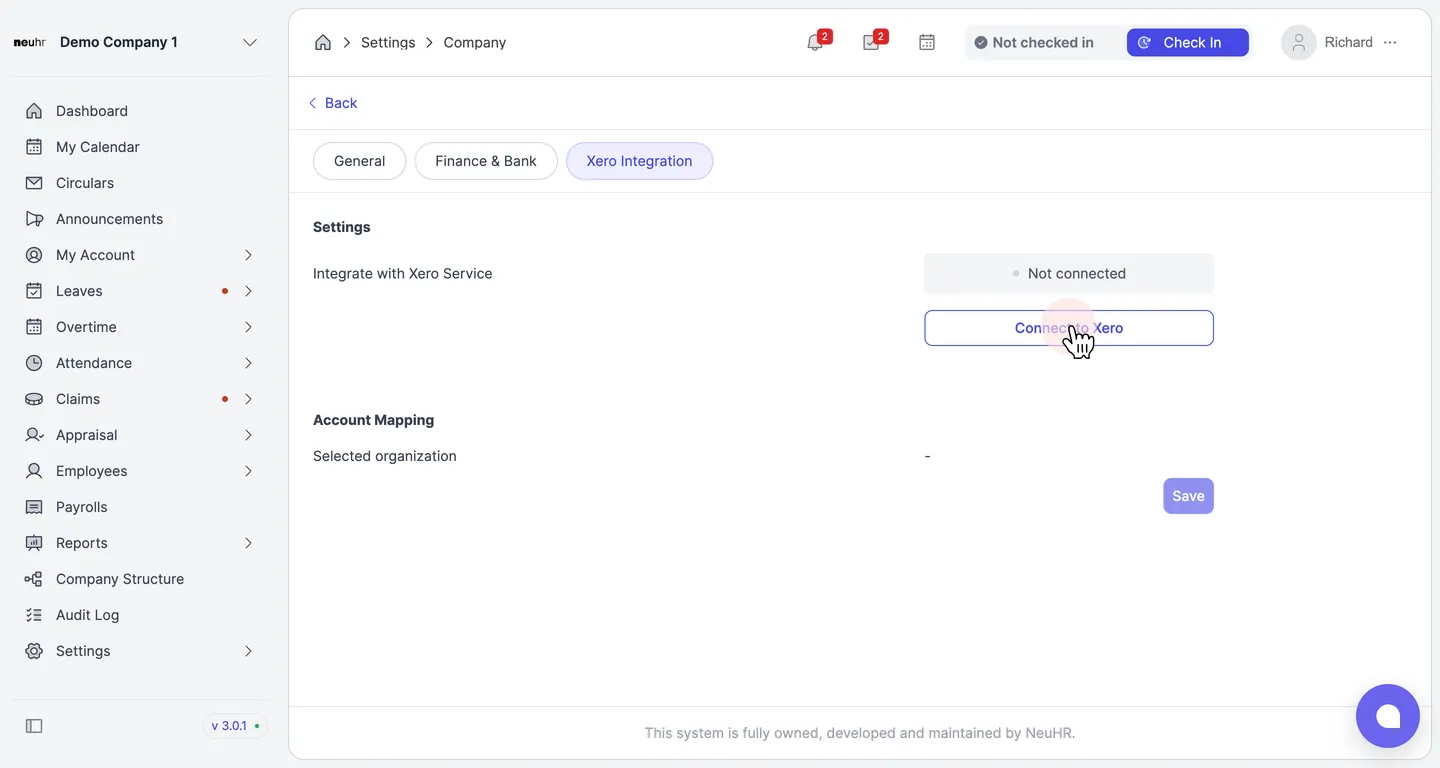
-
Log in to Xero
Section titled “Log in to Xero”You’ll be redirected to Xero’s login page. Enter your Xero Email address and Password, then click
Log in.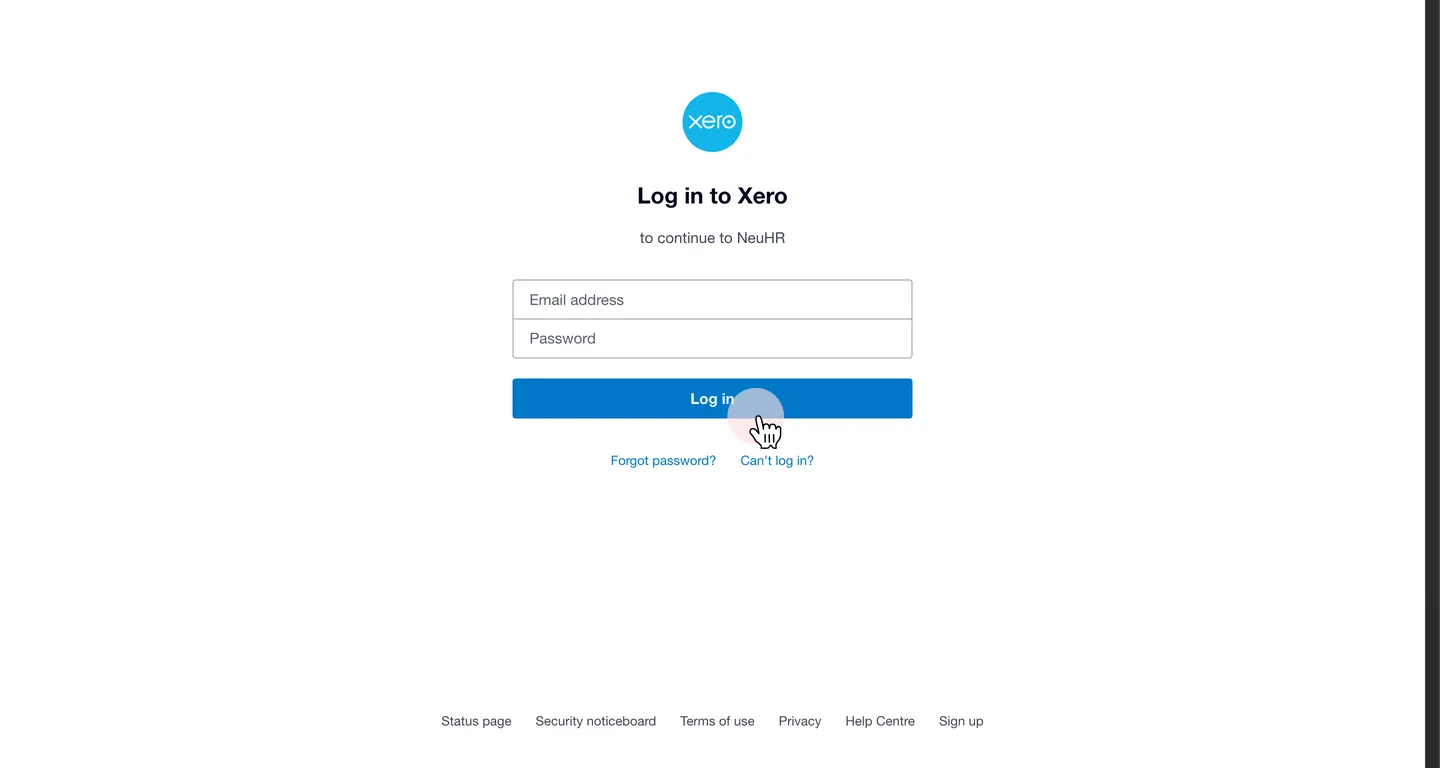
-
Select your Xero organisation
Section titled “Select your Xero organisation”On the Xero authorization page, click the
Select an organisationdropdown and choose the Xero organisation you want to connect to NeuHR.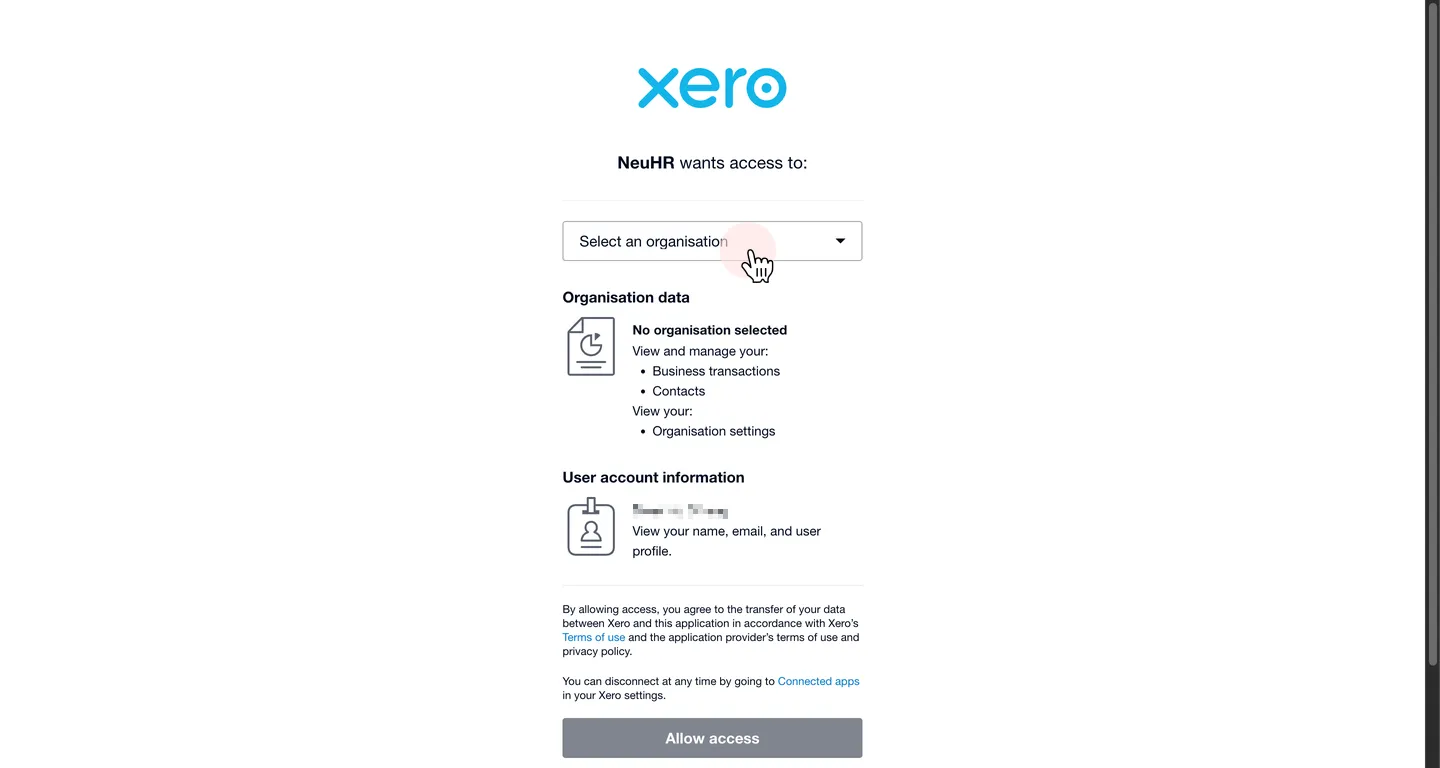
-
Allow access
Section titled “Allow access”Review the permissions NeuHR is requesting, then click
Allow accessto authorize the connection.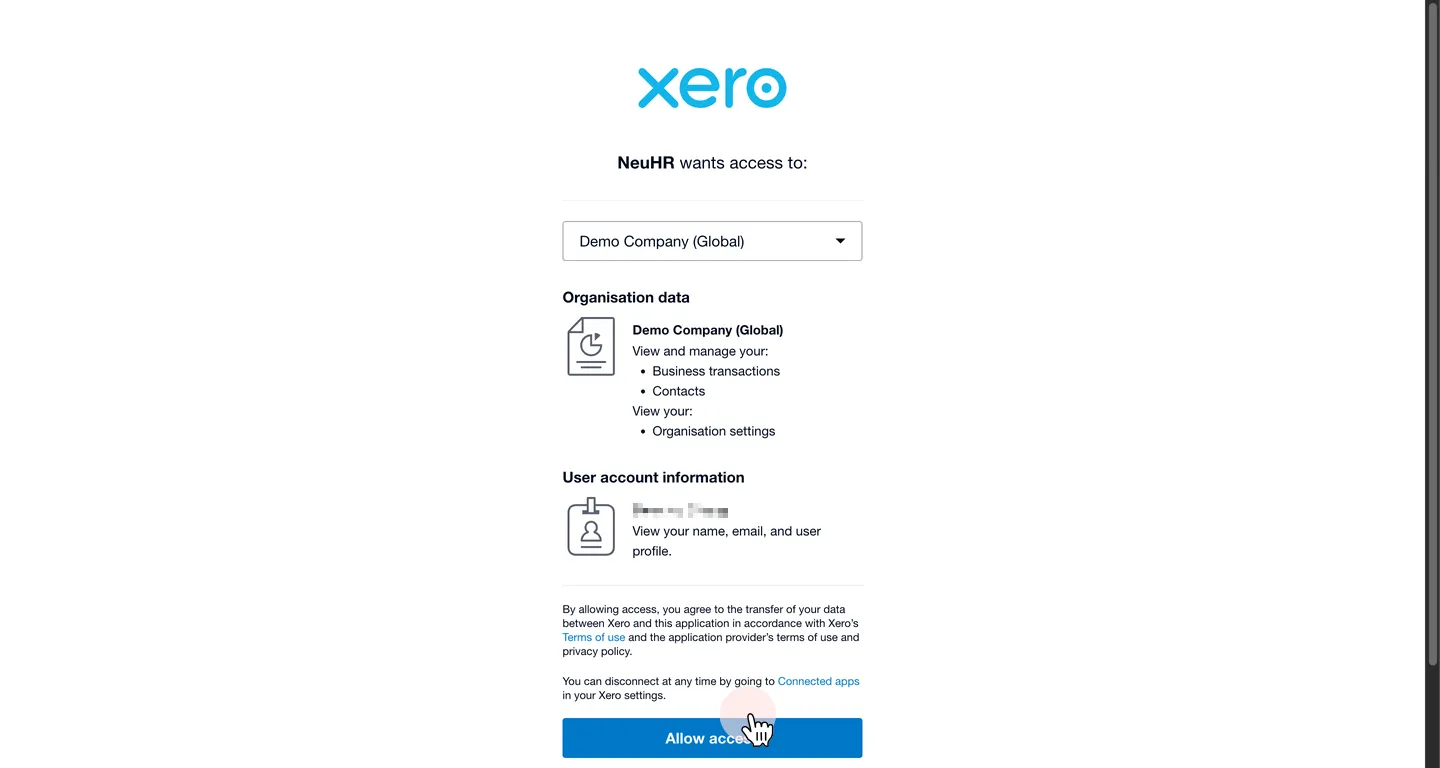
-
Xero integration connected
Section titled “Xero integration connected”You’ll be redirected back to NeuHR. The Integrate with Xero Service status will update to Connected, and the Account Mapping section will populate with your Xero organisation’s accounts.