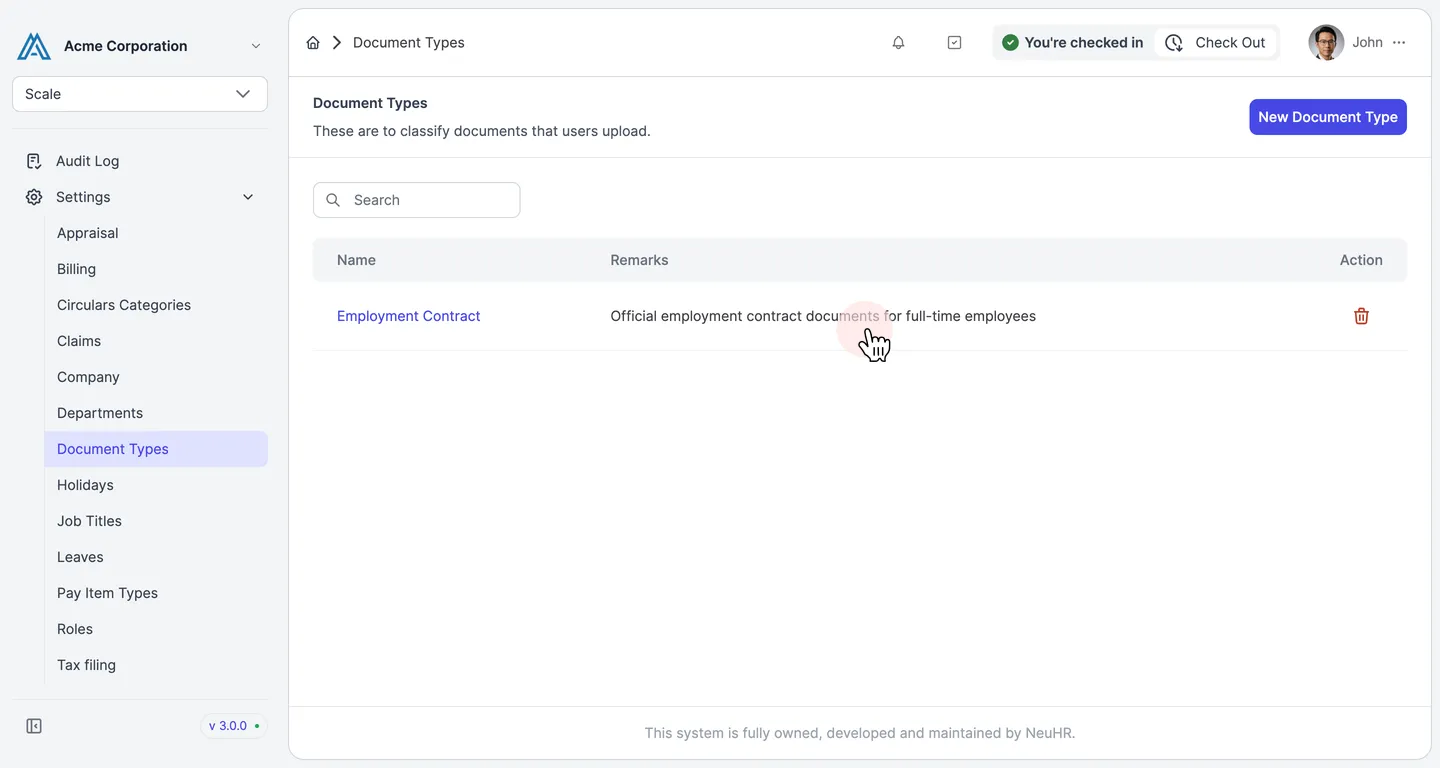
How to Update Document Types
This guide shows you how to edit an existing document type in NeuHR to update its name or remarks.
-
Navigate to Document Types
Section titled “Navigate to Document Types”From the sidebar, scroll down and click
Settingsto expand the menu, then clickDocument Types.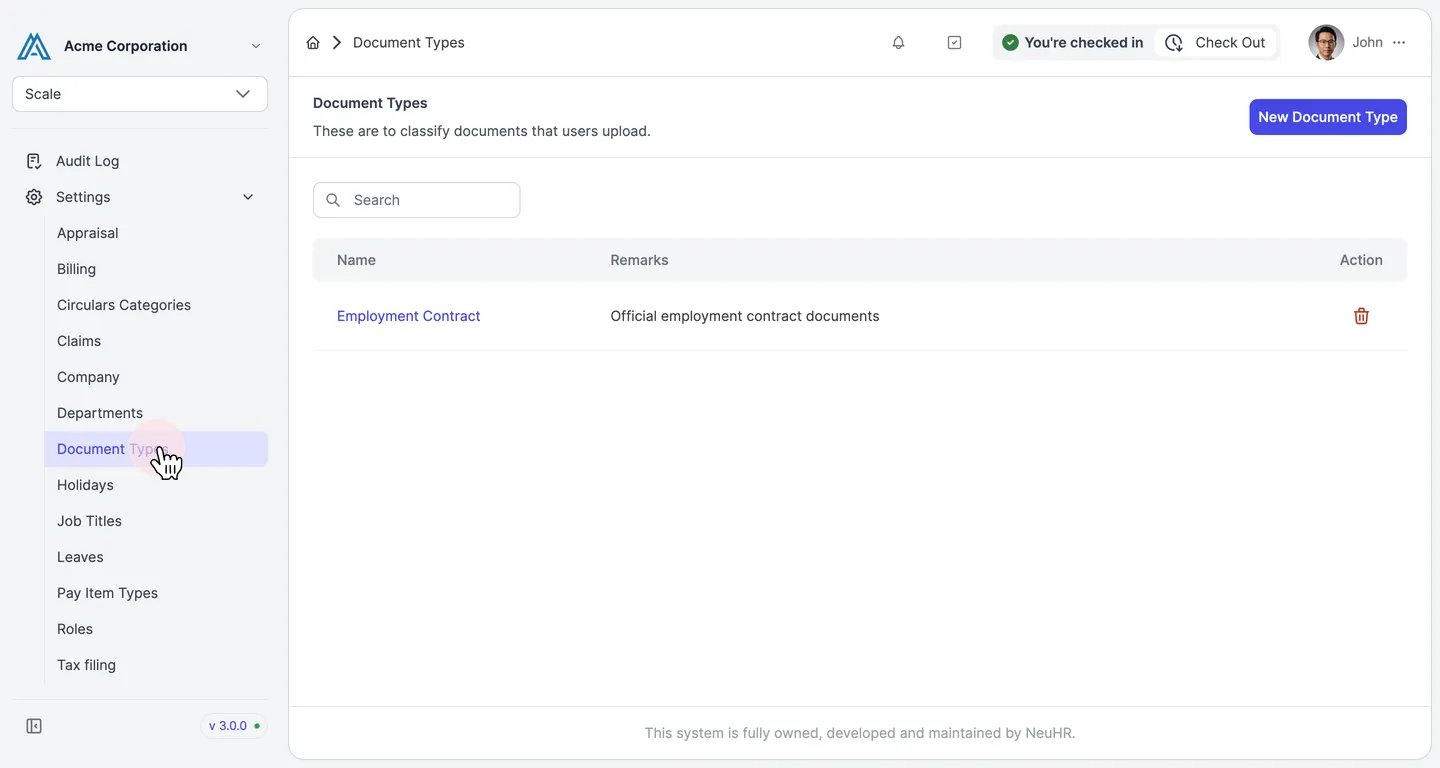
-
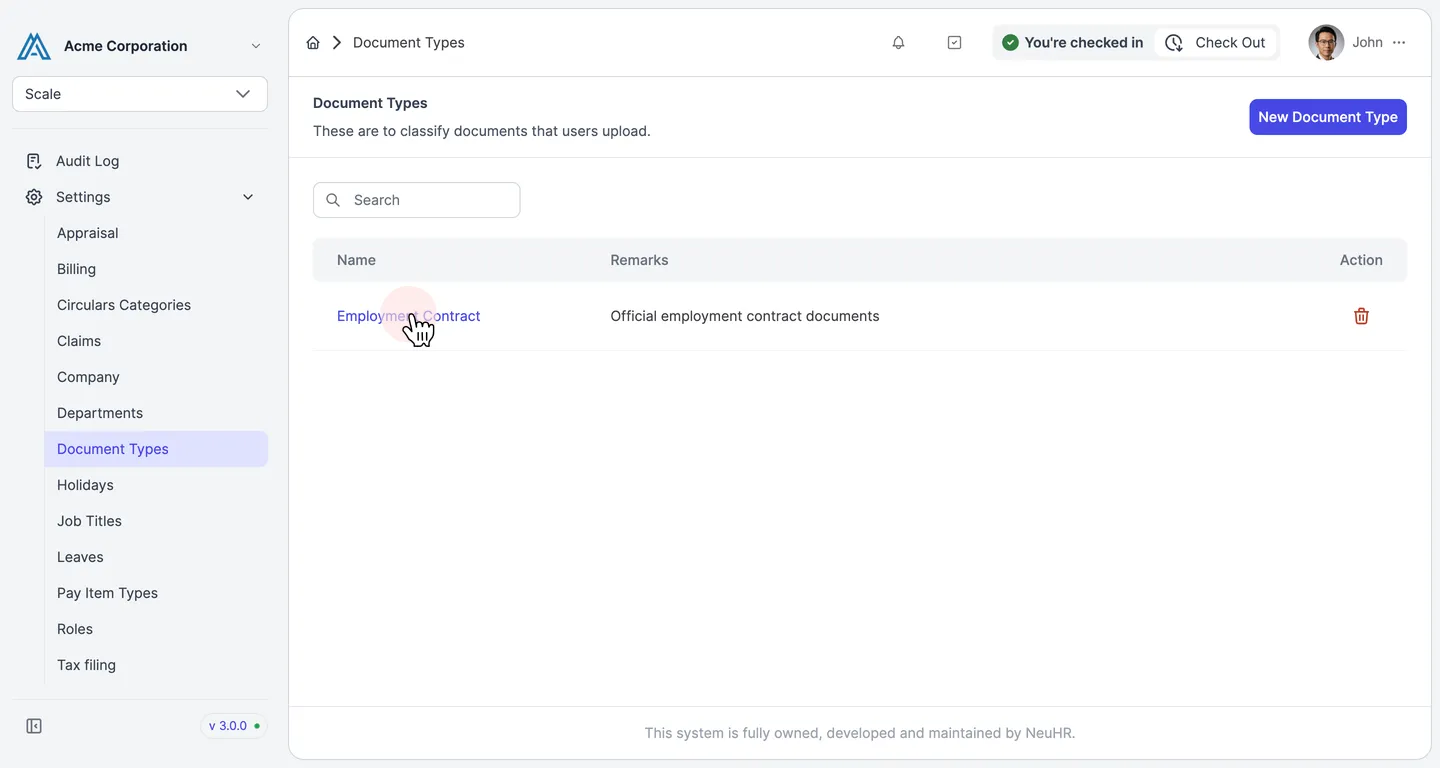
Click the Document Type Name
Section titled “Click the Document Type Name”On the Document Types page, click the name of the document type you want to edit. The name is a clickable link.
-
Update the Fields
Section titled “Update the Fields”The Update User Document Type form opens with the existing values pre-filled. Edit the
Name of Document Typeand/orRemarksfields as needed.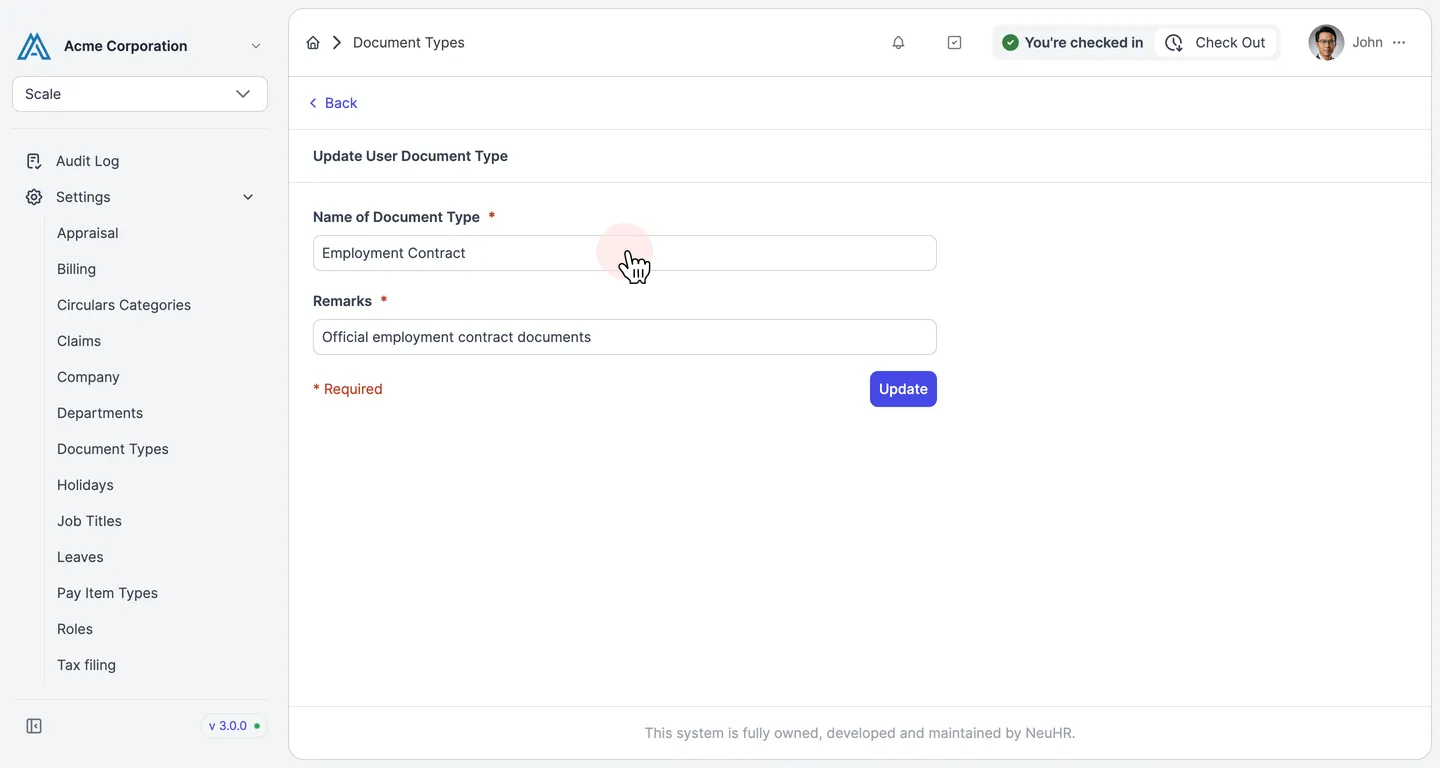
-
Click Update
Section titled “Click Update”After making your changes, click the
Updatebutton to save.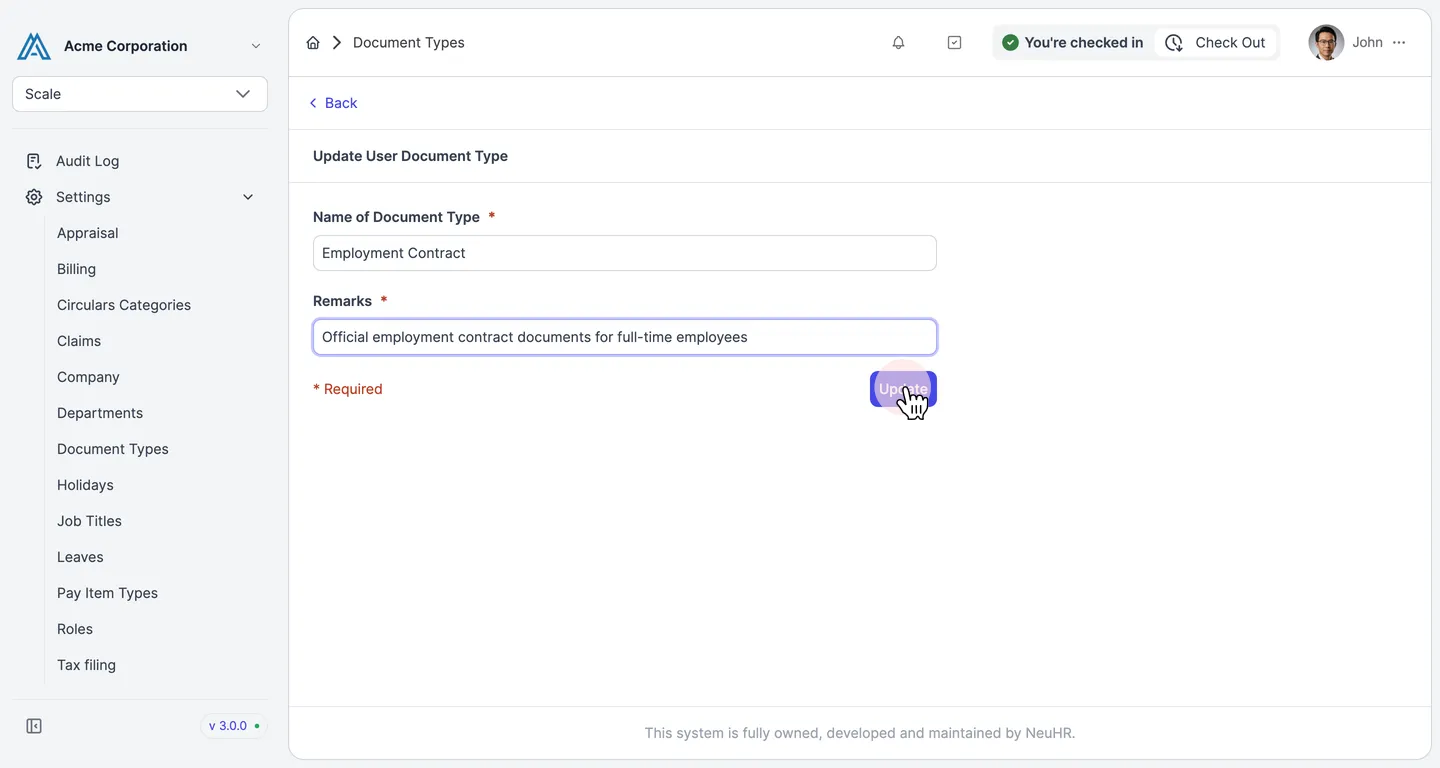
-
Document Type Updated Successfully
Section titled “Document Type Updated Successfully”You are returned to the Document Types listing page. The updated details are now reflected in the table.