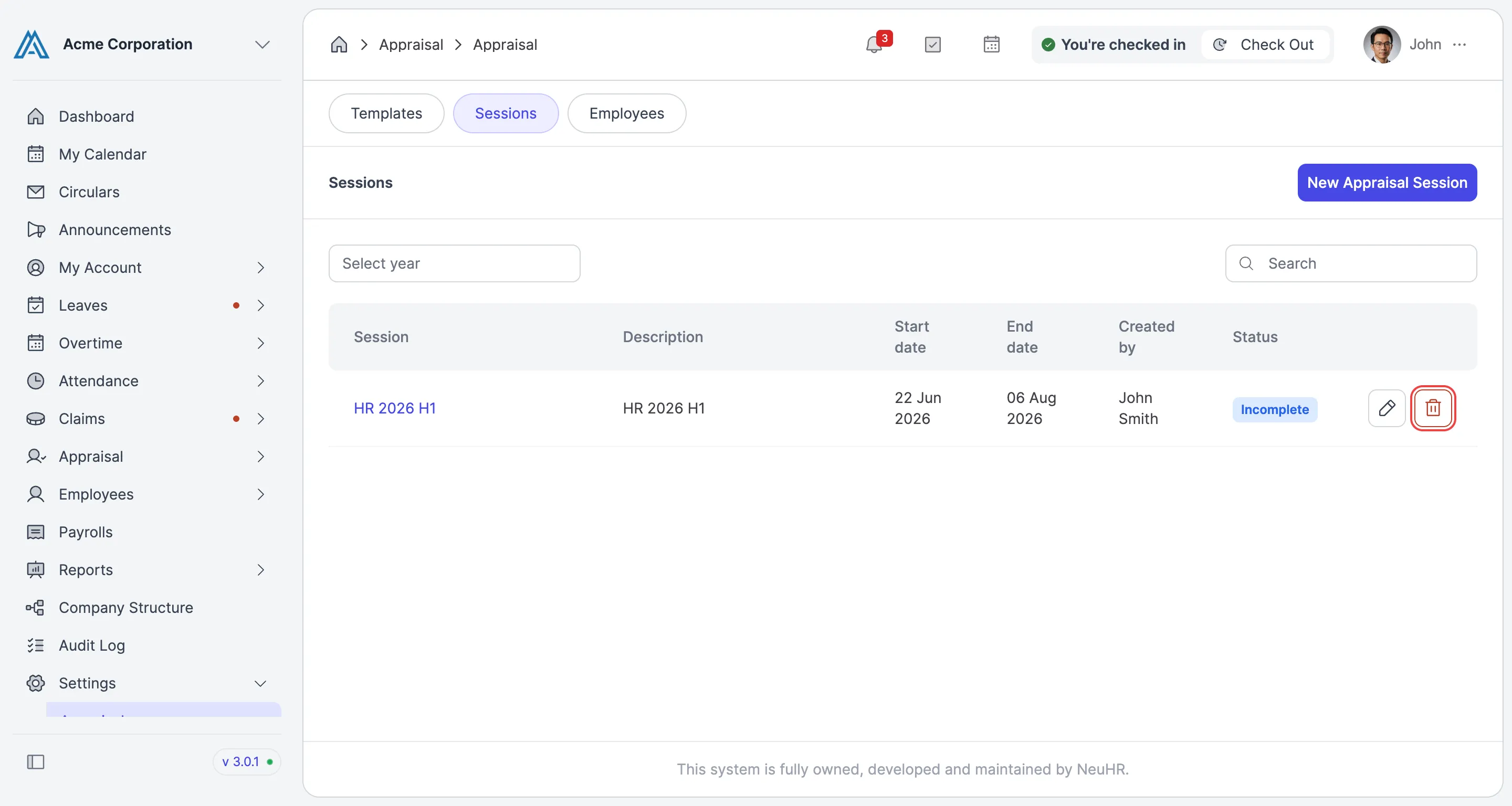
How to Delete Appraisal Session
This guide shows you how to delete an appraisal session in NeuHR.
-
Navigate to Appraisal Sessions
Section titled “Navigate to Appraisal Sessions”From the sidebar, click on
Settings, then selectAppraisal. On the Appraisal settings page, click theSessionstab.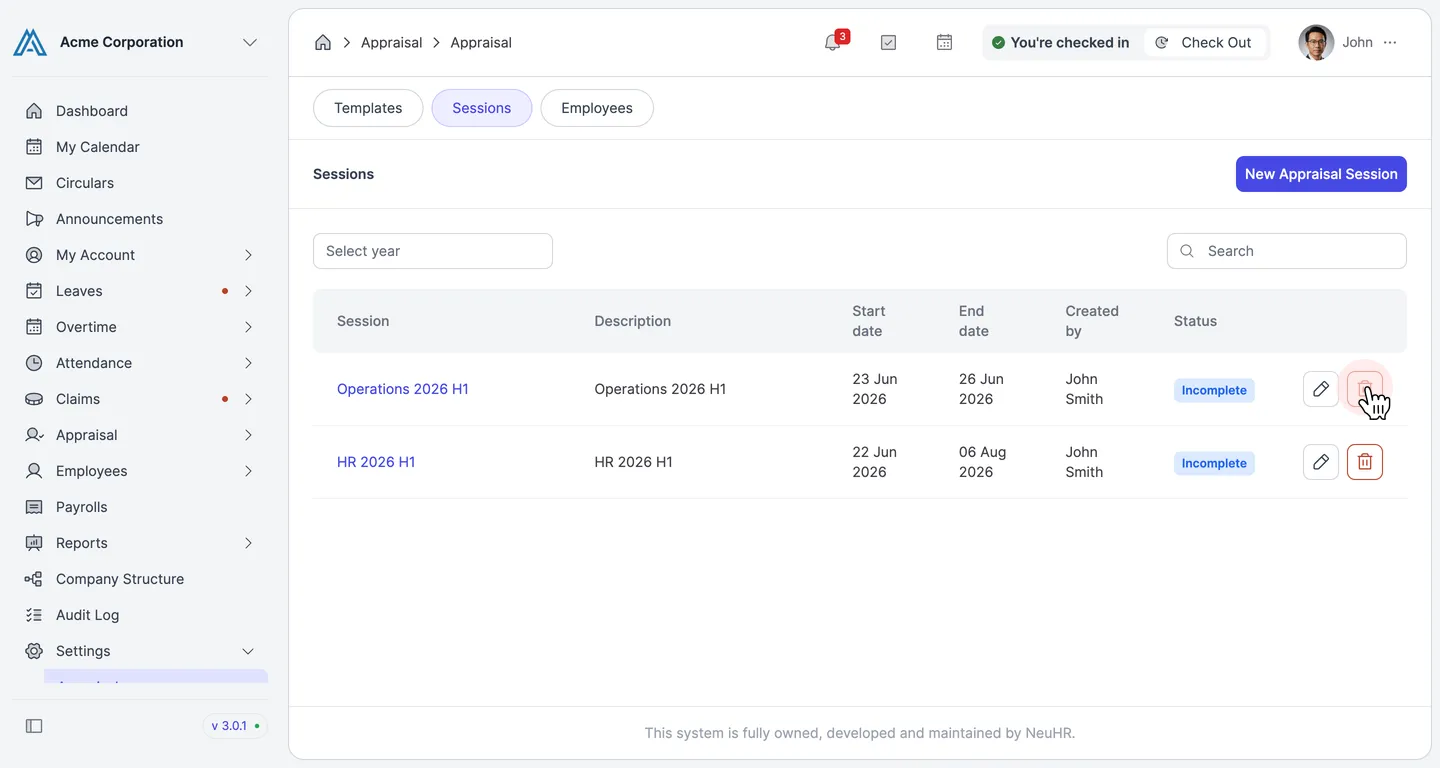
-
Click the Delete Button
Section titled “Click the Delete Button”Locate the session you want to delete (e.g., “Operations 2026 H1”). Click the delete icon button on the right side of that session’s row.
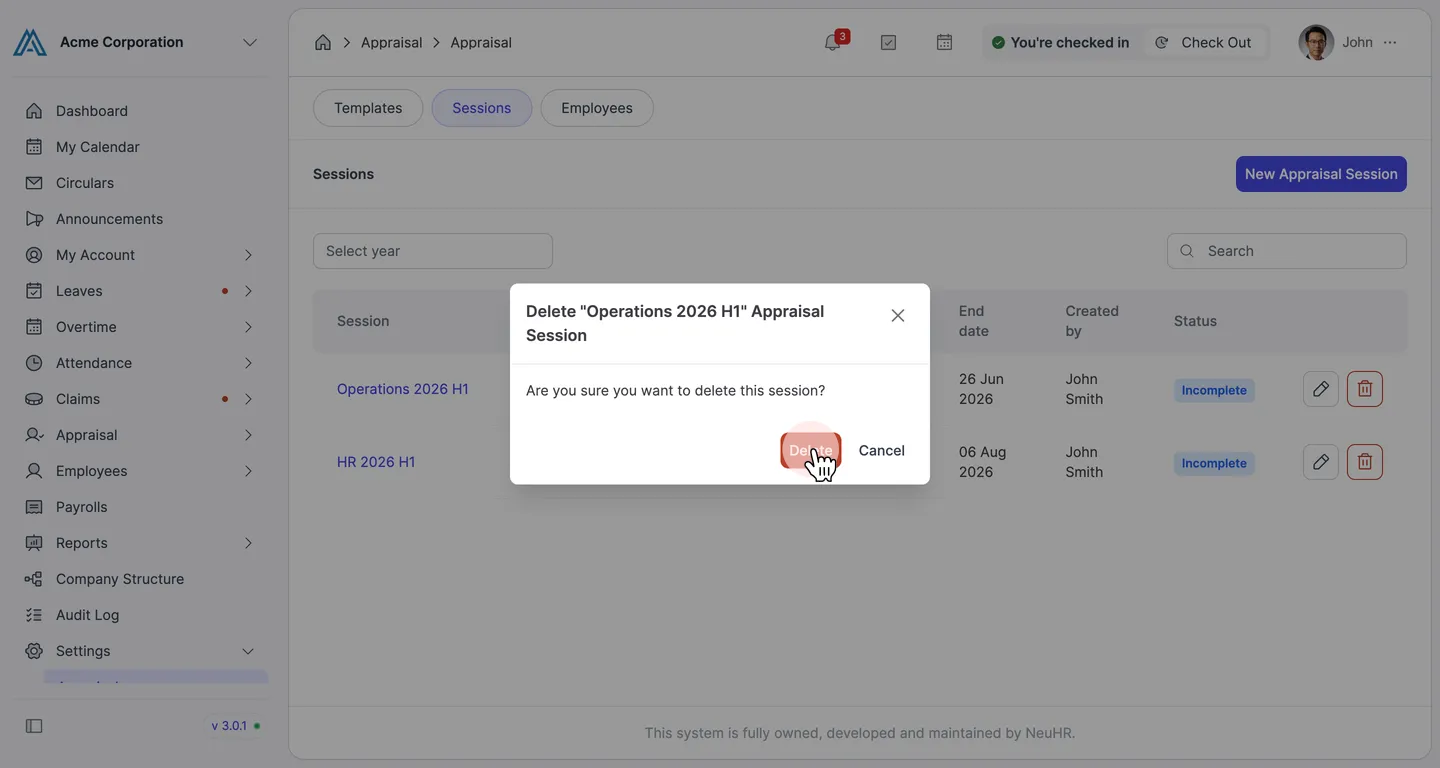
A confirmation dialog will appear asking you to confirm the deletion.
-
Confirm Deletion
Section titled “Confirm Deletion”In the dialog, click the
Deletebutton to permanently delete the session. ClickCancelif you want to keep the session.The session is deleted and you’ll see a “Appraisal Session deleted successfully” notification.