How to Downgrade My Subscription Plan
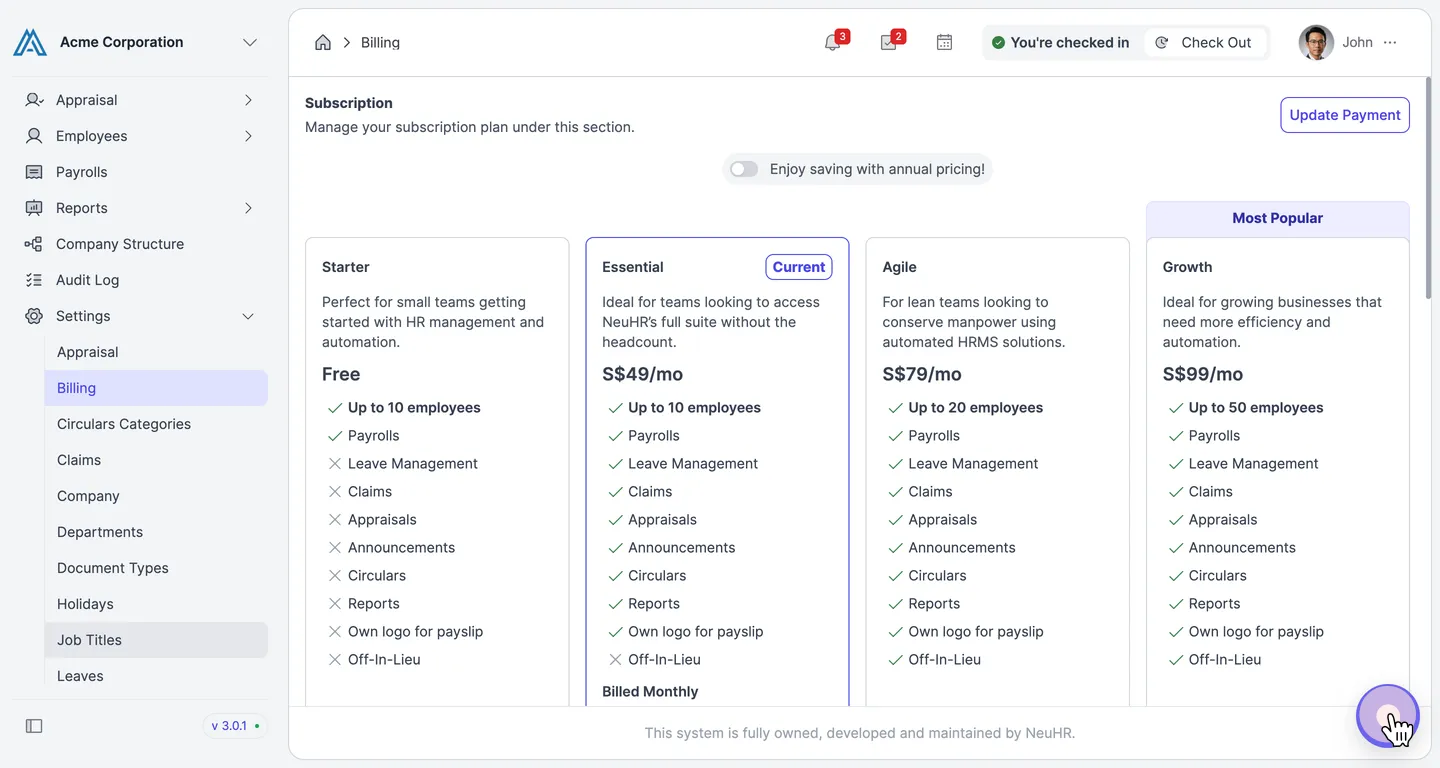
This guide explains how to downgrade your NeuHR subscription plan. Plan downgrades are handled by our customer support team — use the live chat to send your request. You must have Super Admin role to access Billing settings.
-
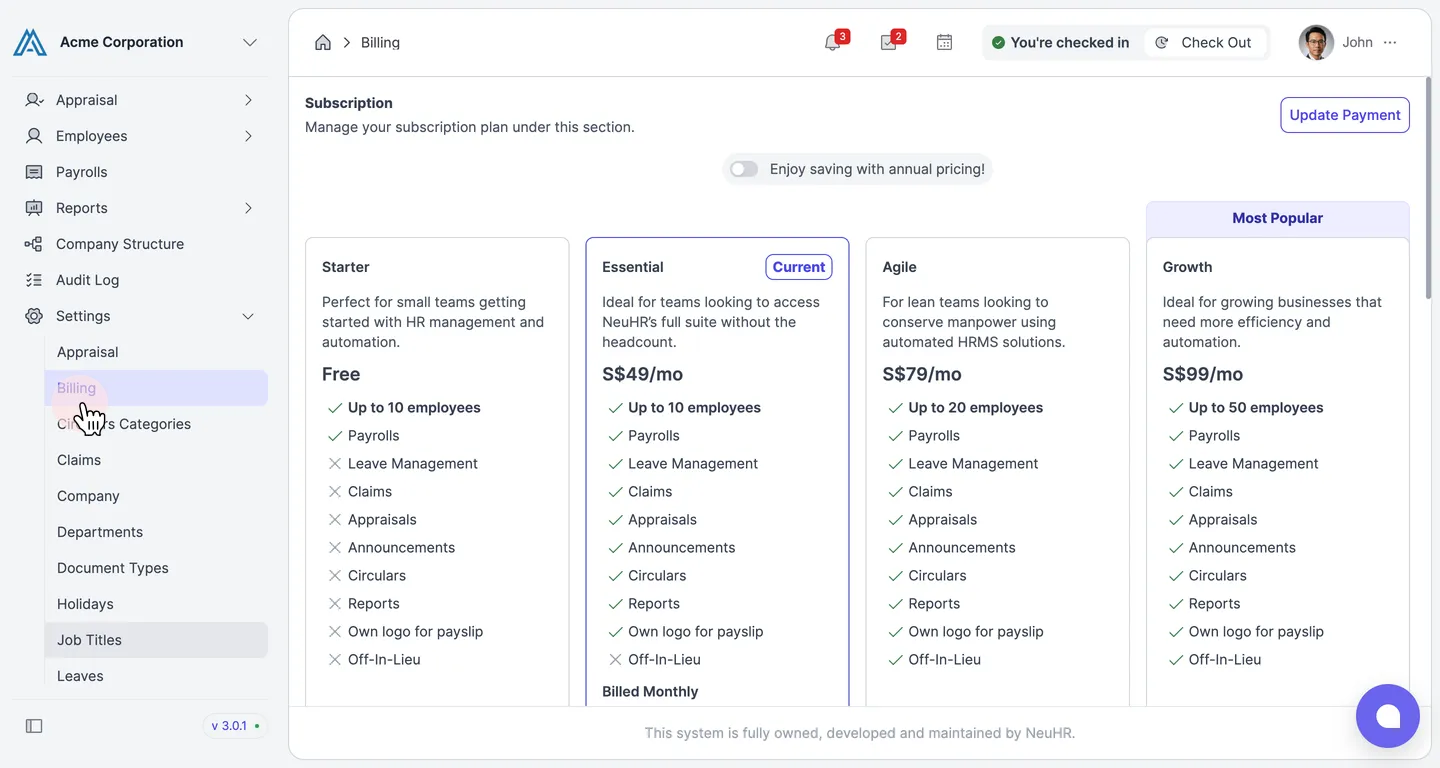
Navigate to Billing
Section titled “Navigate to Billing”From the sidebar, click
Settingsto expand the menu, then clickBilling.The Subscription page shows your current plan and all available plans.
-
Contact Customer Support
Section titled “Contact Customer Support”Click the chat icon in the bottom right corner of the screen. In the chat window that opens, click Start Conversation to connect with the support team and request your plan downgrade.