How to Process Approved Claim Requests
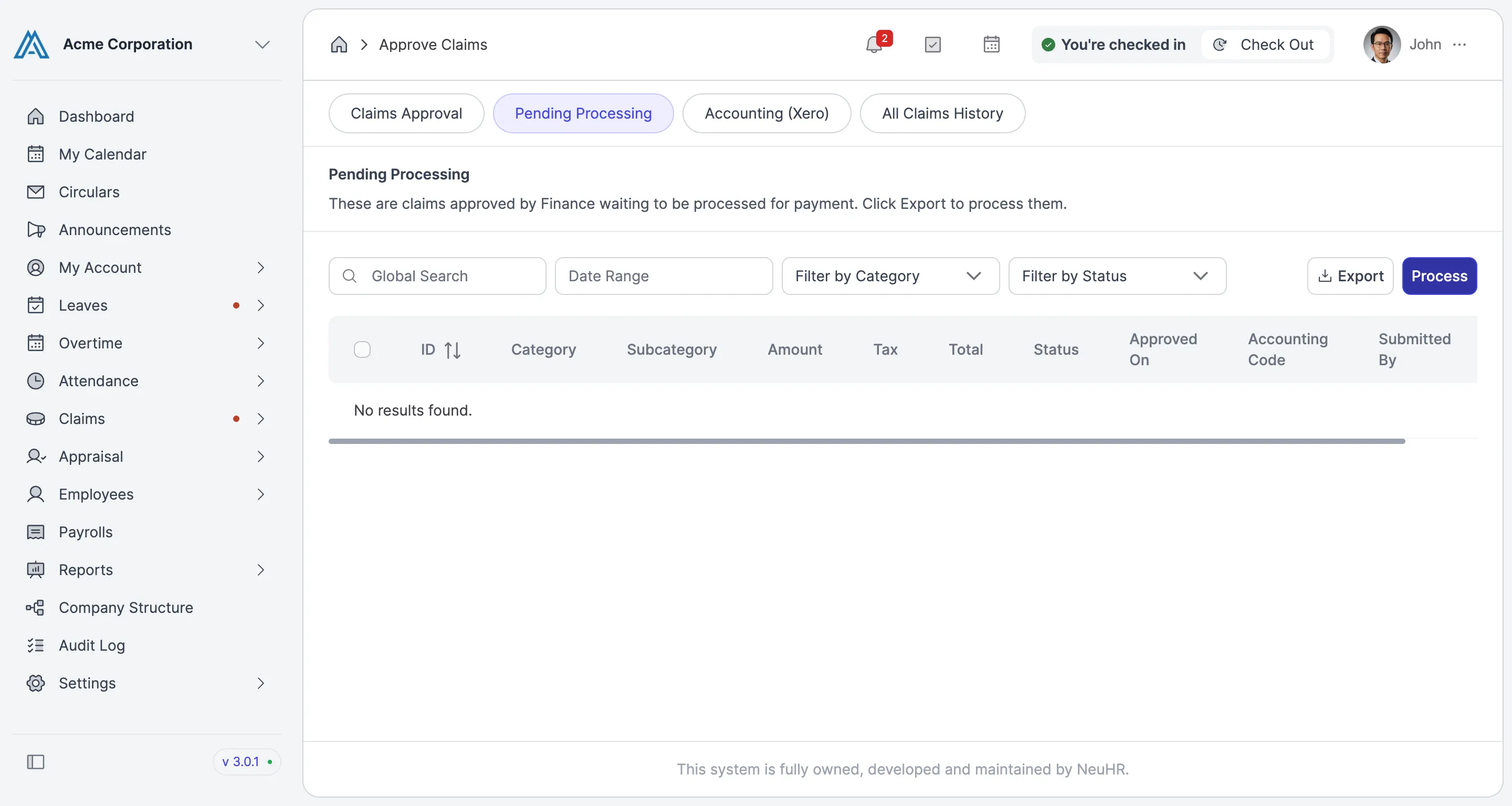
This guide shows you how to process approved claim requests in NeuHR. Once claims have been approved by Finance, they appear in the Pending Processing queue. Processing them marks them as disbursed for payment.
-
Navigate to Approve Claims
Section titled “Navigate to Approve Claims”From the left sidebar, click
Claimsto expand the menu, then clickApprove Claims.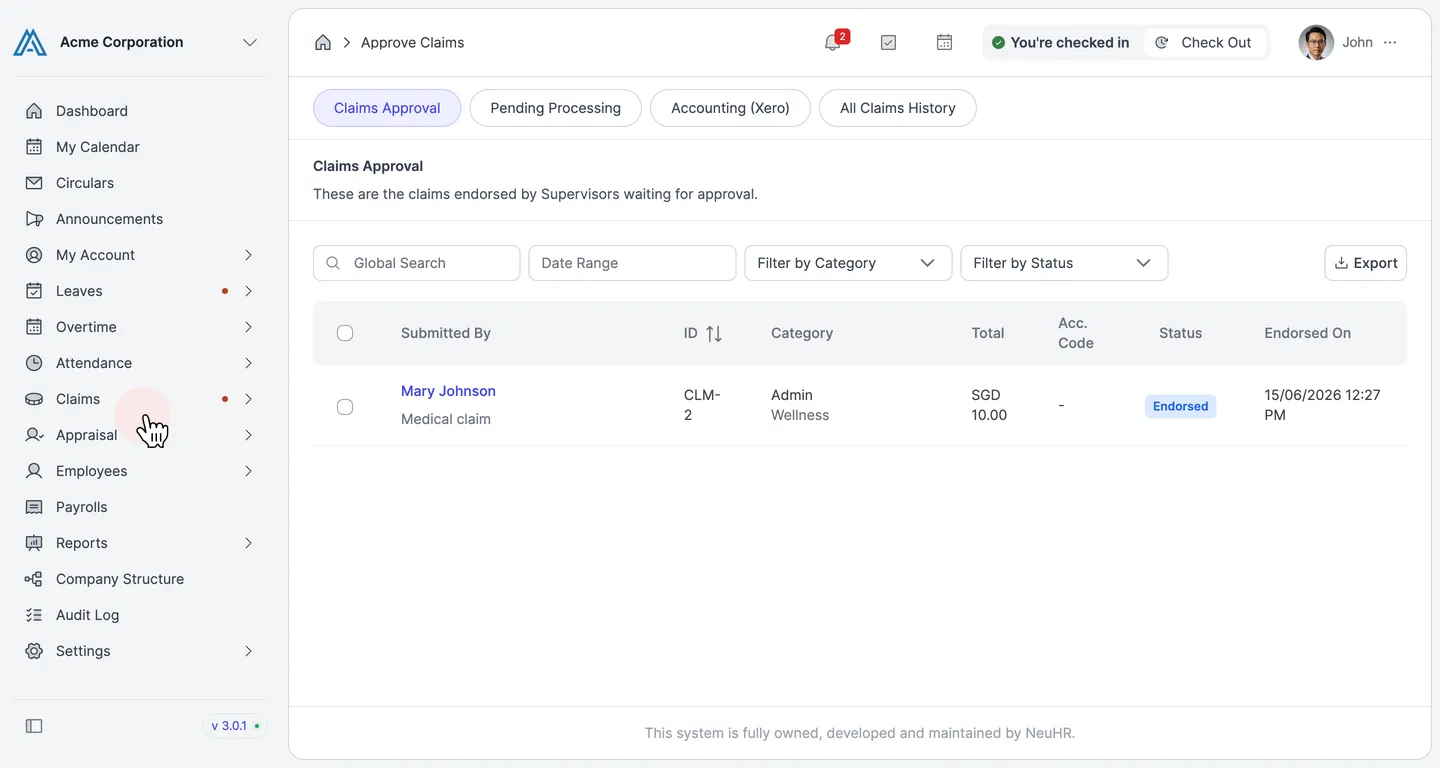
-
Click the Pending Processing Tab
Section titled “Click the Pending Processing Tab”On the
Approve Claimspage, click thePending Processingtab. This tab shows all claims that have been approved by Finance and are waiting to be processed for payment.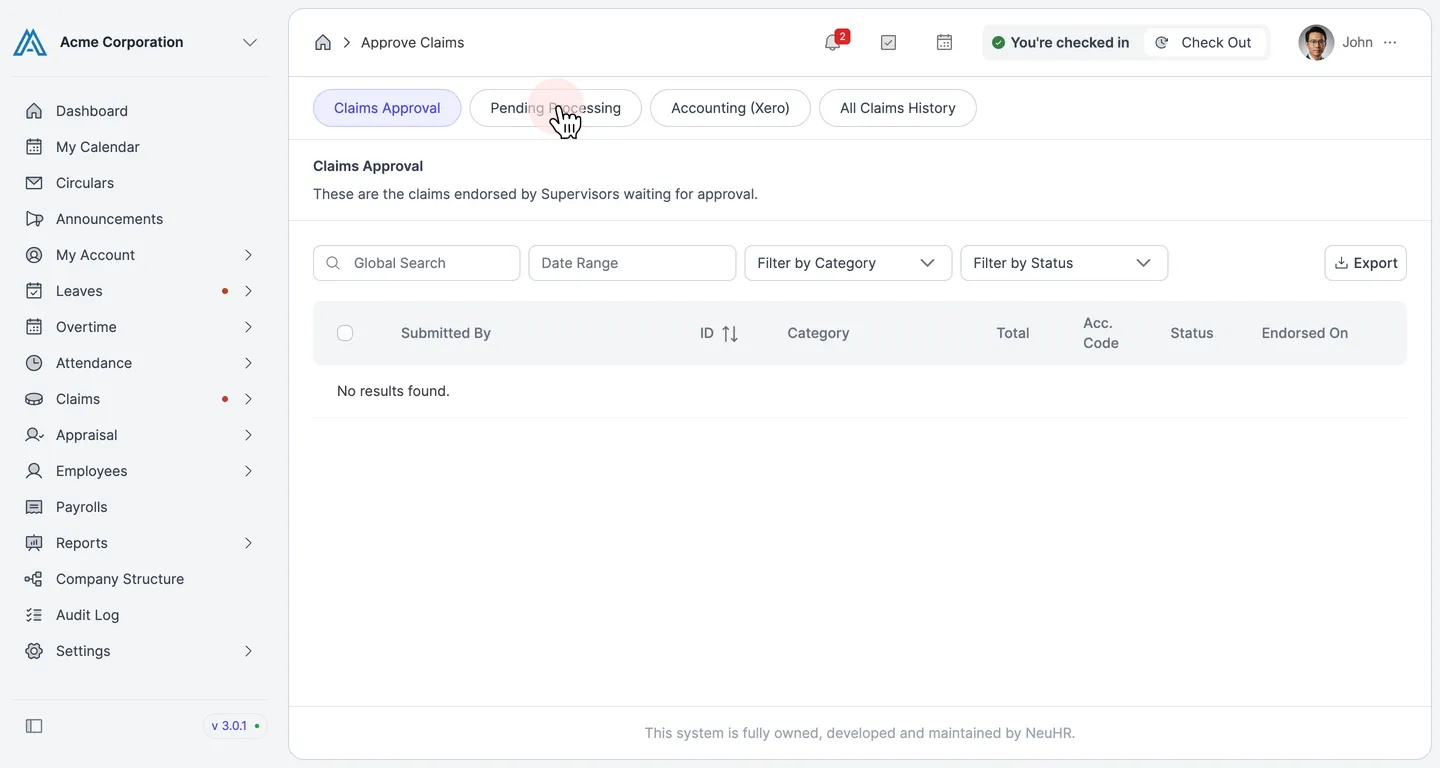
-
Select Claims to Process
Section titled “Select Claims to Process”The
Pending Processinglist shows approved claims with columns for ID, Category, Subcategory, Amount, Tax, Total, Status, Approved On, and Accounting Code. Check the checkbox next to each claim you want to process, or check the top checkbox to select all.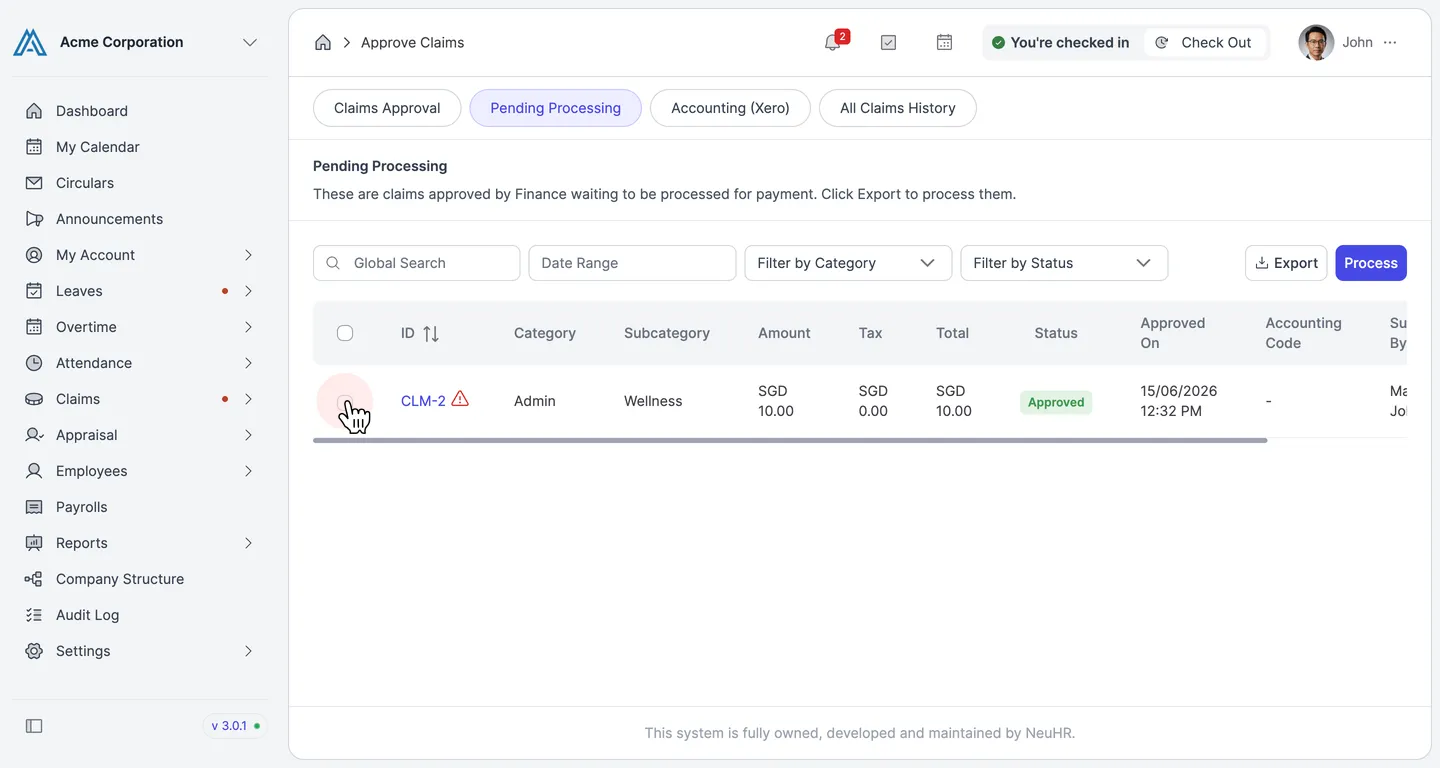
-
Click Process
Section titled “Click Process”With the claims selected, click the
Processbutton at the top right. This marks the selected claims as processed for payment.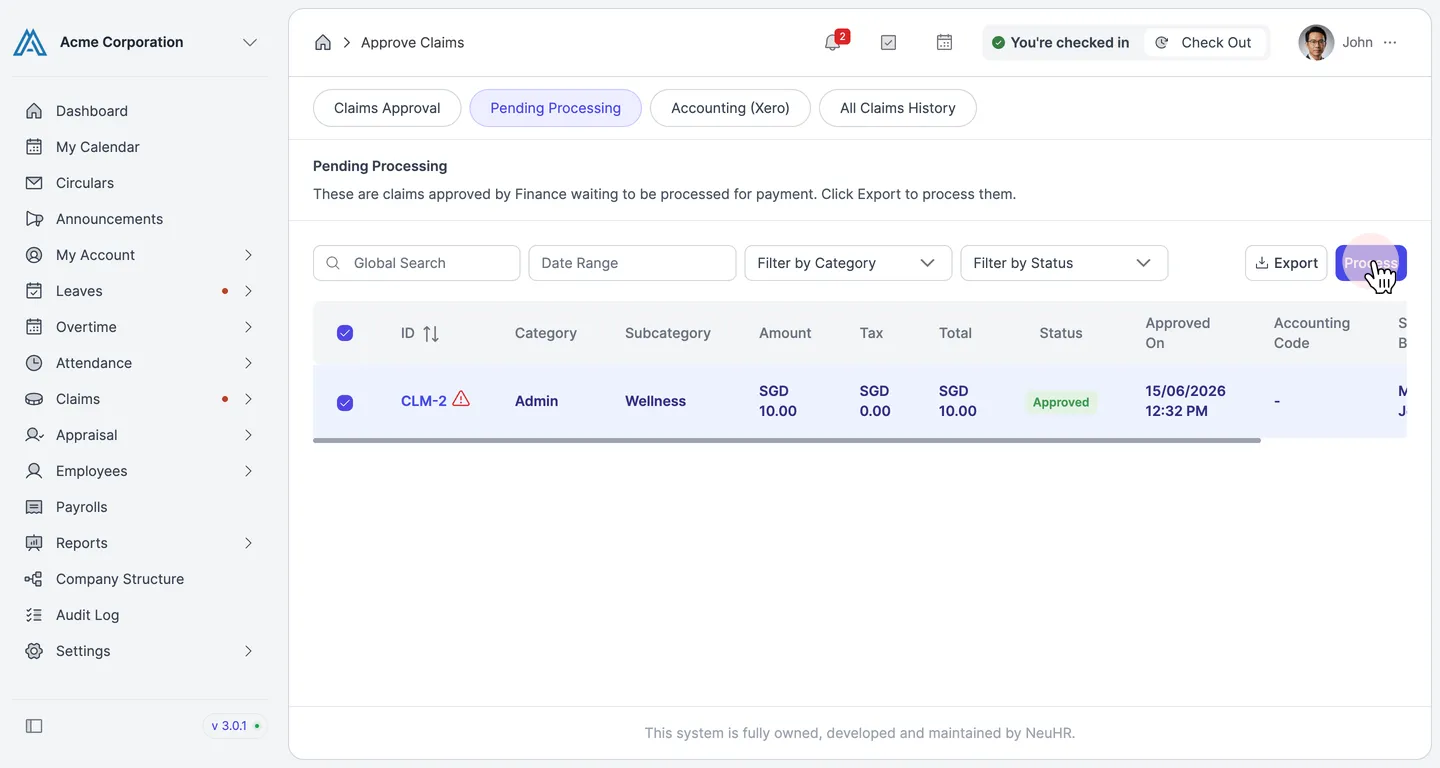
-
Claims Processed
Section titled “Claims Processed”A success message appears confirming how many claims were processed (e.g., “Successfully processed 1 claims”). The processed claims are removed from the Pending Processing queue.