How to Mark a Payroll as Complete
Once all payslips have been reviewed and processed, you can finalize the payroll month by marking it as completed.
-
Go to Payrolls
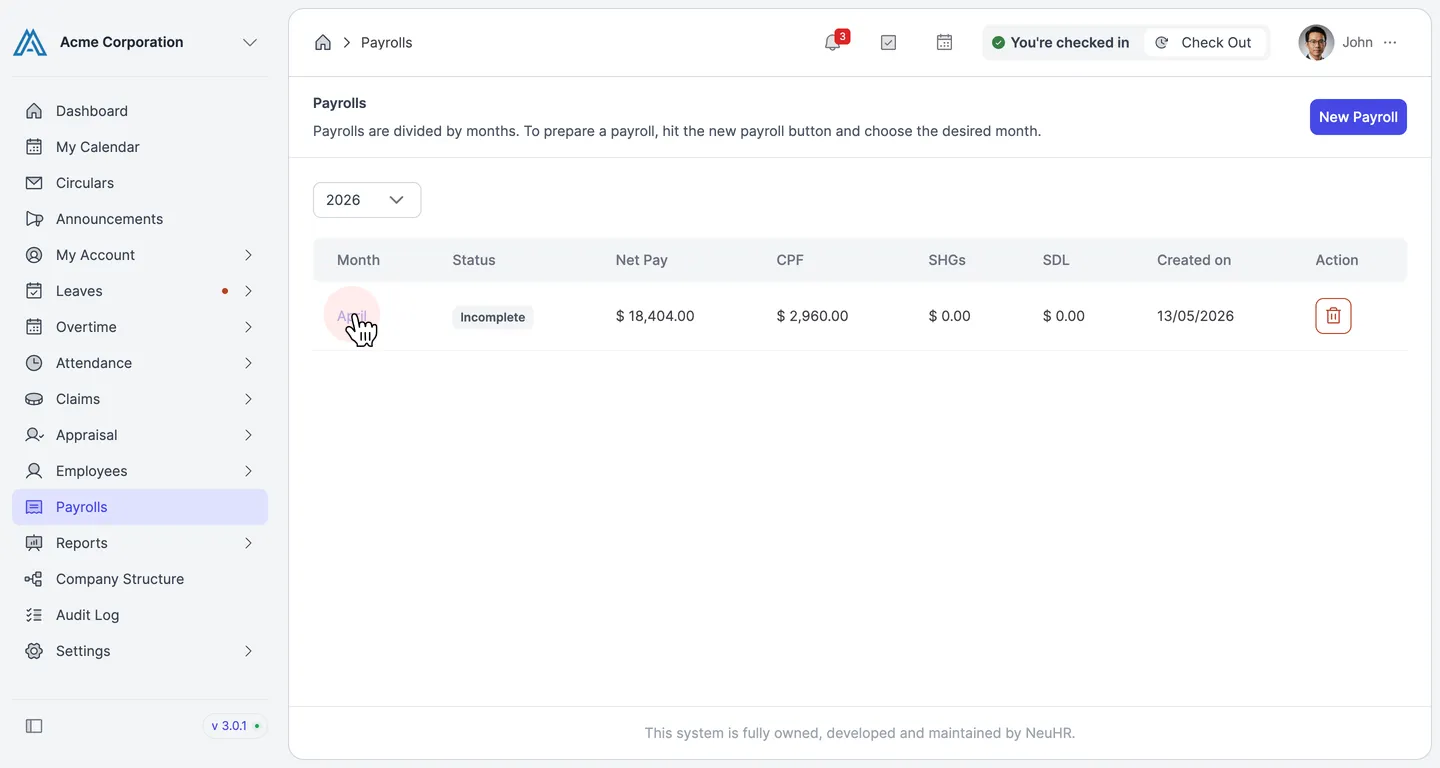
Section titled “Go to Payrolls”From the left sidebar, click Payrolls to open the payrolls list.
-
Open the payroll month
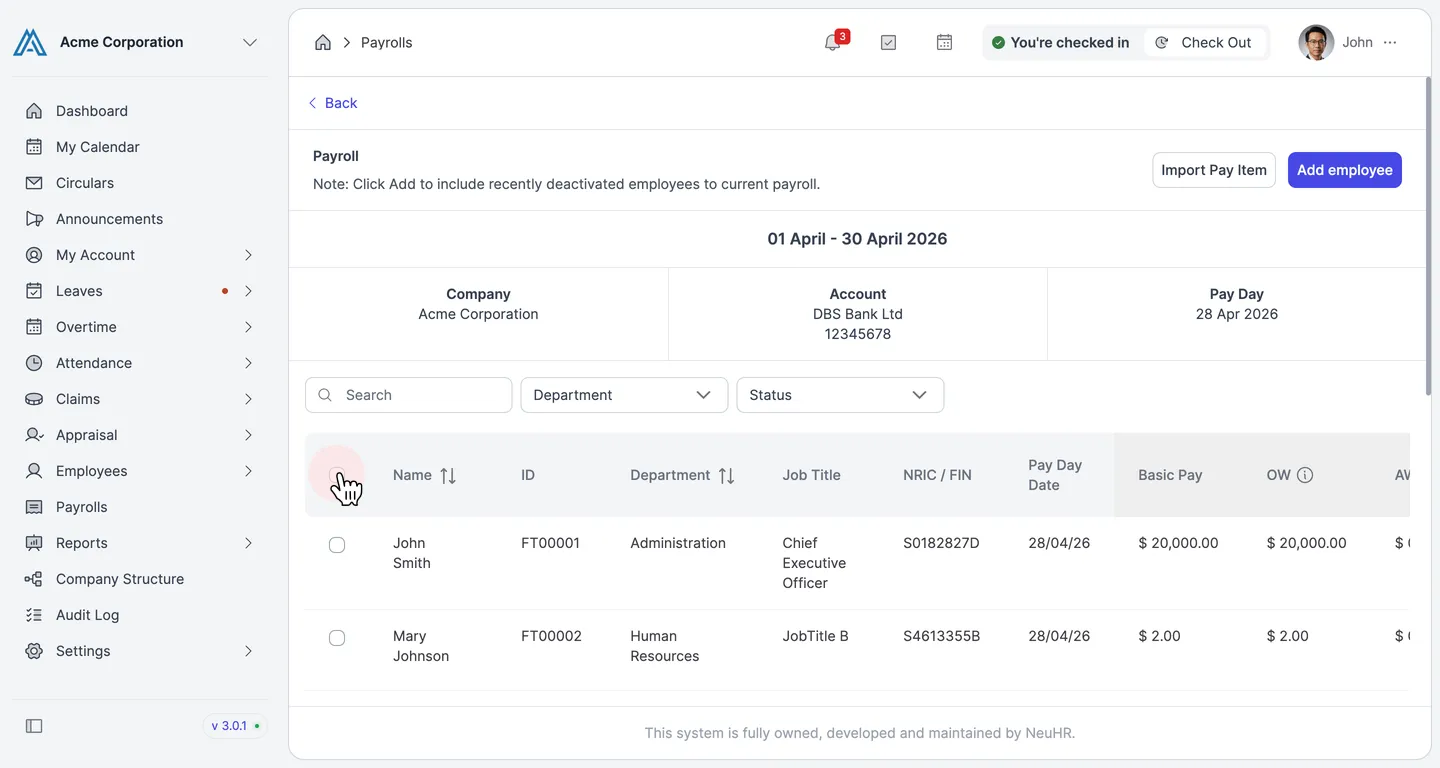
Section titled “Open the payroll month”Click the month name (e.g., April) to open the payroll detail page.
-
Click Mark as Completed
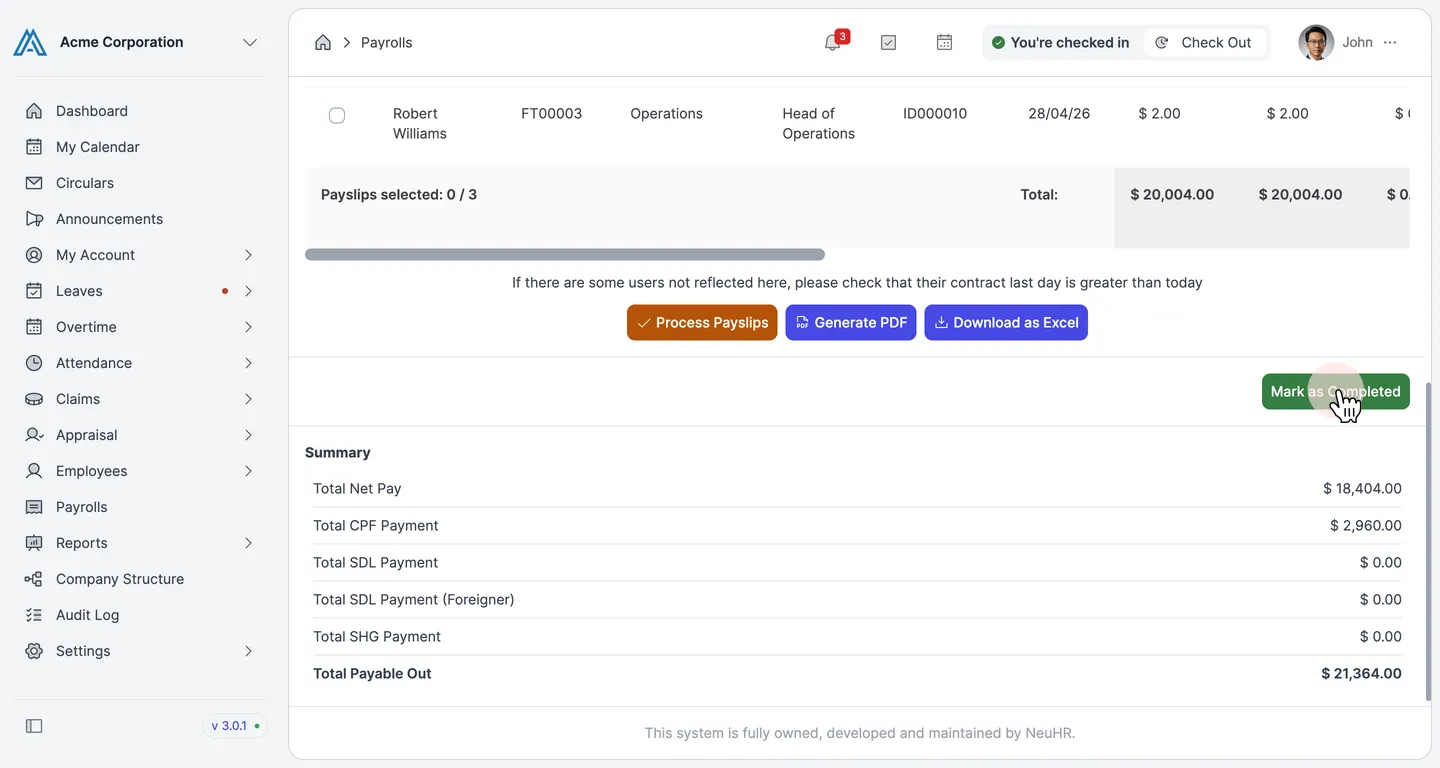
Section titled “Click Mark as Completed”Scroll down below the employee table. In the bottom-right corner, click the green Mark as Completed button.
-
Confirm the result
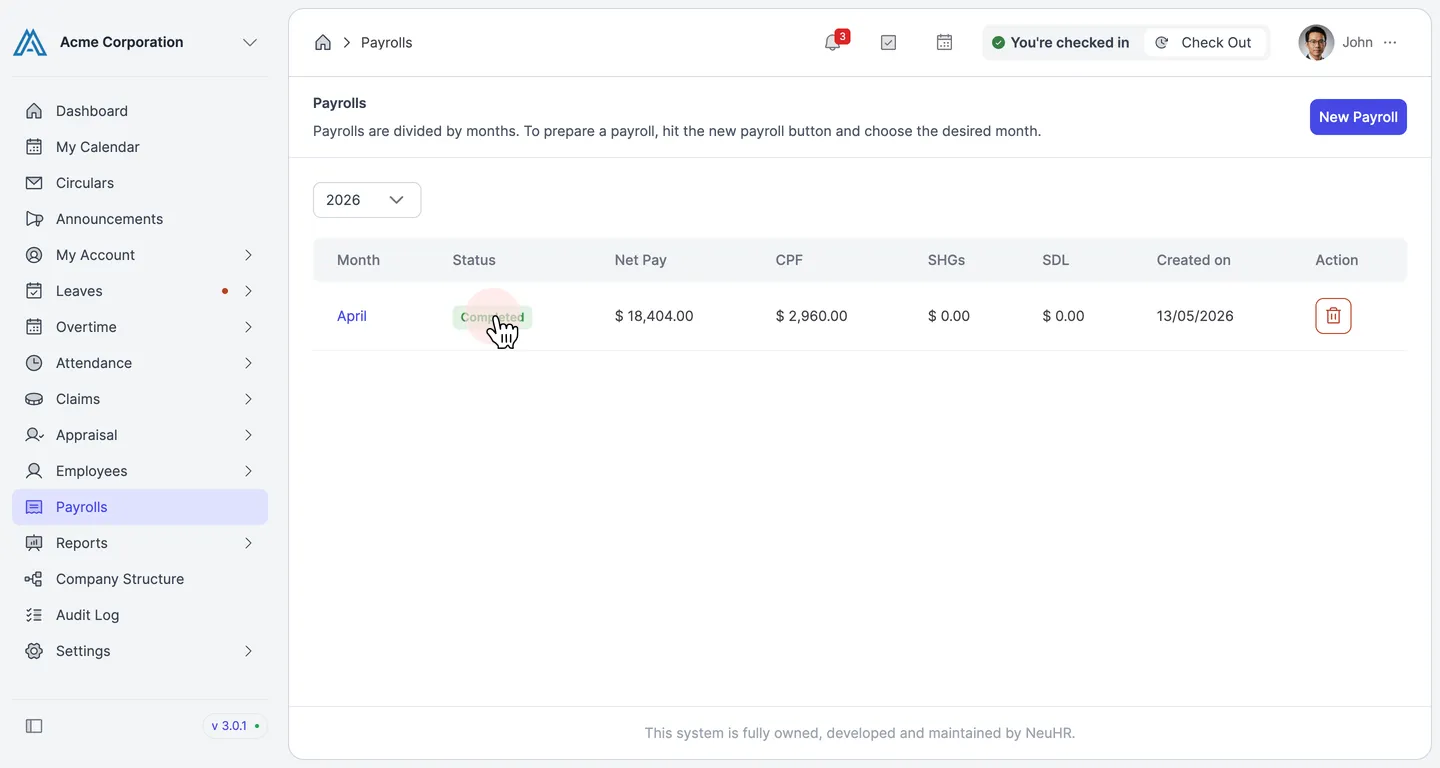
Section titled “Confirm the result”You are returned to the Payrolls list. The payroll month now shows a Completed status badge, confirming it has been finalized.