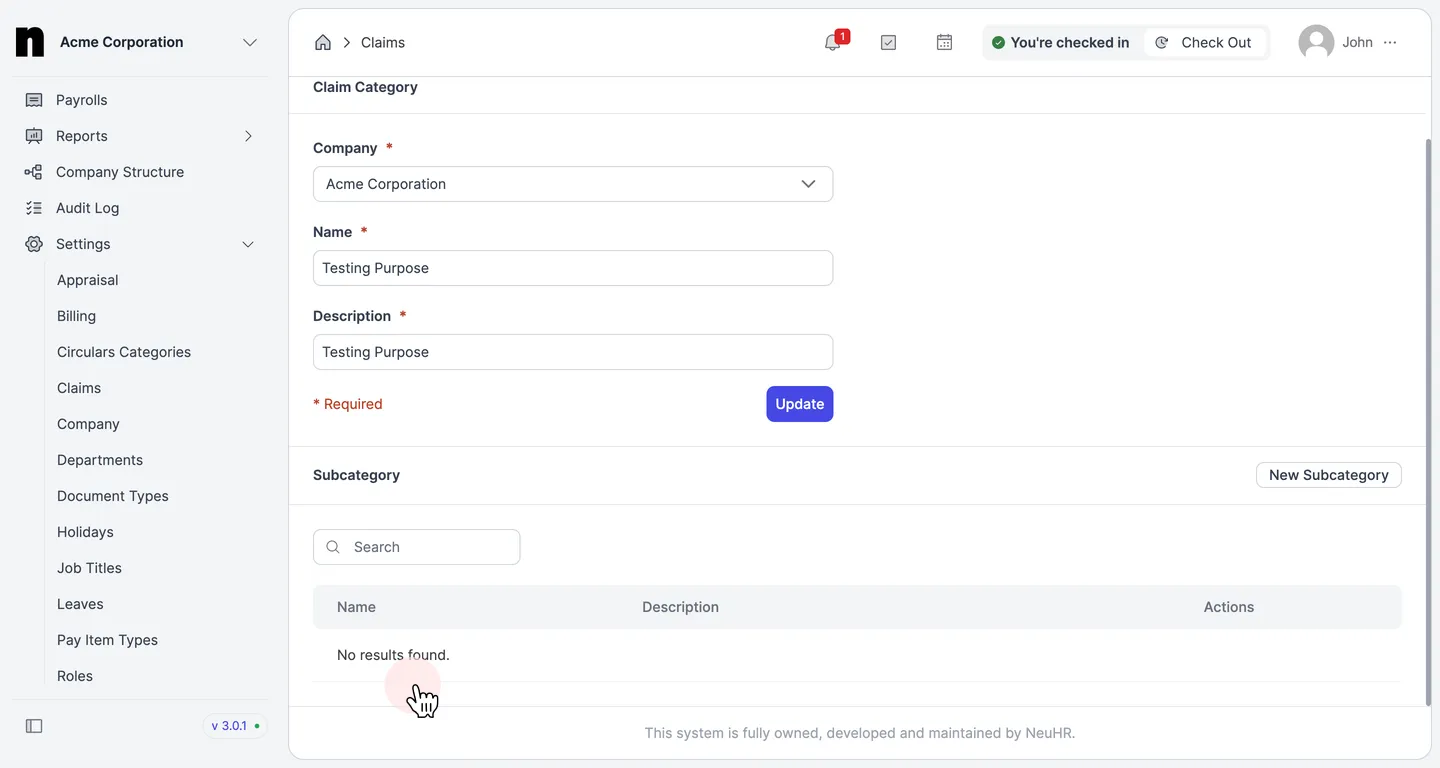
How to Delete Claim Subcategory
This guide shows you how to delete an existing claim subcategory in NeuHR.
-
Navigate to Claims Settings
Section titled “Navigate to Claims Settings”From the left sidebar, click on
Settingsto expand the menu, then click onClaims.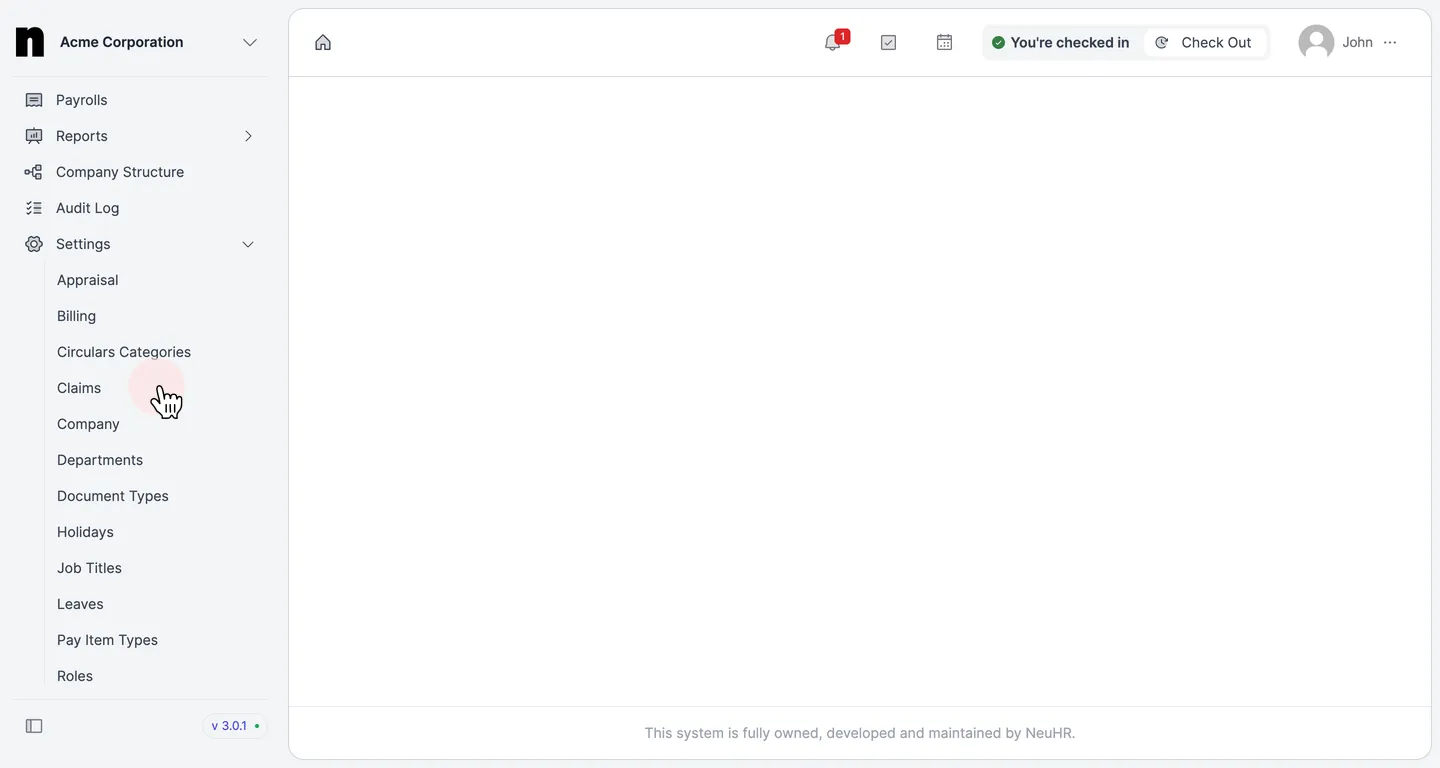
-
Open the Claim Category
Section titled “Open the Claim Category”On the
Claim Categoriespage, click on the name of the category that contains the subcategory you want to delete (e.g.,Testing Purpose).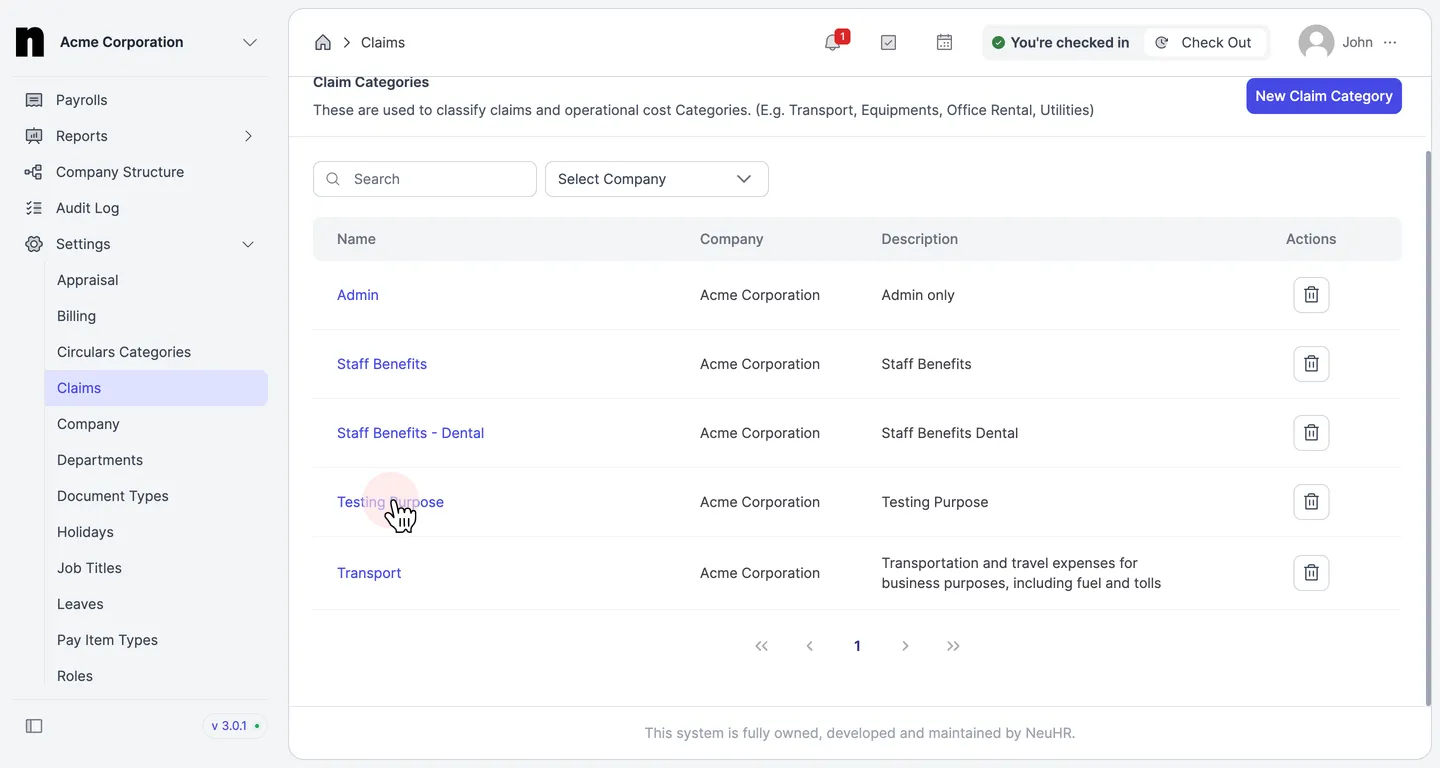
-
Click the Delete Button
Section titled “Click the Delete Button”Scroll down to the
Subcategorysection. In theActionscolumn of the subcategory you want to remove, click the delete (trash) icon.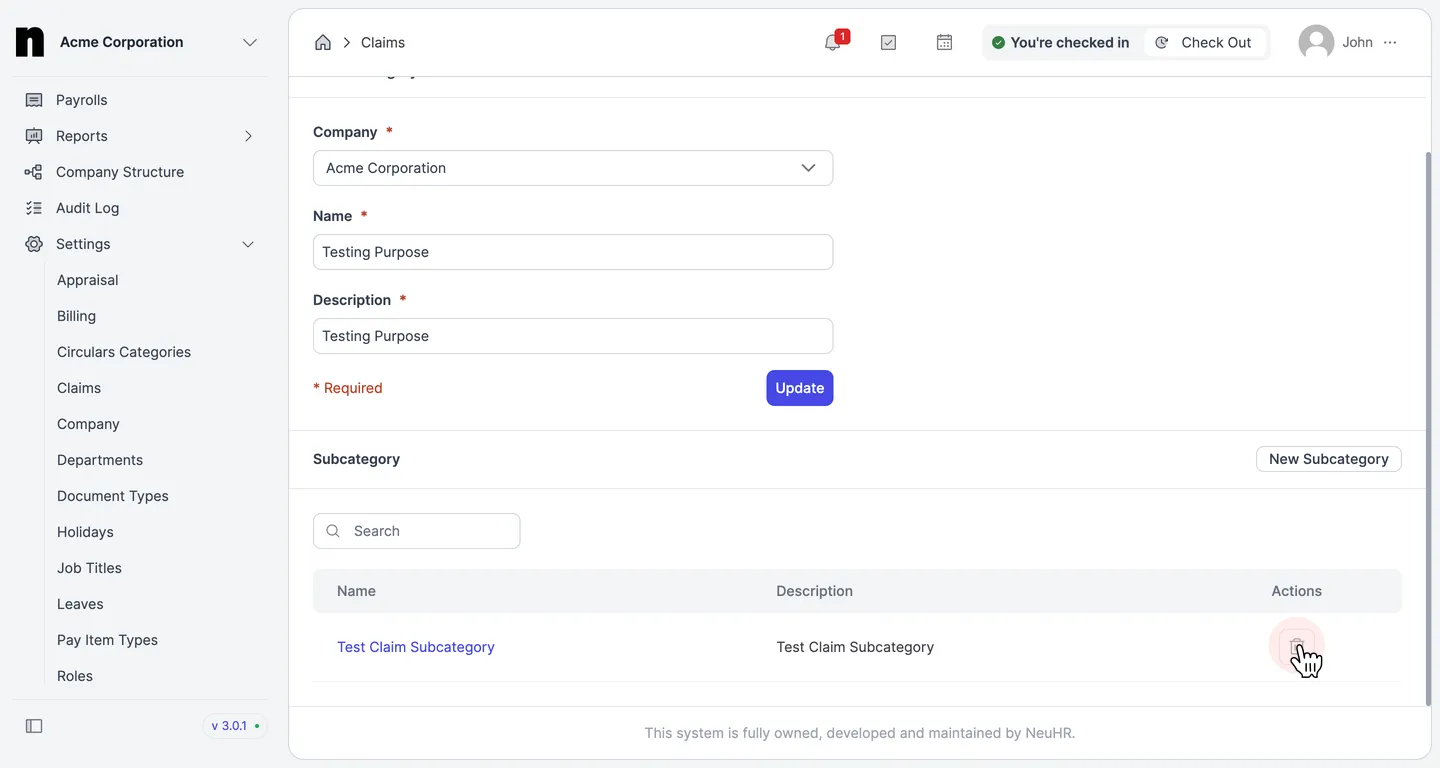
-
Confirm the Deletion
Section titled “Confirm the Deletion”A confirmation dialog will appear asking you to confirm. Click
Deleteto proceed, orCancelto abort.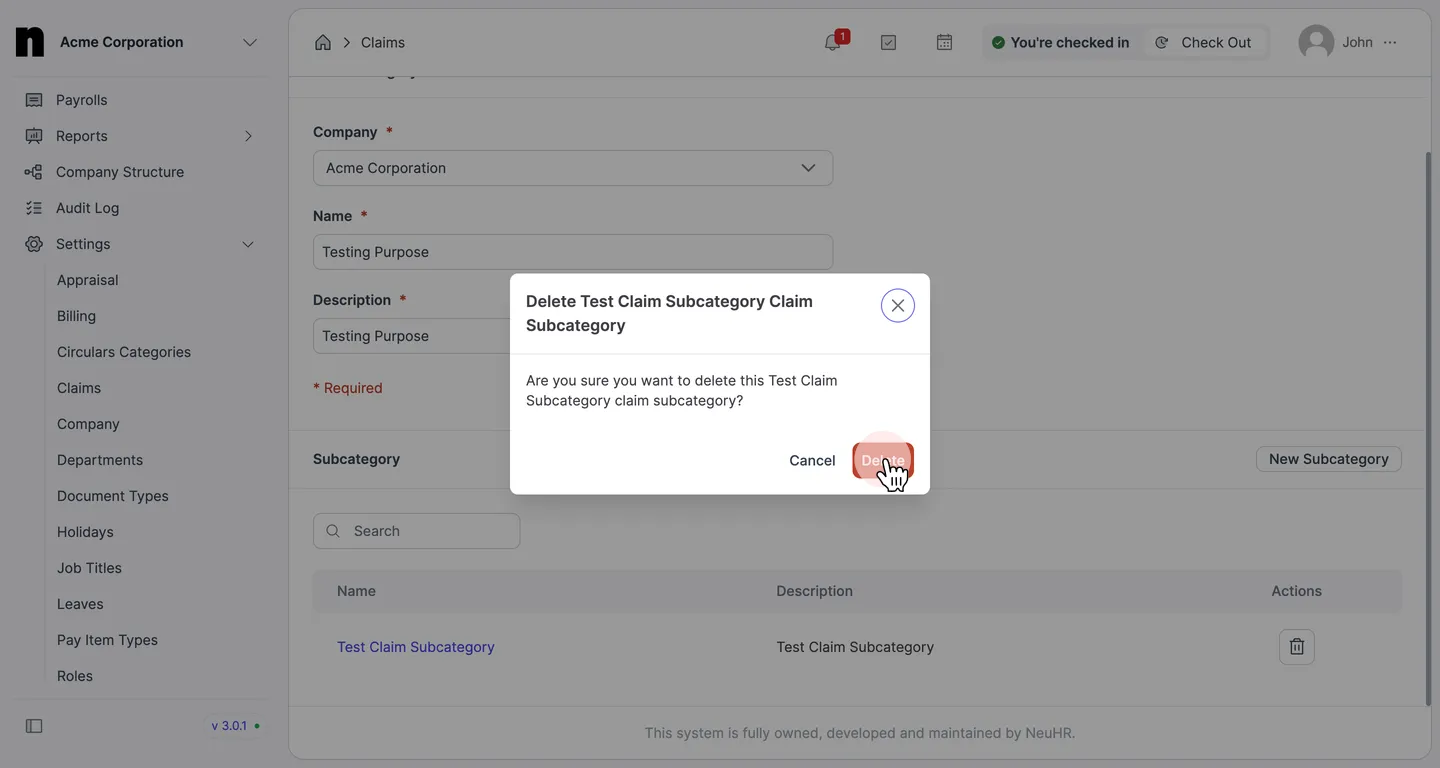
-
Verify the Subcategory is Removed
Section titled “Verify the Subcategory is Removed”The subcategory will be removed from the list. The
Subcategorysection will showNo results found.if no other subcategories remain in the category.