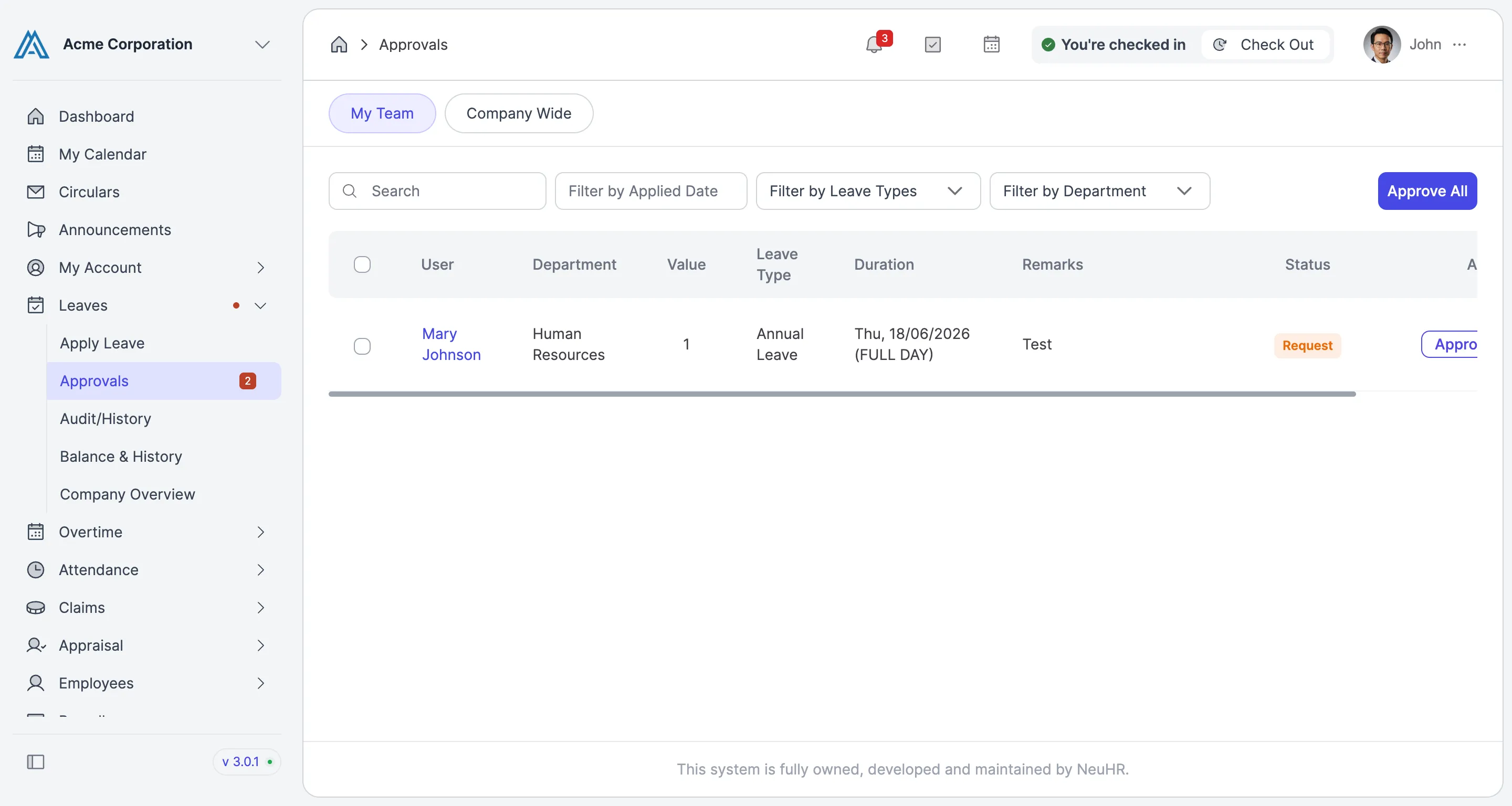
How to Approve Leave Request
This guide shows you how to review and approve a pending leave request submitted by a team member.
-
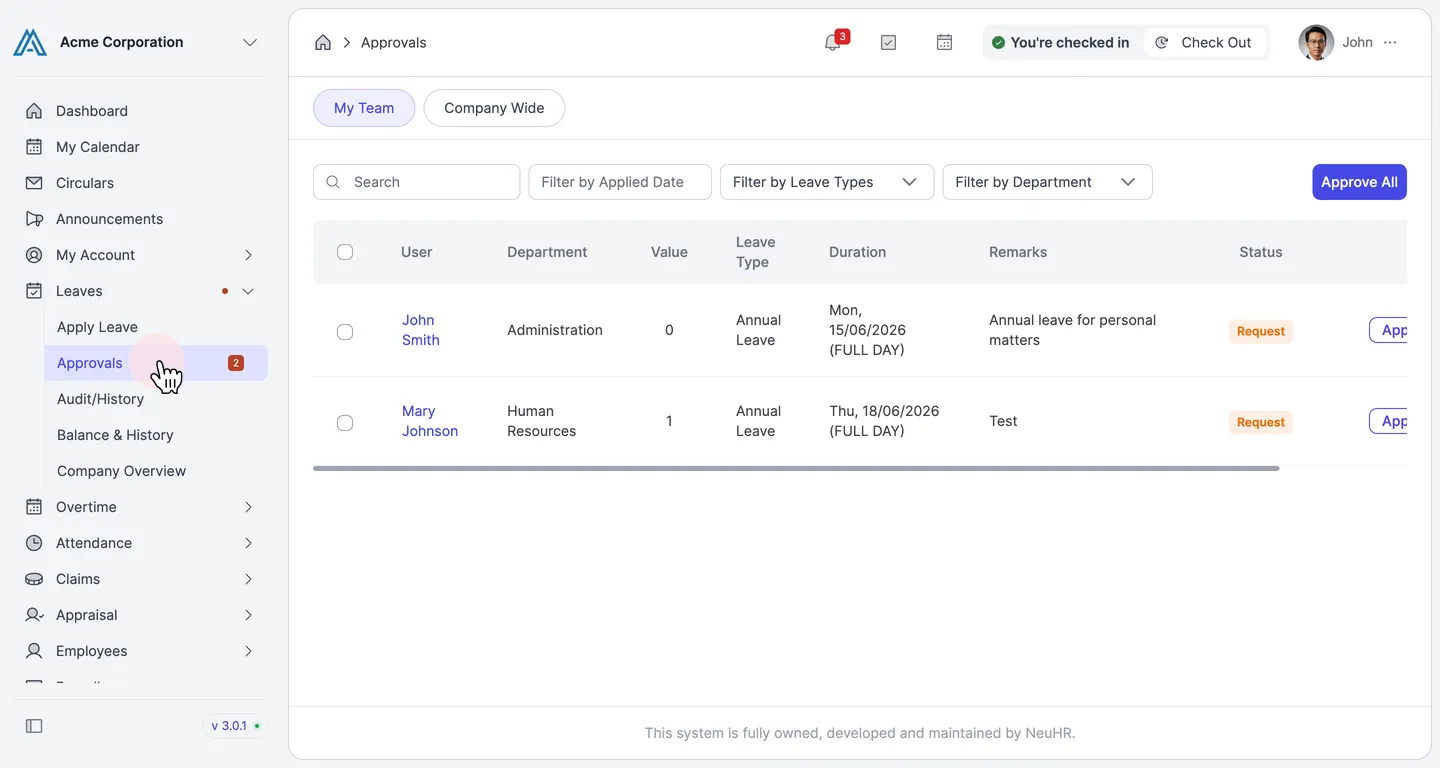
Go to the Approvals page.
In the left sidebar, expand Leaves and click Approvals.
-
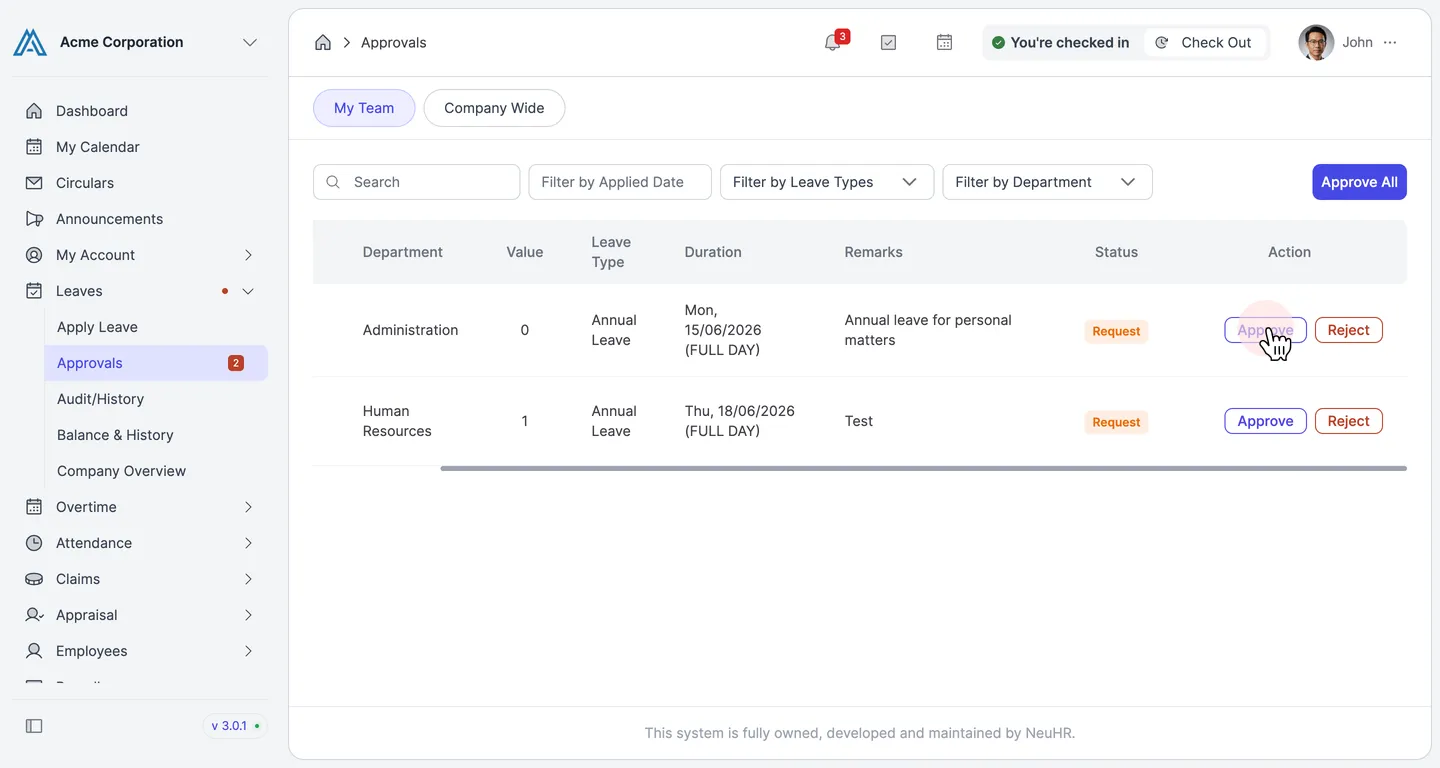
Click Approve on the request you want to approve.
The table lists all pending leave requests. Scroll the table to the right to reveal the Action column, then click the Approve button on the row you want to approve.
-
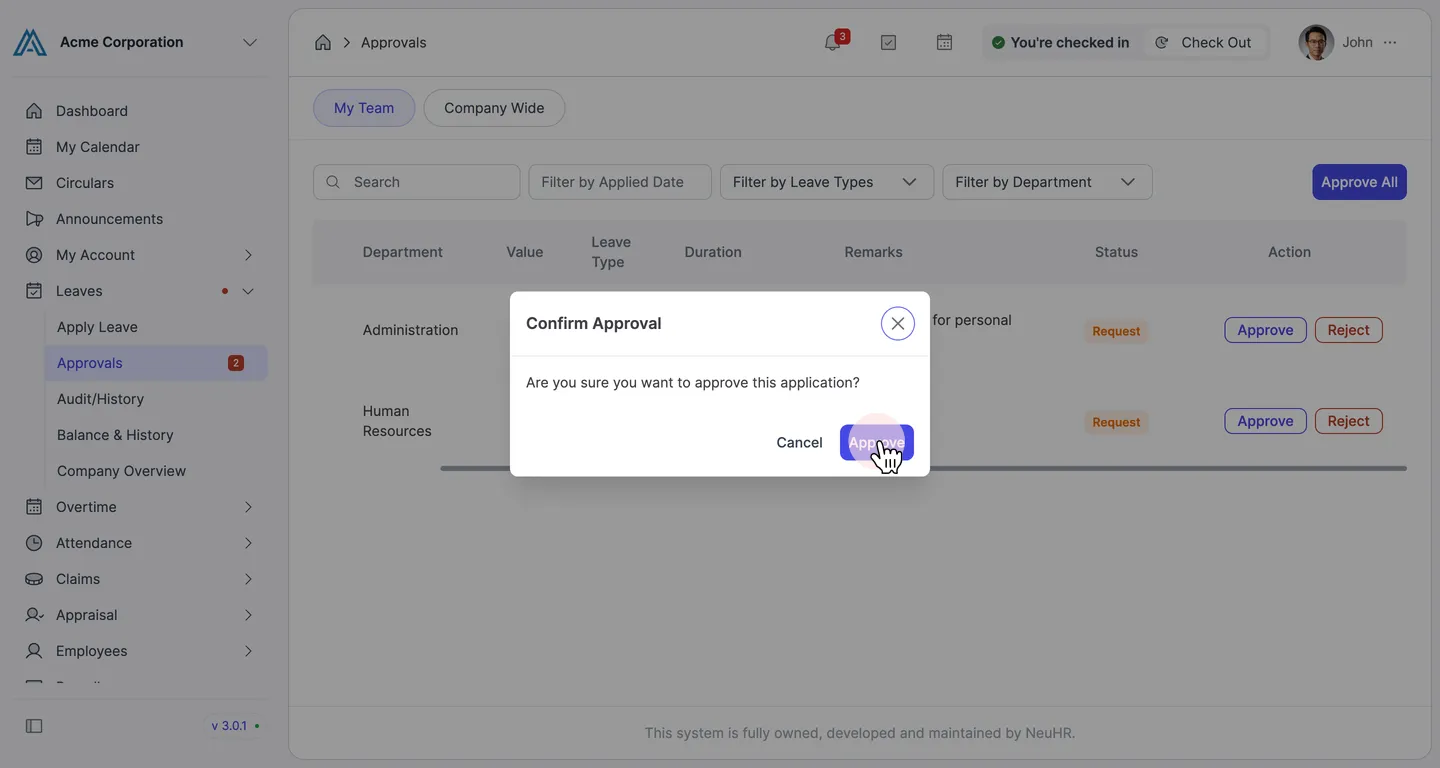
Confirm the approval.
A confirmation dialog will appear. Click Approve to confirm.
-
The leave request is now approved.
The approved request is removed from the pending queue. The employee will be notified that their leave has been approved.