How to Set a Claim Limit
This guide shows you how to configure claim limits on a subcategory in NeuHR. You can set per-employment-type eligibility limits and enable a monetary cap that restricts how much employees can claim per period.
-
Navigate to Claims Settings
Section titled “Navigate to Claims Settings”From the left sidebar, click
Settingsto expand the menu, then clickClaims.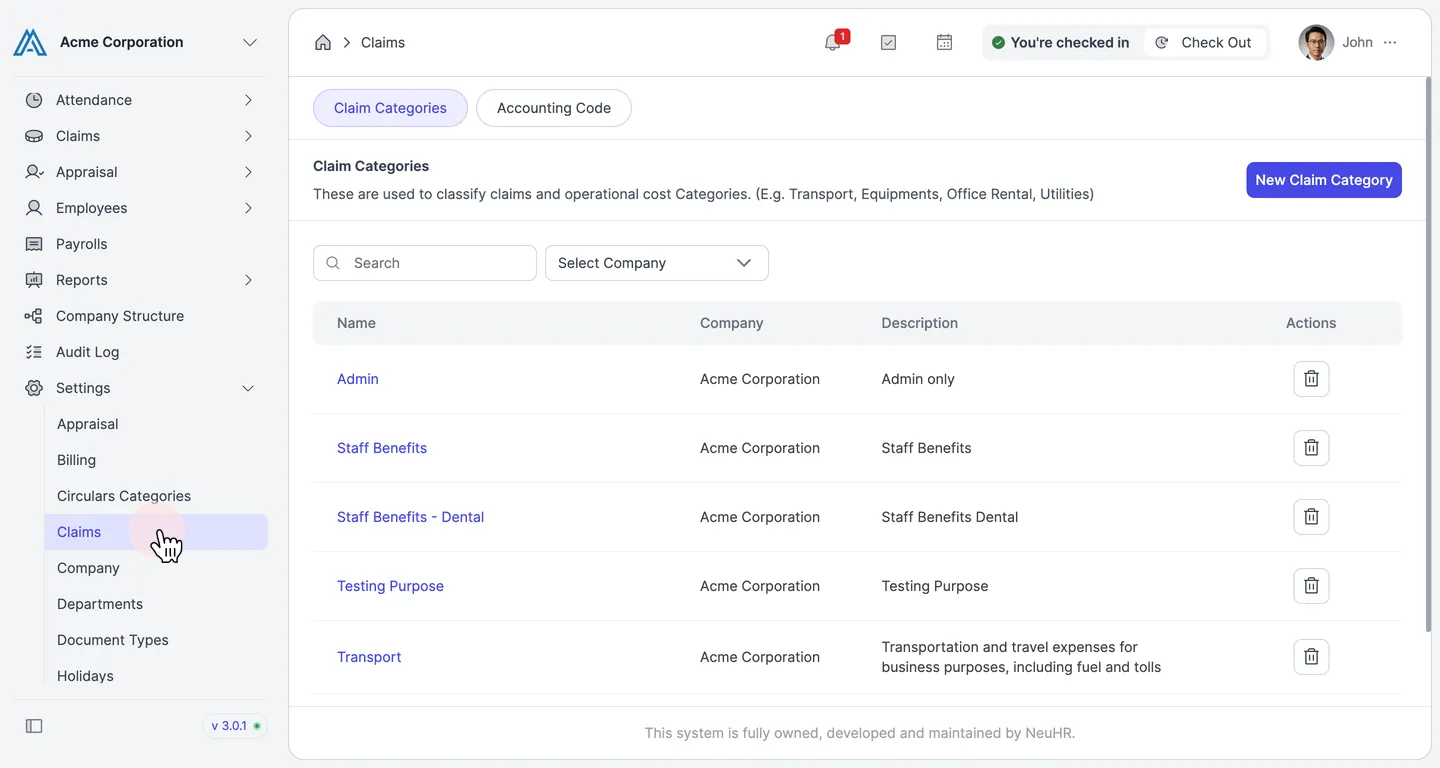
-
Open a Claim Category
Section titled “Open a Claim Category”On the
Claim Categoriespage, click the name of the category that contains the subcategory you want to configure (e.g.,Staff Benefits).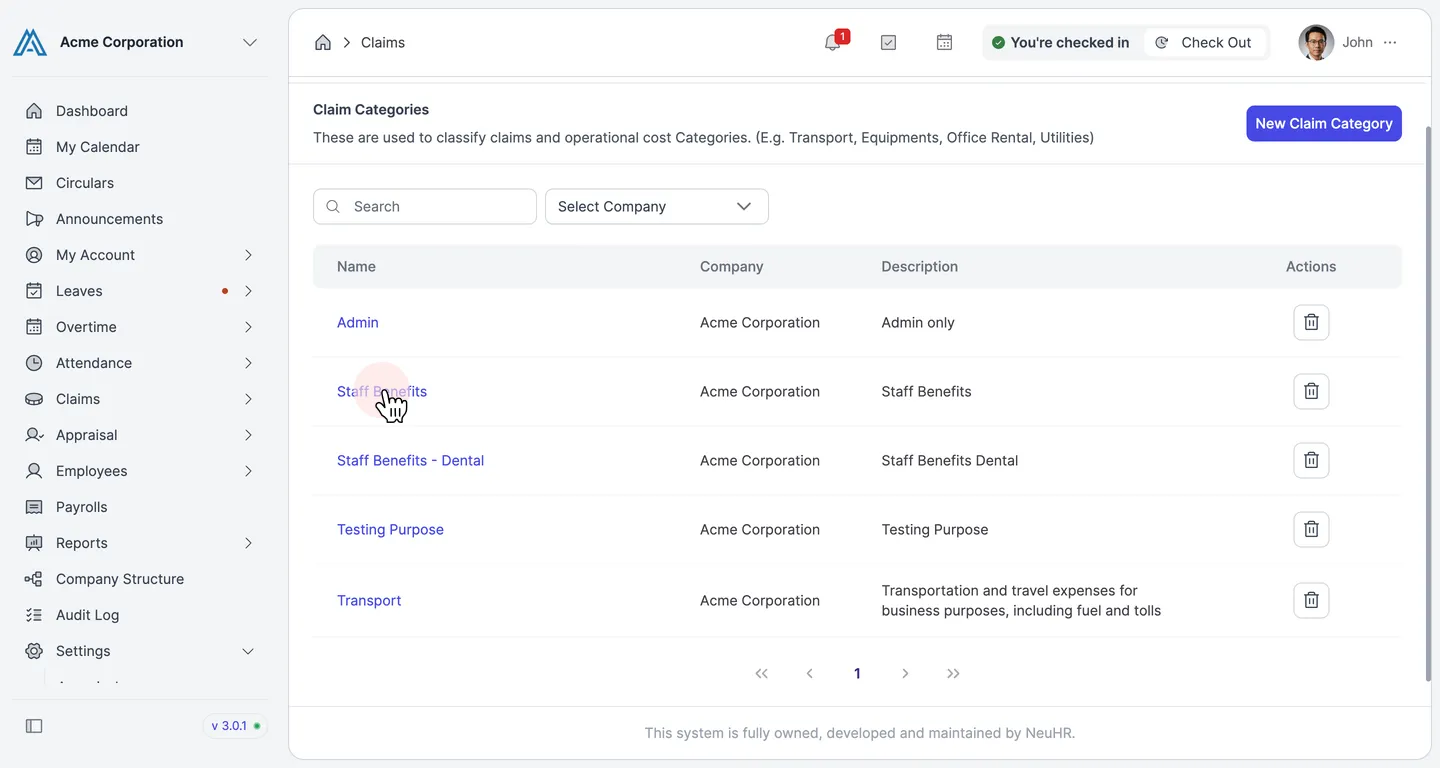
-
Click the Subcategory Name
Section titled “Click the Subcategory Name”Scroll down to the
Subcategorysection. Click on the subcategory name you want to set a limit for (e.g.,Medical Allowance).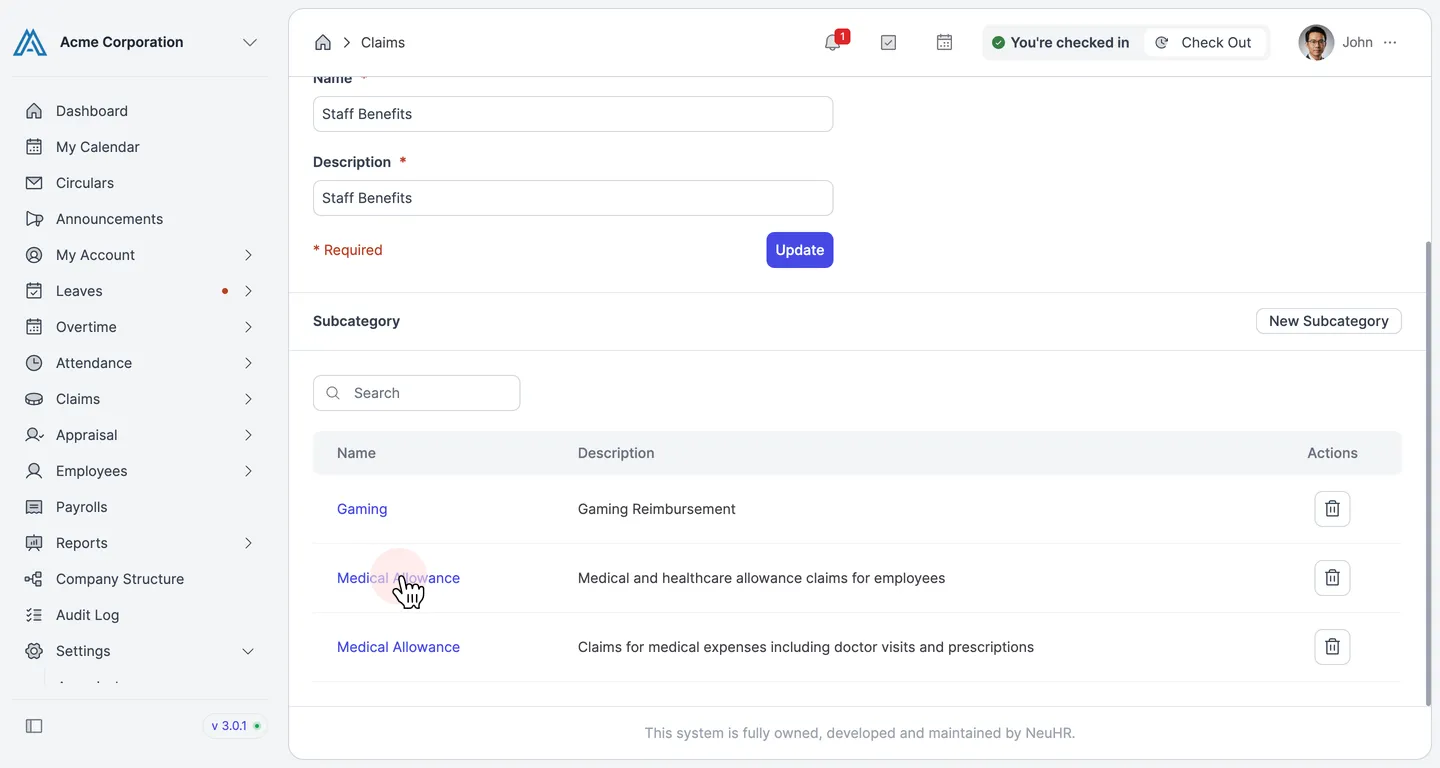
-
Set Eligibility Limits per Employment Type
Section titled “Set Eligibility Limits per Employment Type”The
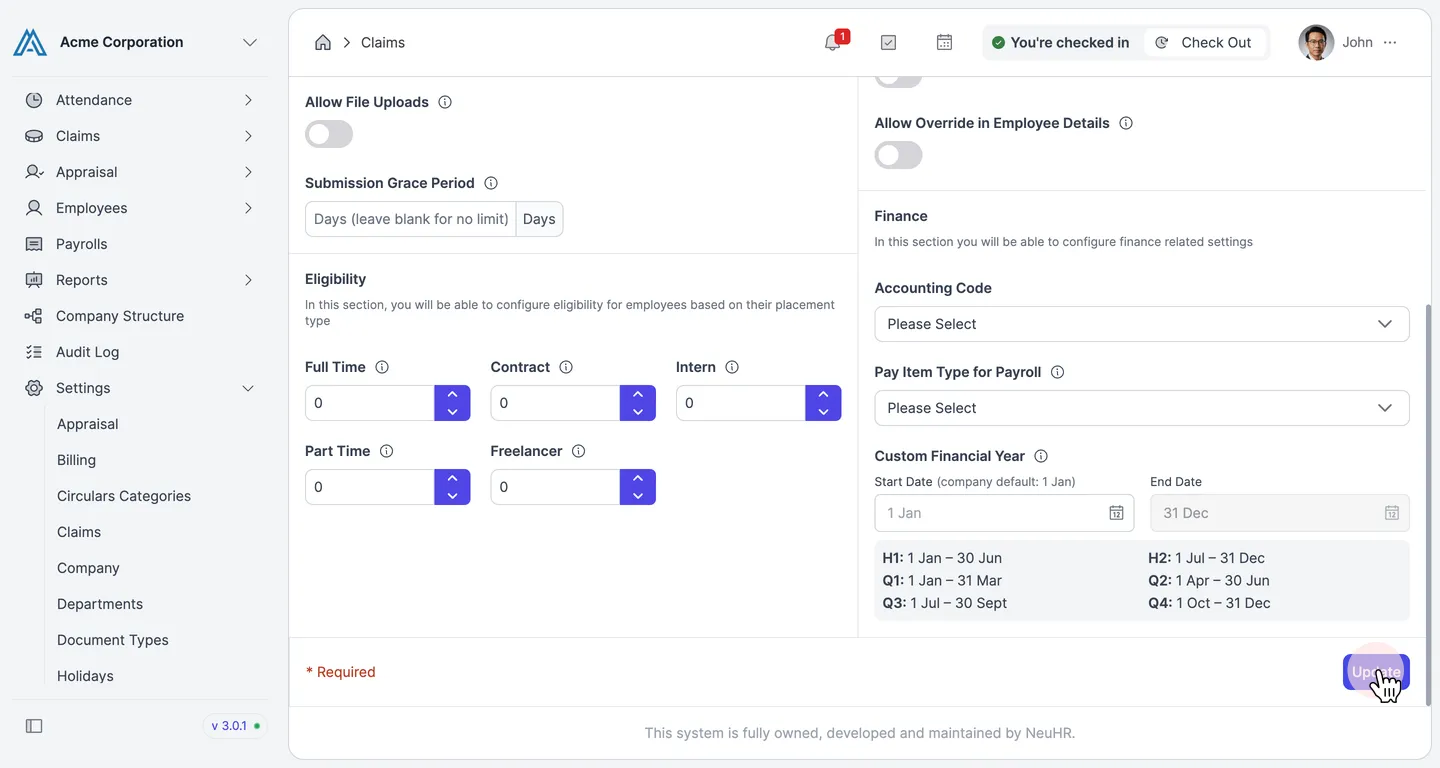
Update Claim Subcategoryform opens. Scroll down to theEligibilitysection. Enter the maximum number of claims allowed per financial year for each employment type:Full Time,Contract,Intern,Part Time, andFreelancer. Set a value of0to grant unlimited eligibility.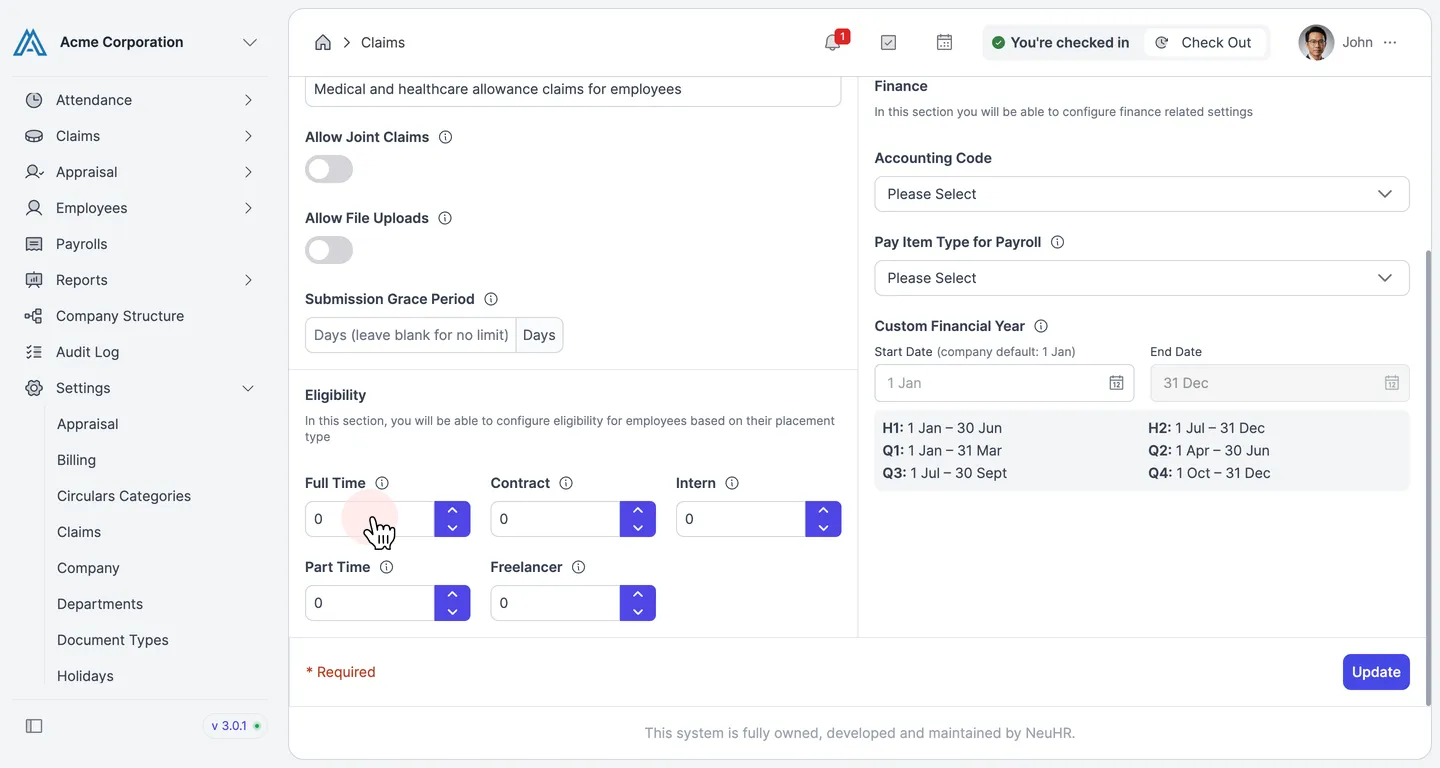
-
Enable the Limits Toggle
Section titled “Enable the Limits Toggle”In the
Limitssection on the right side of the form, toggle theLimitsswitch on. This enables a monetary cap on the amount employees can claim per period.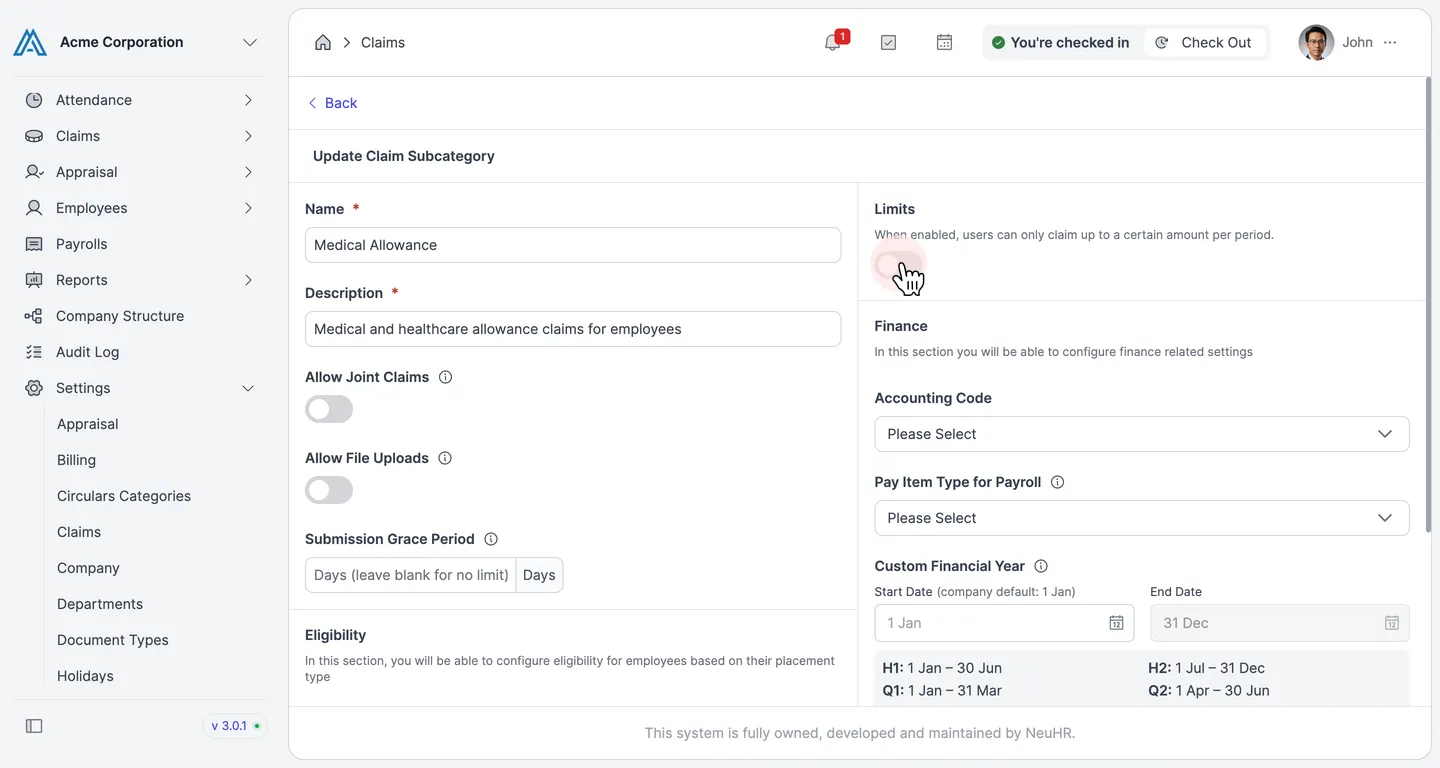
-
Configure the Limit Settings
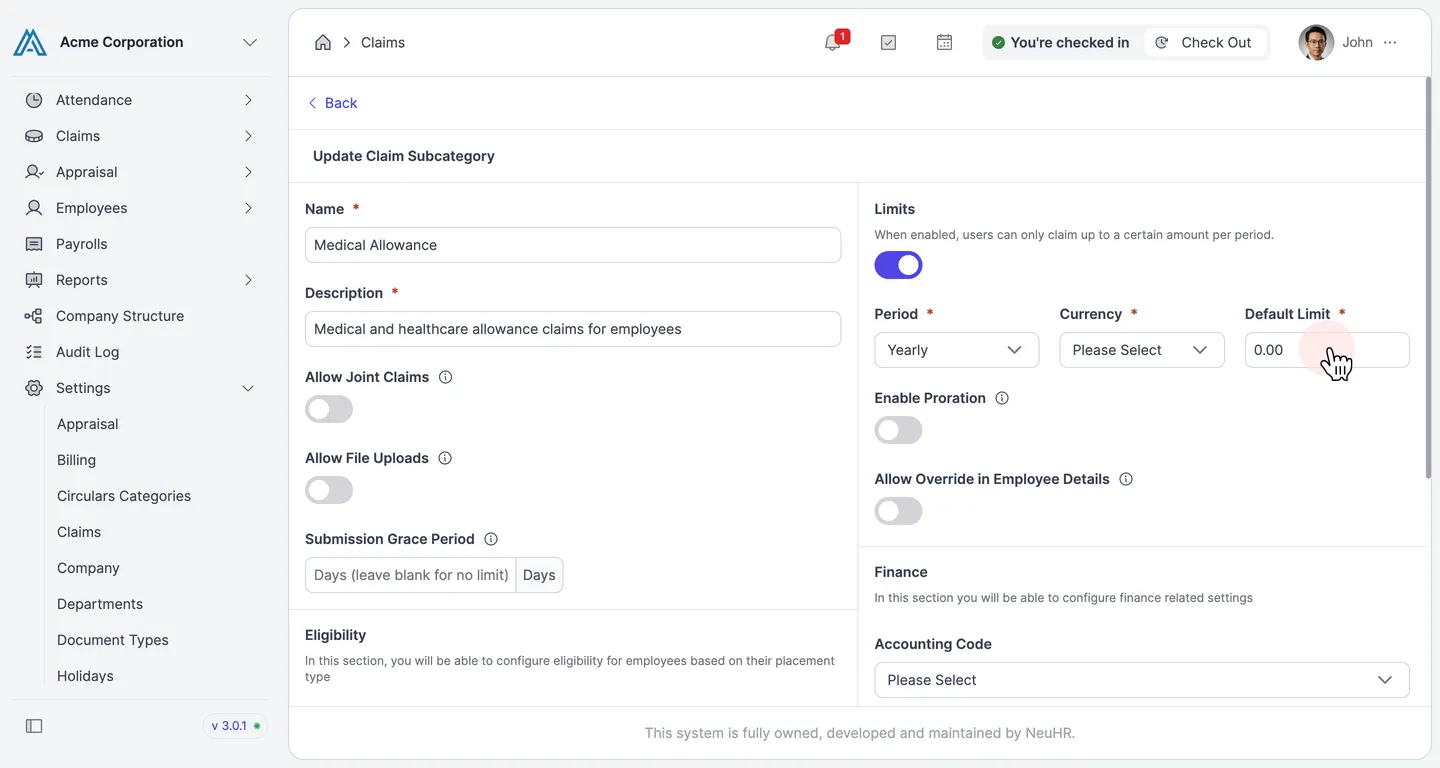
Section titled “Configure the Limit Settings”After enabling the toggle, three required fields appear:
- Period — how often the limit resets (e.g.,
Yearly,Monthly,Half Yearly,Quarterly) - Currency — the currency for the limit amount
- Default Limit — the maximum claimable amount per period
You can also optionally enable:
- Enable Proration — automatically adjusts the limit based on the employee’s join date within the period
- Allow Override in Employee Details — lets you set a different limit for individual employees from their profile
- Period — how often the limit resets (e.g.,
-
Save the Changes
Section titled “Save the Changes”Click
Updateat the bottom right of the form to save the claim limit settings.