

How to Create a New Appraisal Session
This guide shows you how to create a new appraisal session in NeuHR. Appraisal sessions define the evaluation period and the employees to be assessed.
-
Navigate to Settings > Appraisal
Section titled “Navigate to Settings > Appraisal”From the sidebar, click
Settingsto expand the menu, then clickAppraisal.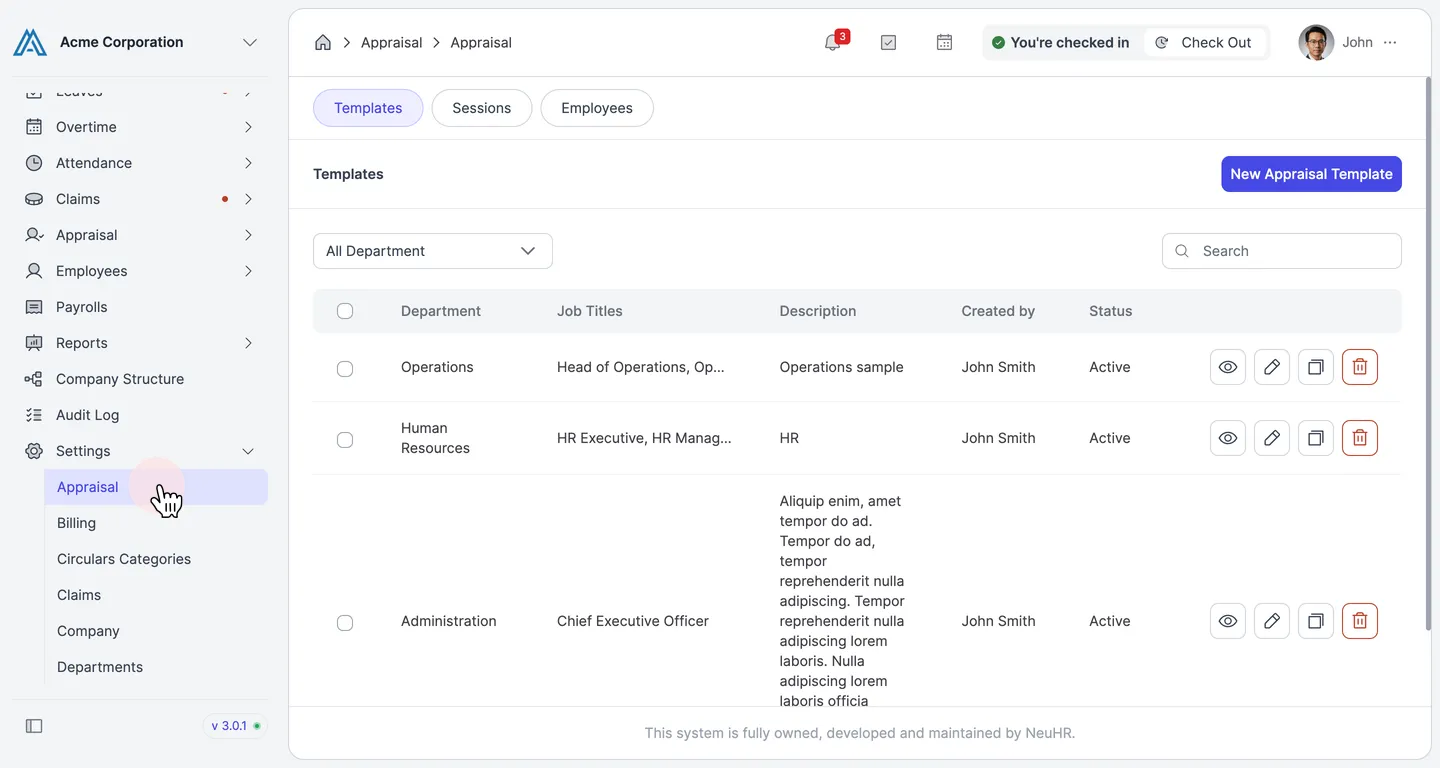
-
Click the Sessions Tab
Section titled “Click the Sessions Tab”On the Appraisal page, click the
Sessionstab.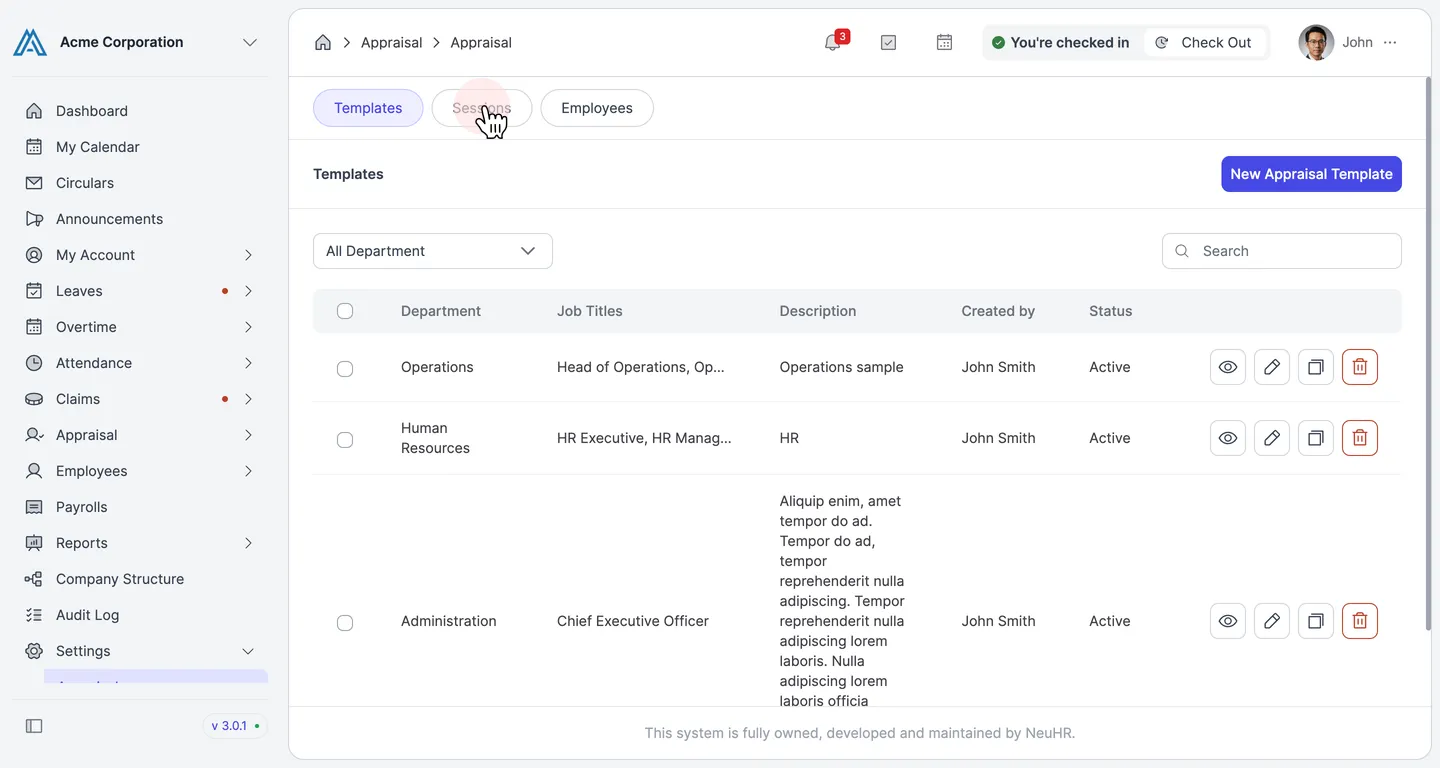
-
Click New Appraisal Session
Section titled “Click New Appraisal Session”On the Sessions page, click the
New Appraisal Sessionbutton in the top right corner.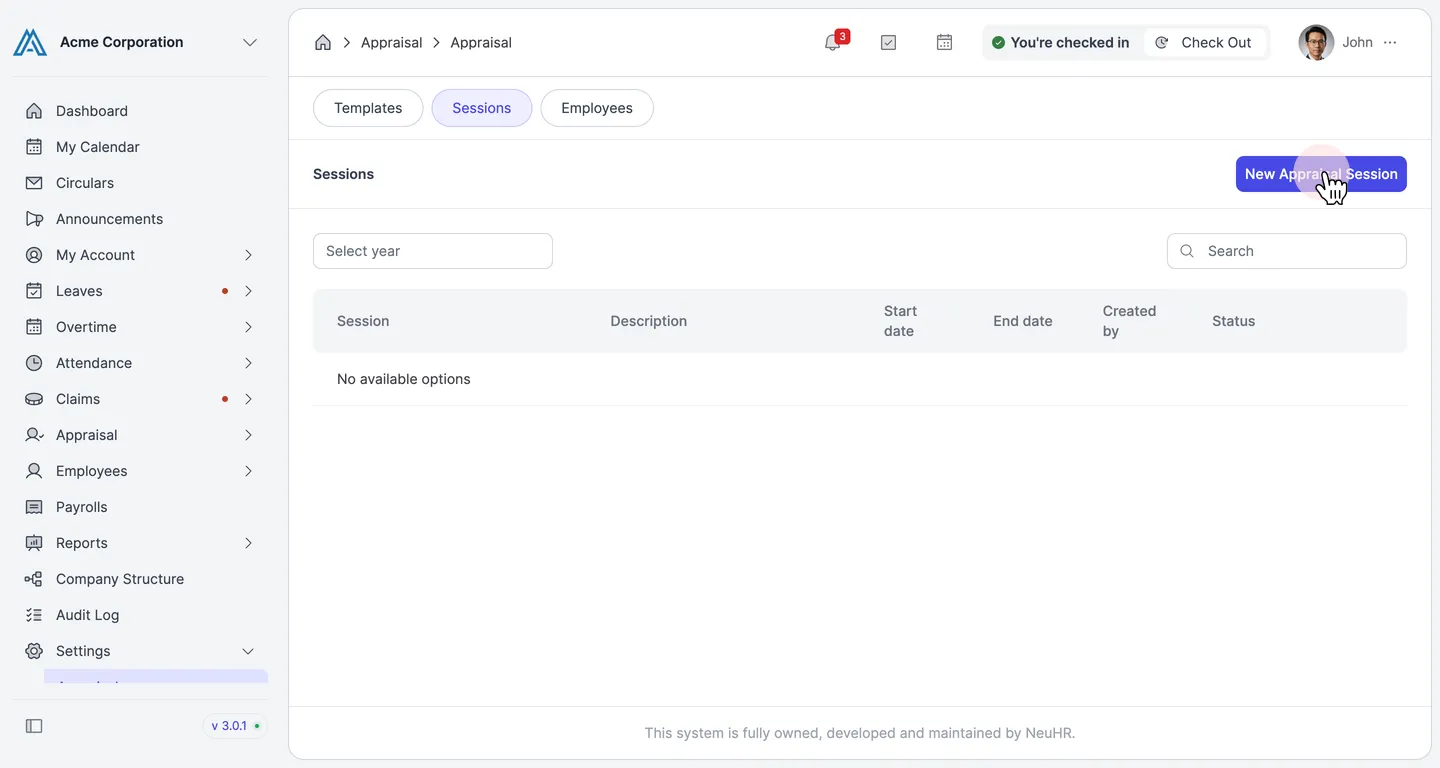
-
Fill in Session Details
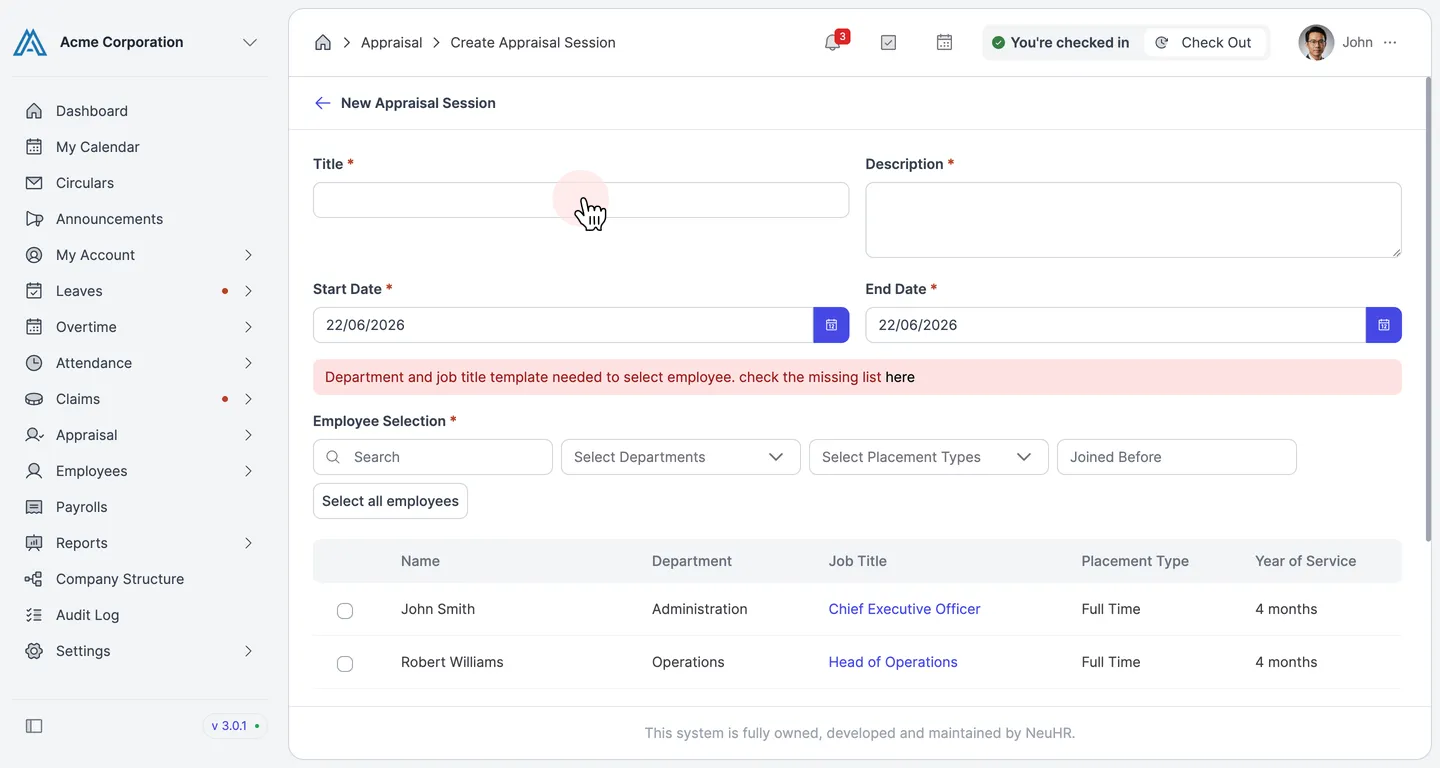
Section titled “Fill in Session Details”On the New Appraisal Session form, enter the following details:
- Title: Enter a name for this appraisal session.
- Description: Enter a brief description of the session.
- Start Date: Select the start date of the appraisal period.
- End Date: Select the end date of the appraisal period.
-
Select Employees
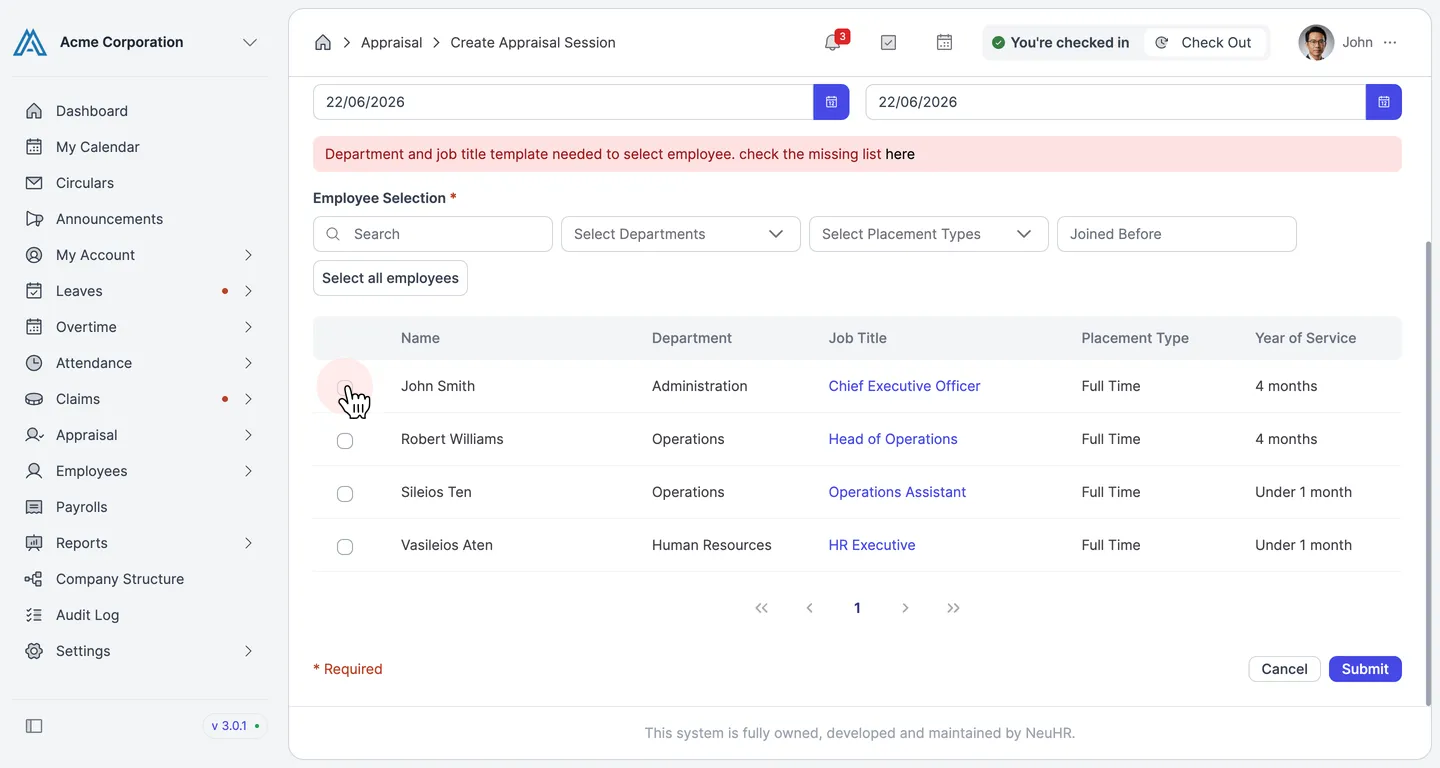
Section titled “Select Employees”In the Employee Selection section, choose the employees to include in this session:
- Click
Select all employeesto include all listed employees at once. - Or check the checkbox next to individual employees to select them one by one.
- Use the Search box or filter by
Select Departments,Select Placement Types, orJoined Beforeto narrow the list.
- Click
-
Submit the Session
Section titled “Submit the Session”After filling in all required fields and selecting at least one employee, click the
Submitbutton to create the appraisal session.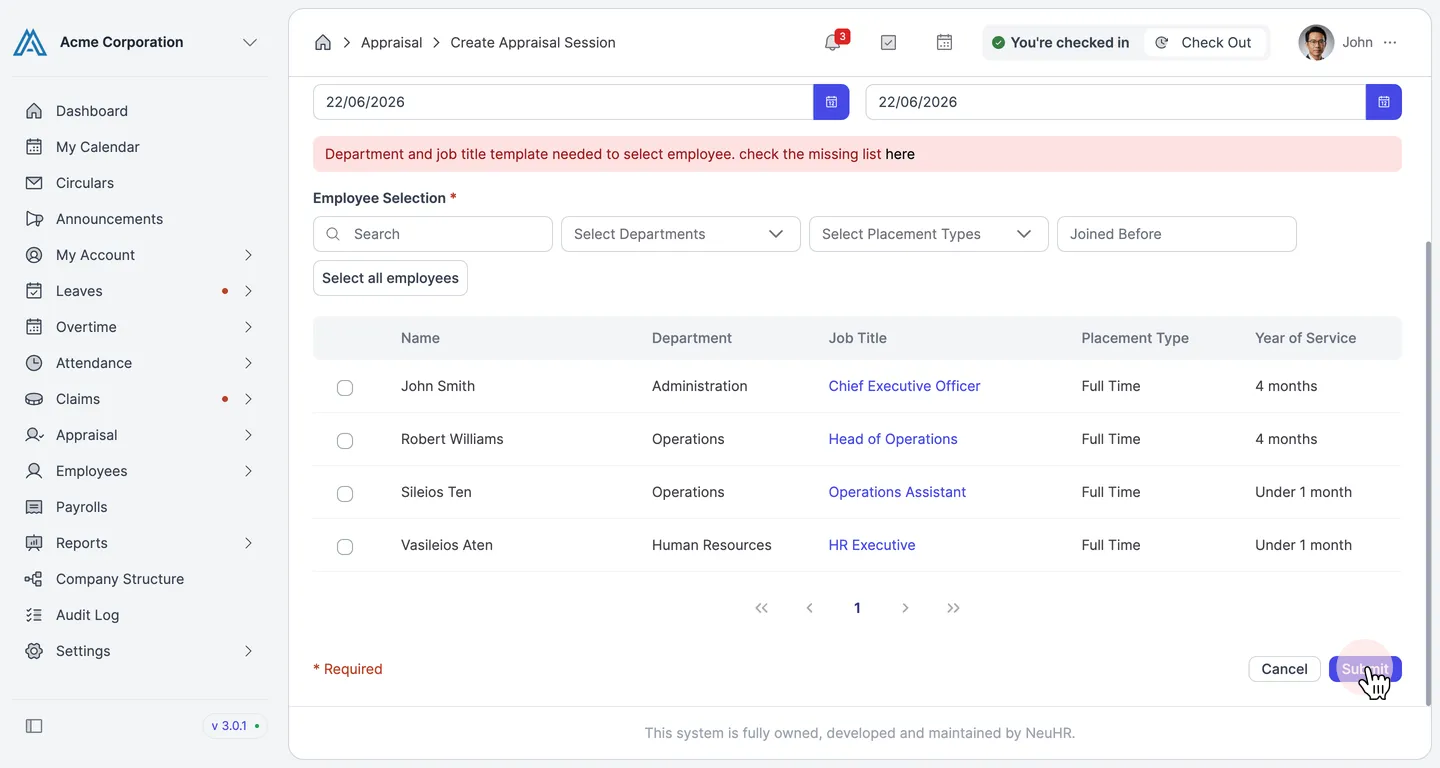
The new appraisal session is created and will appear in the Sessions list.