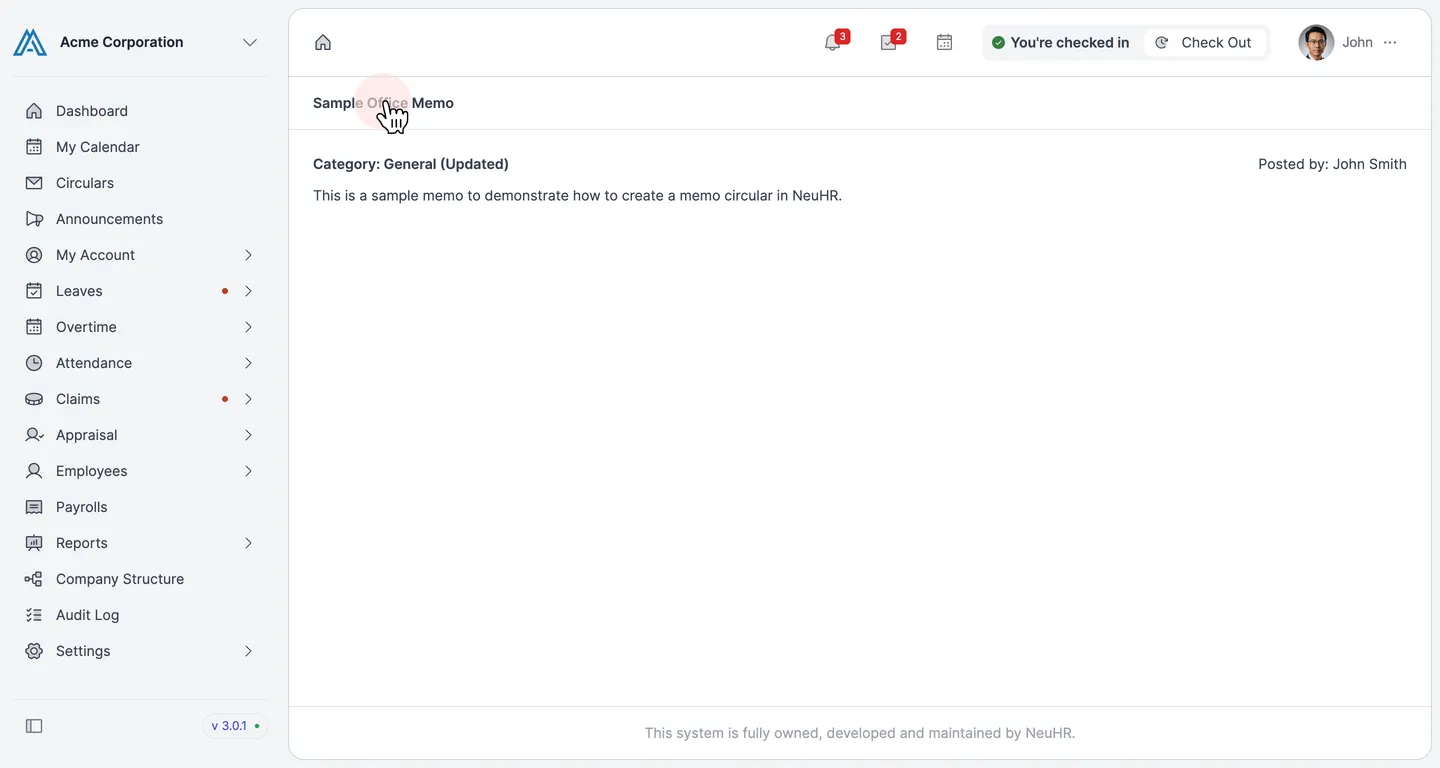
Where Circulars will be displayed
After creating a circular, it will be displayed in the Circulars section, accessible to all employees from the sidebar.
-
Navigate to Circulars
Section titled “Navigate to Circulars”From the sidebar, click on
Circulars. The Circulars page lists all published circulars, including their category, type, applied level, and placement type.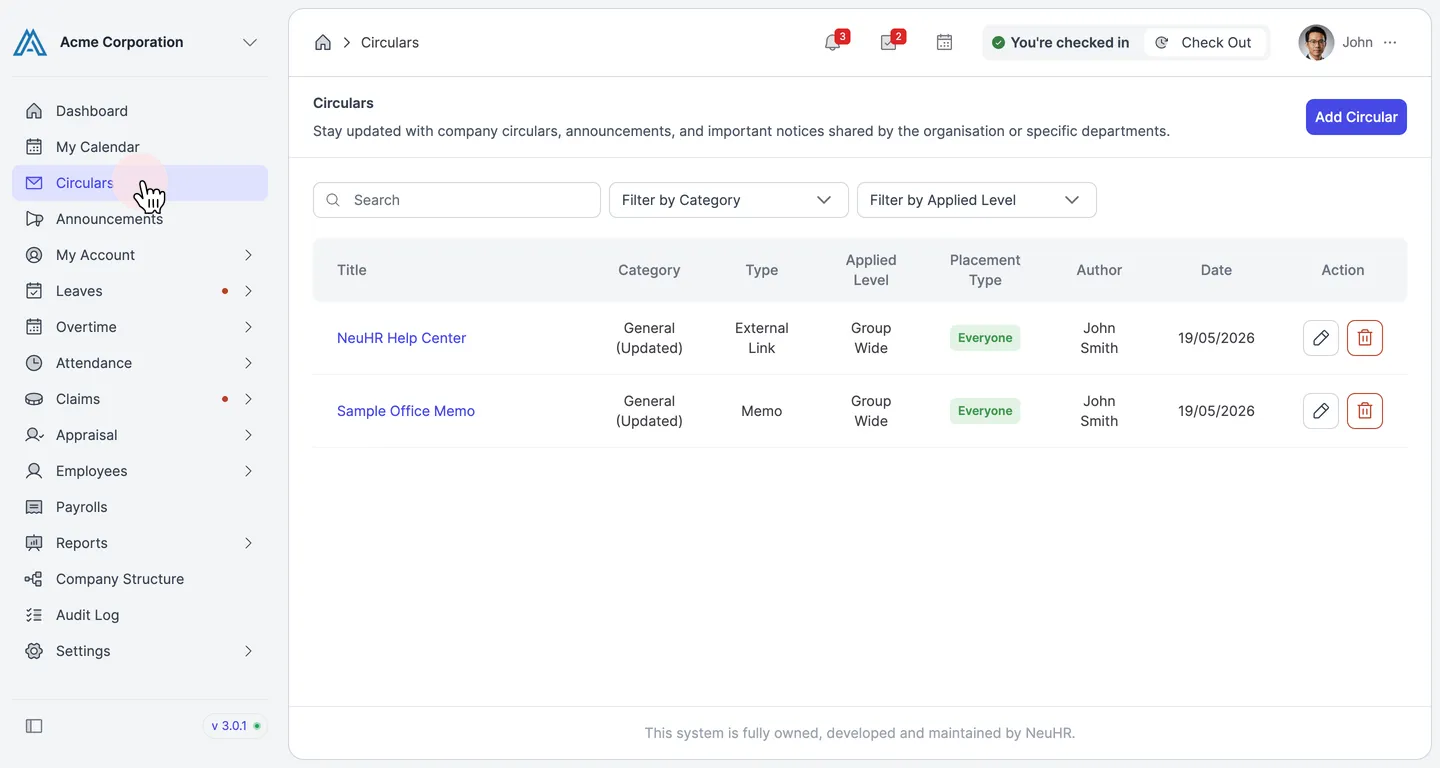
-
View Circular Content
Section titled “View Circular Content”Click on a circular title to open and read its full content. The circular displays its category, the author who posted it, and the circular body.