How to Create a New Memo
This guide shows you how to create a memo in NeuHR. Memos are a type of circular that use a built-in rich text editor — no file upload required. Use memos for written communications, notices, or announcements you want to compose directly in NeuHR.
-
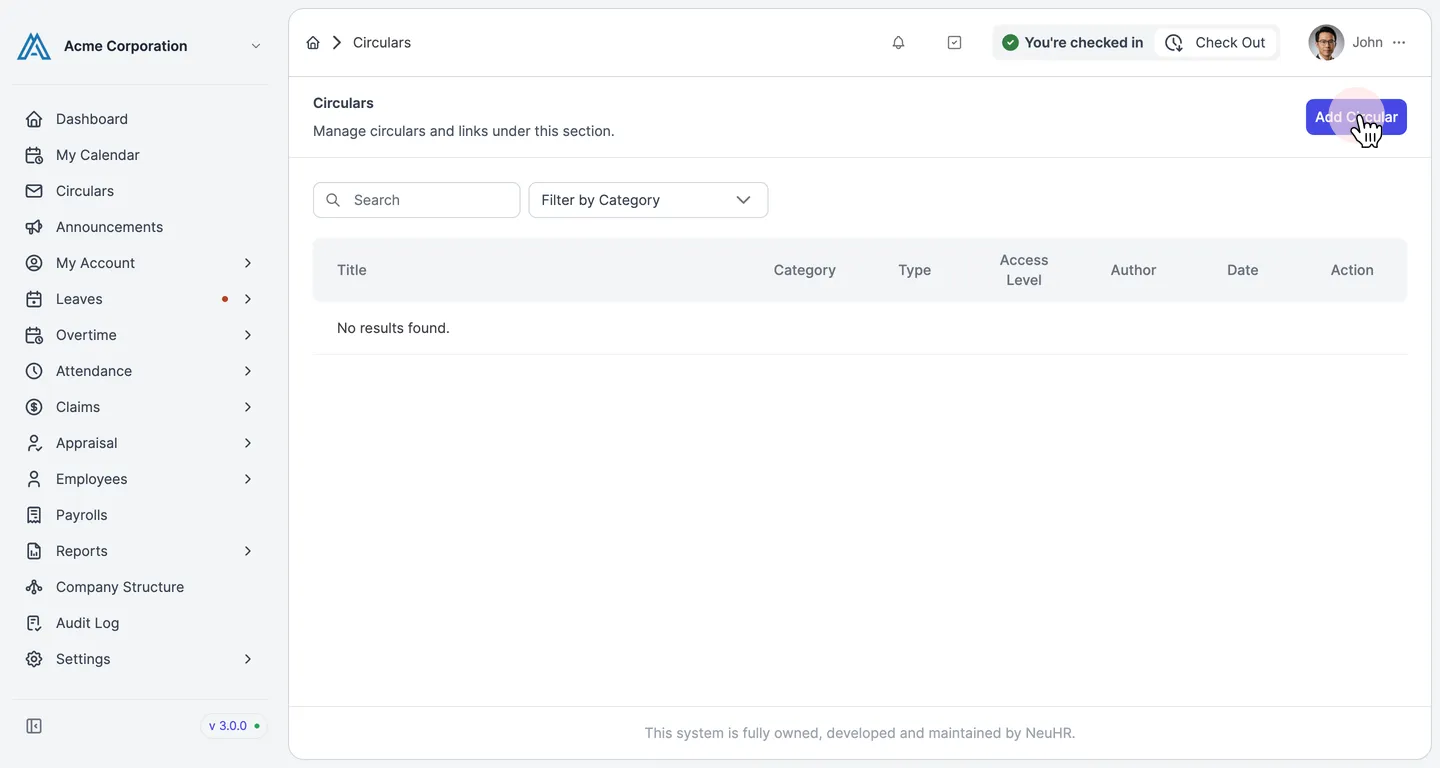
Navigate to Circulars and click Add Circular
Section titled “Navigate to Circulars and click Add Circular”From the sidebar, click Circulars. The Circulars page opens. Click the Add Circular button in the top-right corner.
-
Select Memo as the Circular Type
Section titled “Select Memo as the Circular Type”On the Create Circular form, click the Circular Type dropdown. Select Memo from the list of options (
Document,Memo,Link).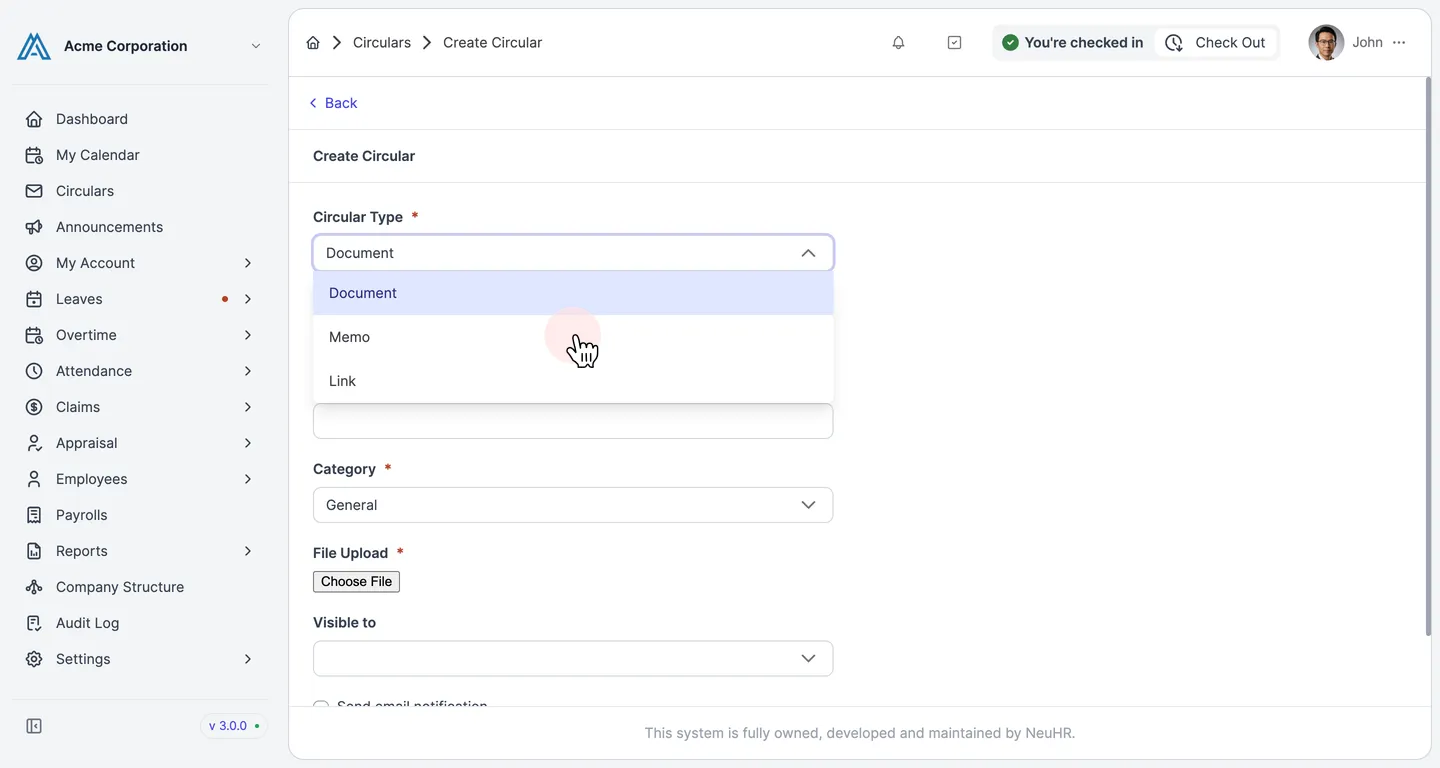
-
Review the Memo form
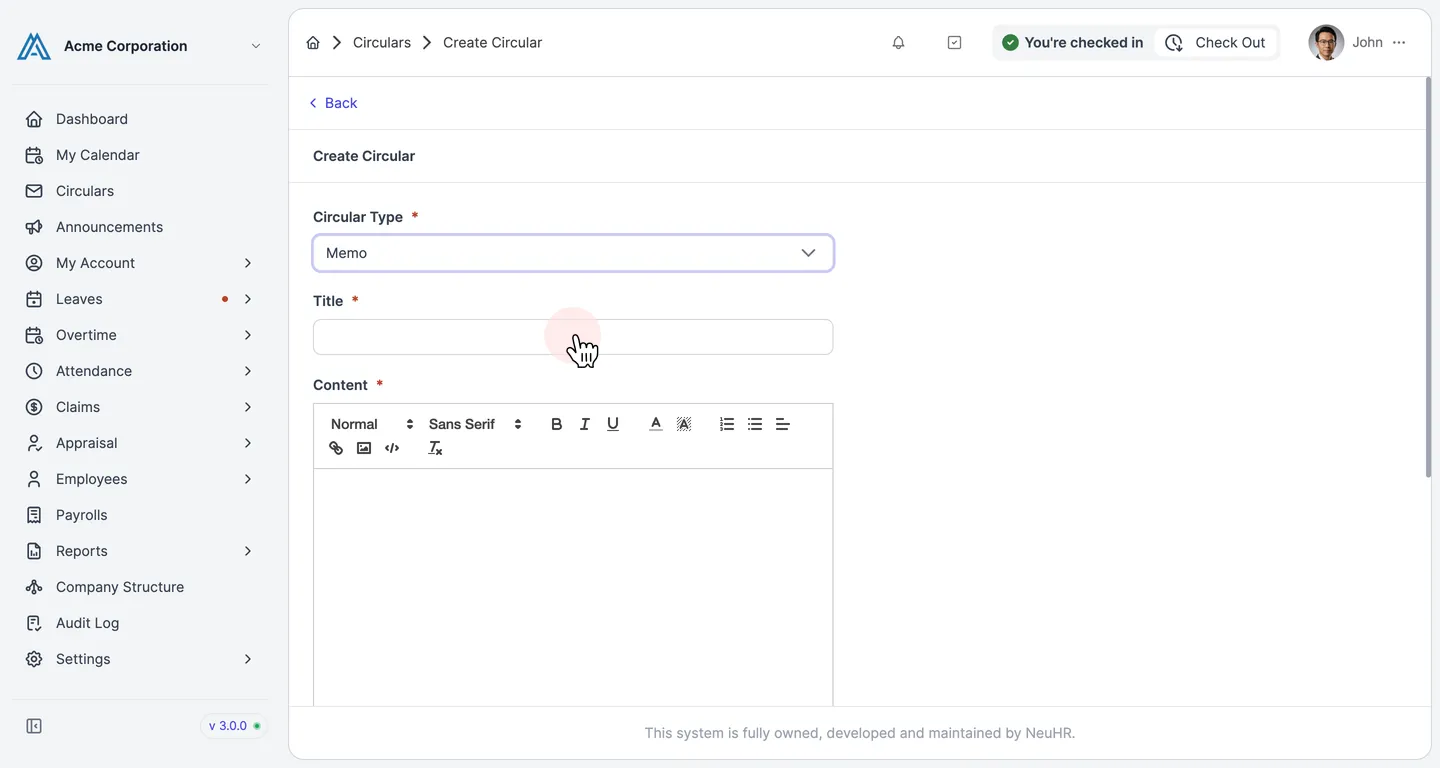
Section titled “Review the Memo form”After selecting
Memo, the form updates to show a Content rich text editor instead of a file upload field. The Memo form includes:- Title — the memo title
- Content — a rich text editor with formatting toolbar (bold, italic, lists, links, images, and more)
- Category — select the appropriate category
- Visible to — control who can see this memo
- Send email notification — optionally notify employees by email
-
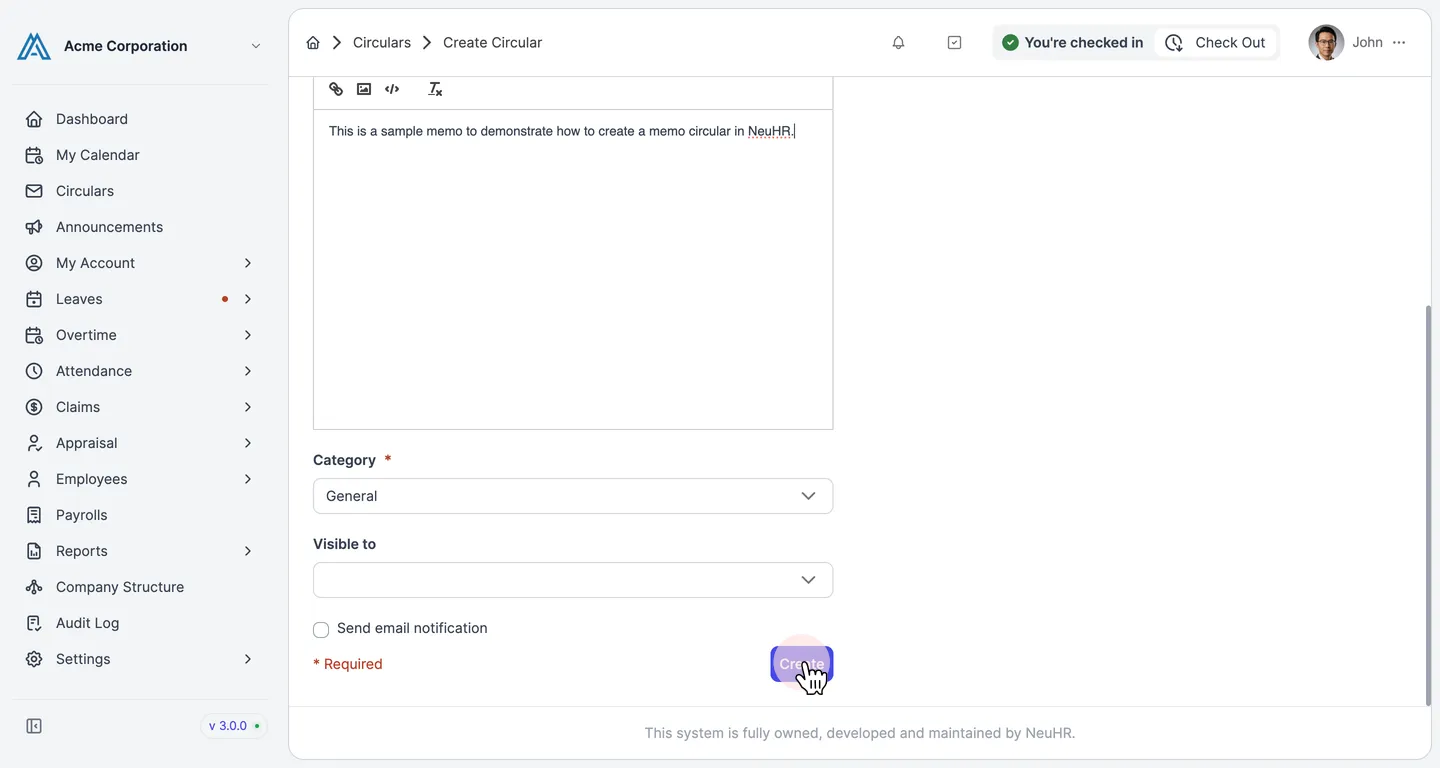
Fill in the memo details and click Create
Section titled “Fill in the memo details and click Create”Enter the Title, write the memo Content using the rich text editor, and select the Category. When done, click the Create button.
-
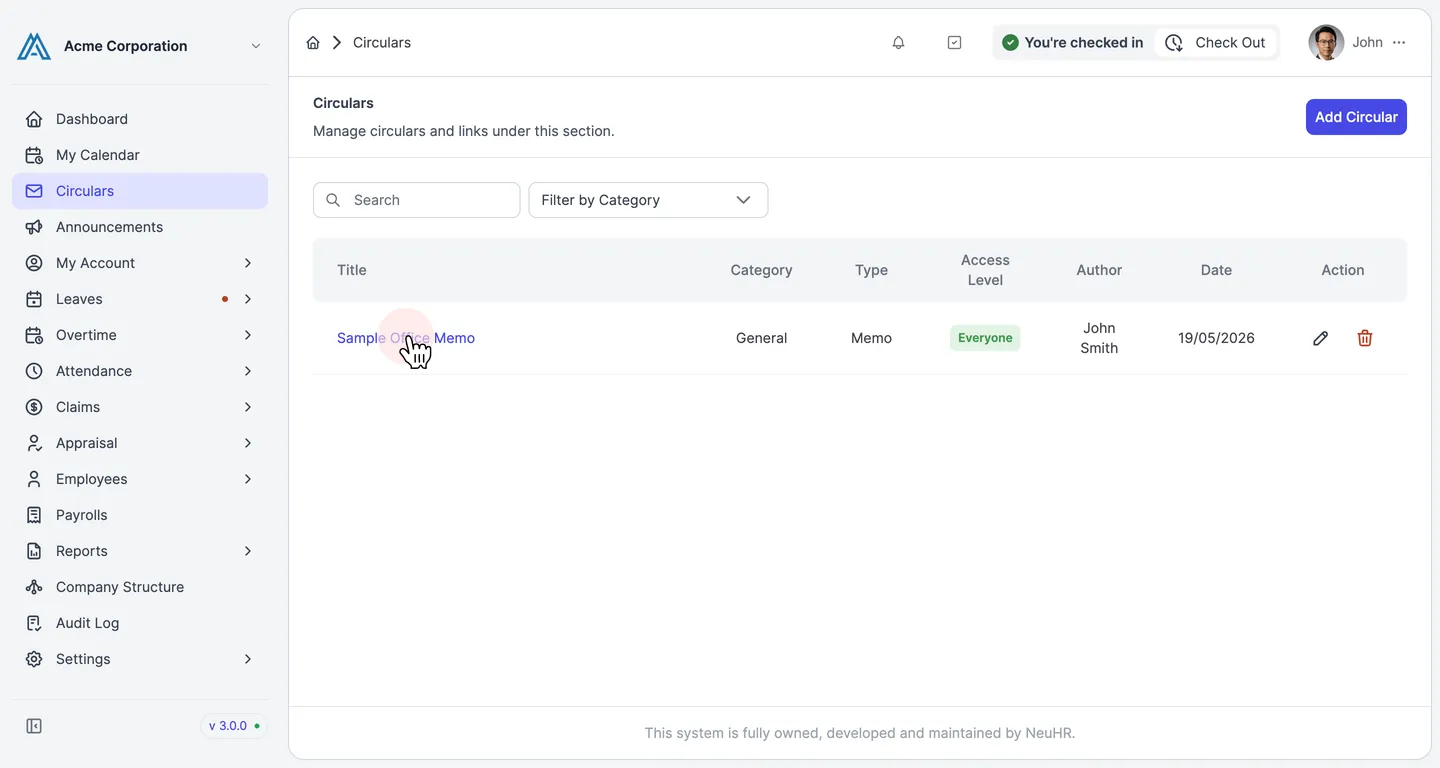
Memo created successfully
Section titled “Memo created successfully”You are redirected to the Circulars page. The new memo appears in the list with its title, category, type Memo, and the date created.