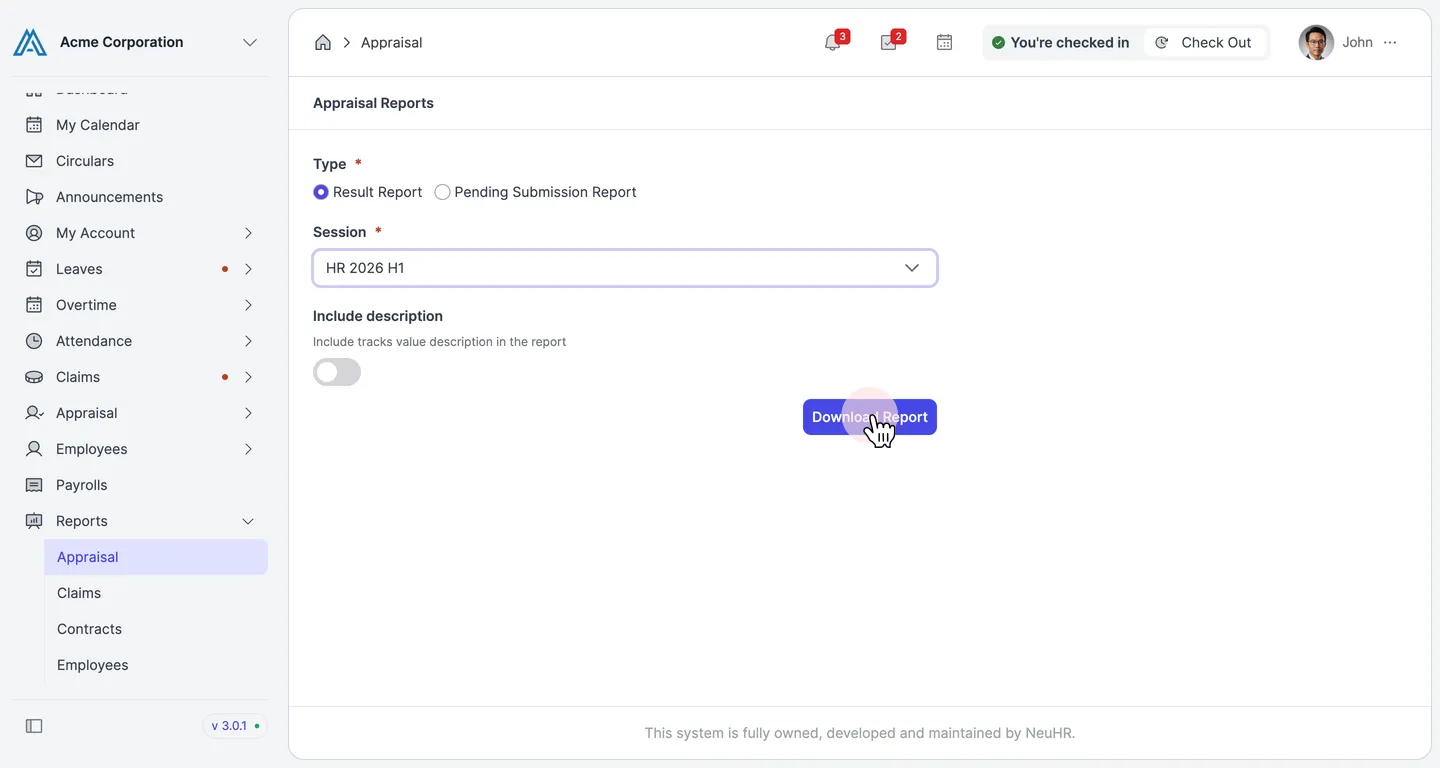
How to Generate Appraisal Reports
This guide shows you how to generate appraisal reports in NeuHR. You can download either a result report or a pending submission report for any appraisal session.
-
Navigate to Appraisal Reports
Section titled “Navigate to Appraisal Reports”From the sidebar, click on
Reportsto expand the menu, then click onAppraisal.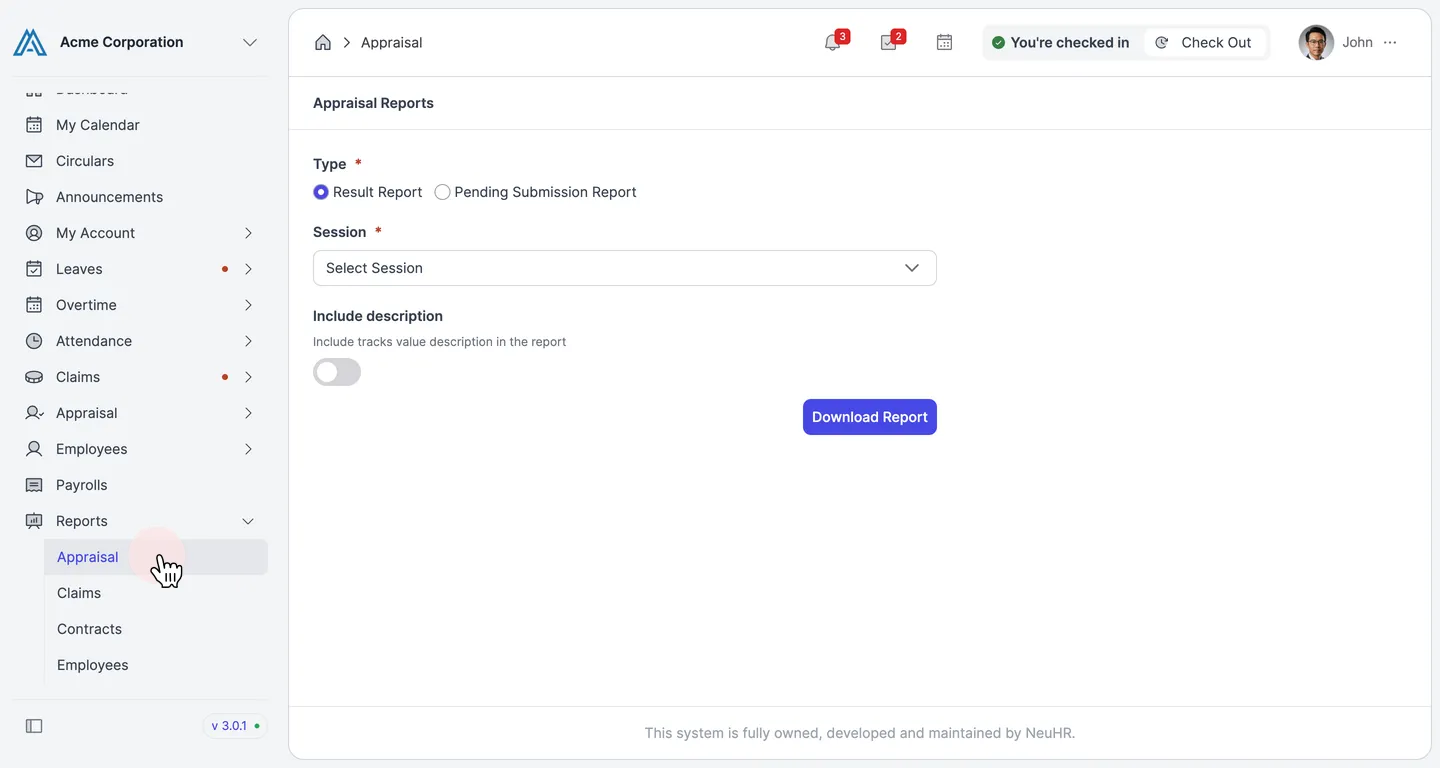
-
Select a Report Type
Section titled “Select a Report Type”On the
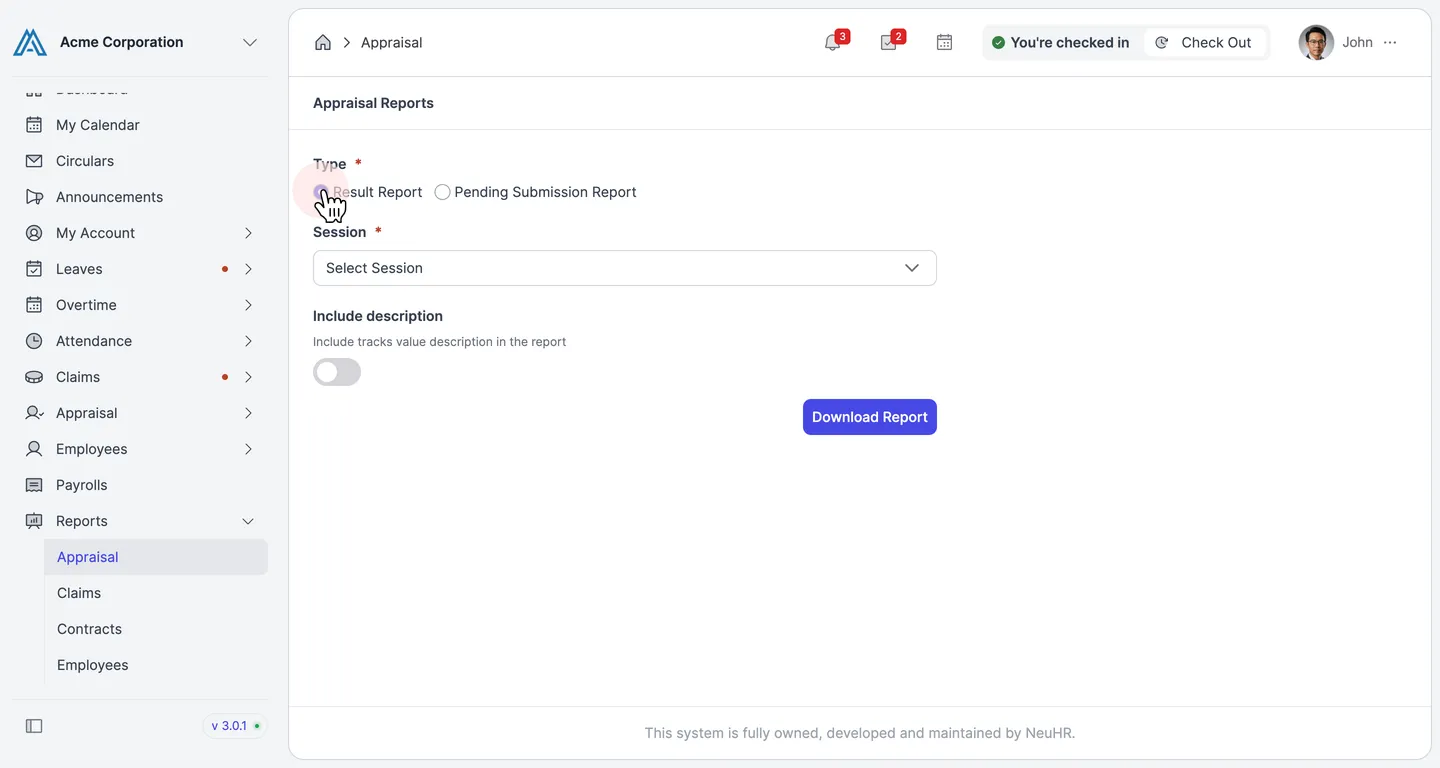
Appraisal Reportspage, select the type of report you want to generate under theTypefield:- Result Report — Shows completed appraisal results for the selected session.
- Pending Submission Report — Shows employees who have not yet submitted their appraisal.
-
Select a Session
Section titled “Select a Session”Click the
Sessiondropdown and select the appraisal session you want to report on.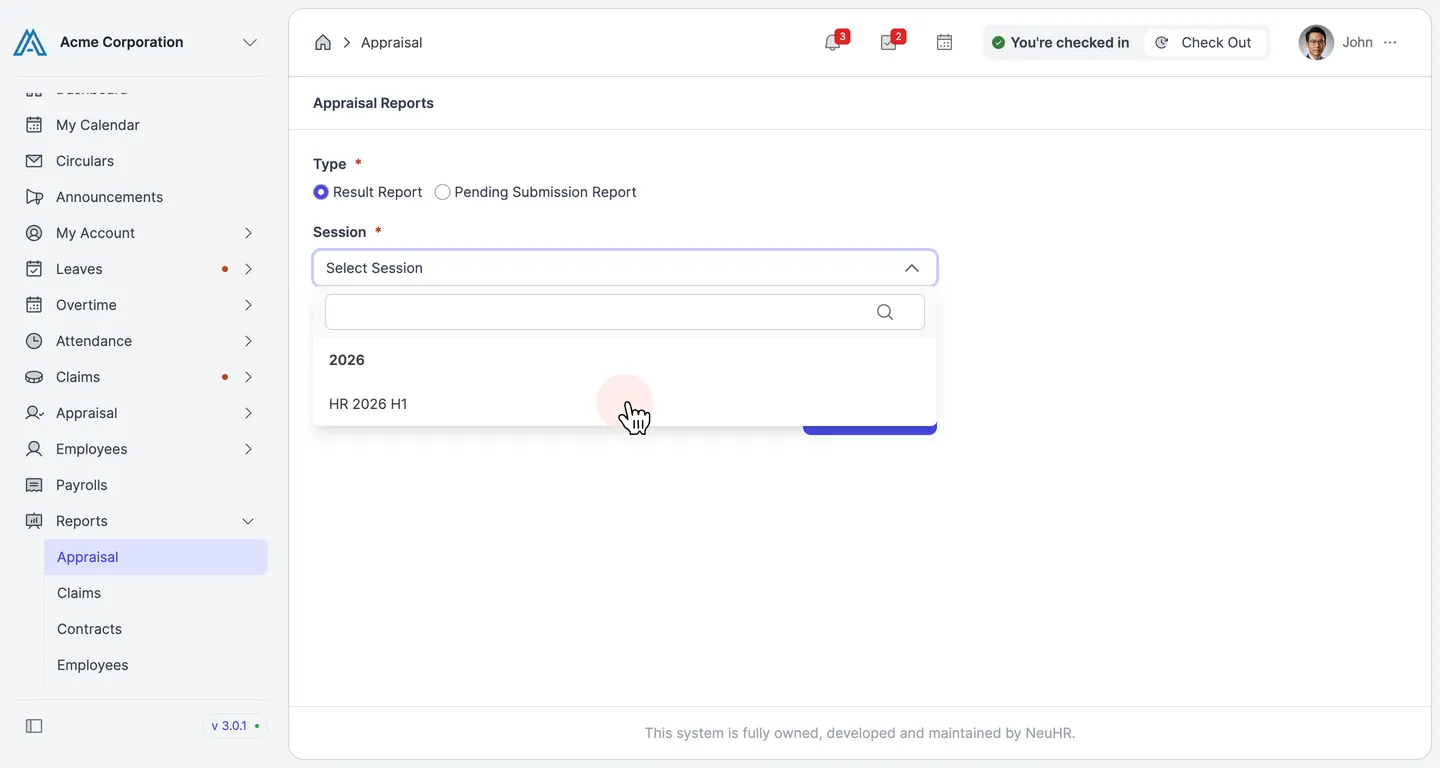
-
Download the Report
Section titled “Download the Report”Click the
Download Reportbutton. The report will be downloaded to your device as a file.