How to Generate Payroll Report
This guide shows you how to generate a PDF payroll report in NeuHR. The report covers all employees for the selected payroll month.
-
Navigate to Payrolls
Section titled “Navigate to Payrolls”From the left sidebar, click on
Payrolls.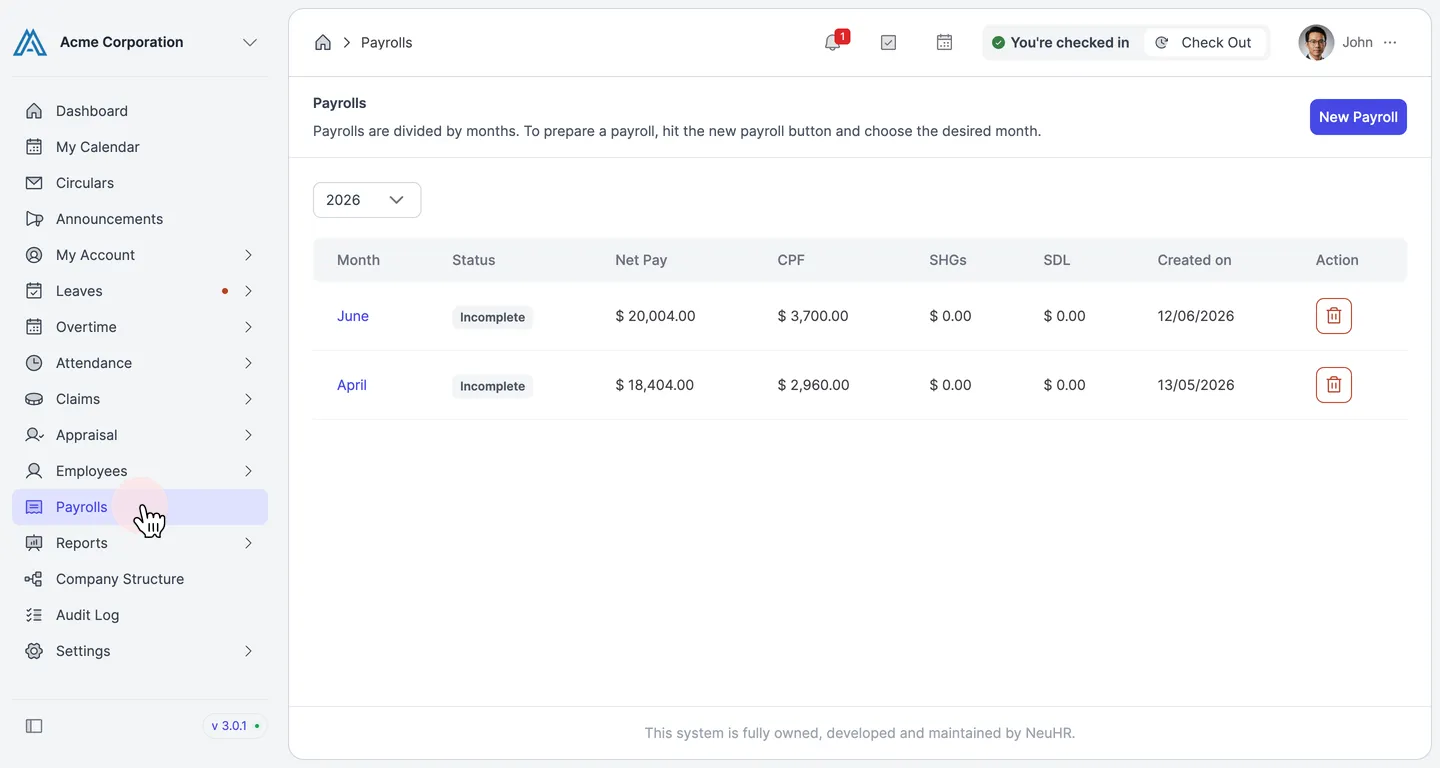
-
Select the Payroll Month
Section titled “Select the Payroll Month”On the
Payrollspage, you will see all payroll periods listed by month. Click on the month name (e.g.,April) for which you want to generate the report.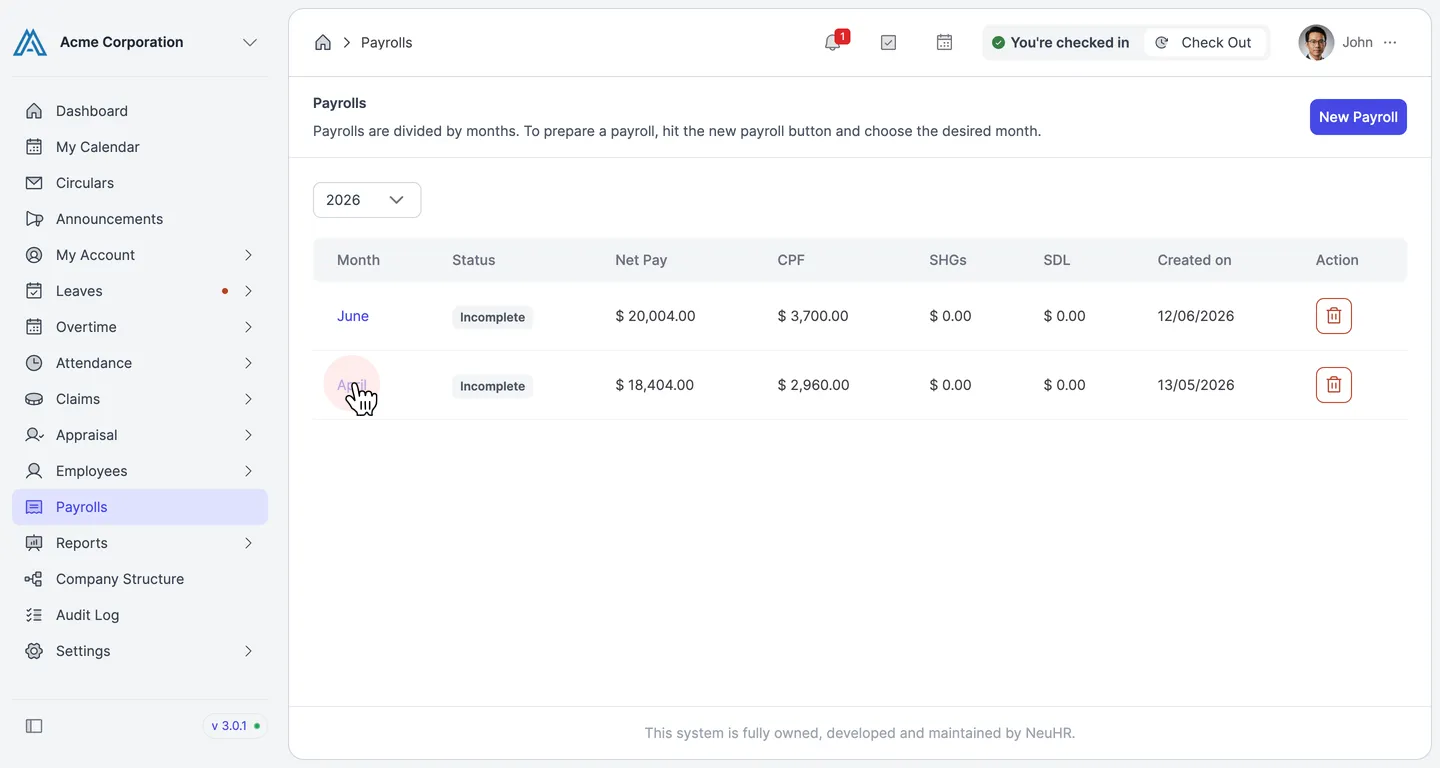
-
Click Generate PDF
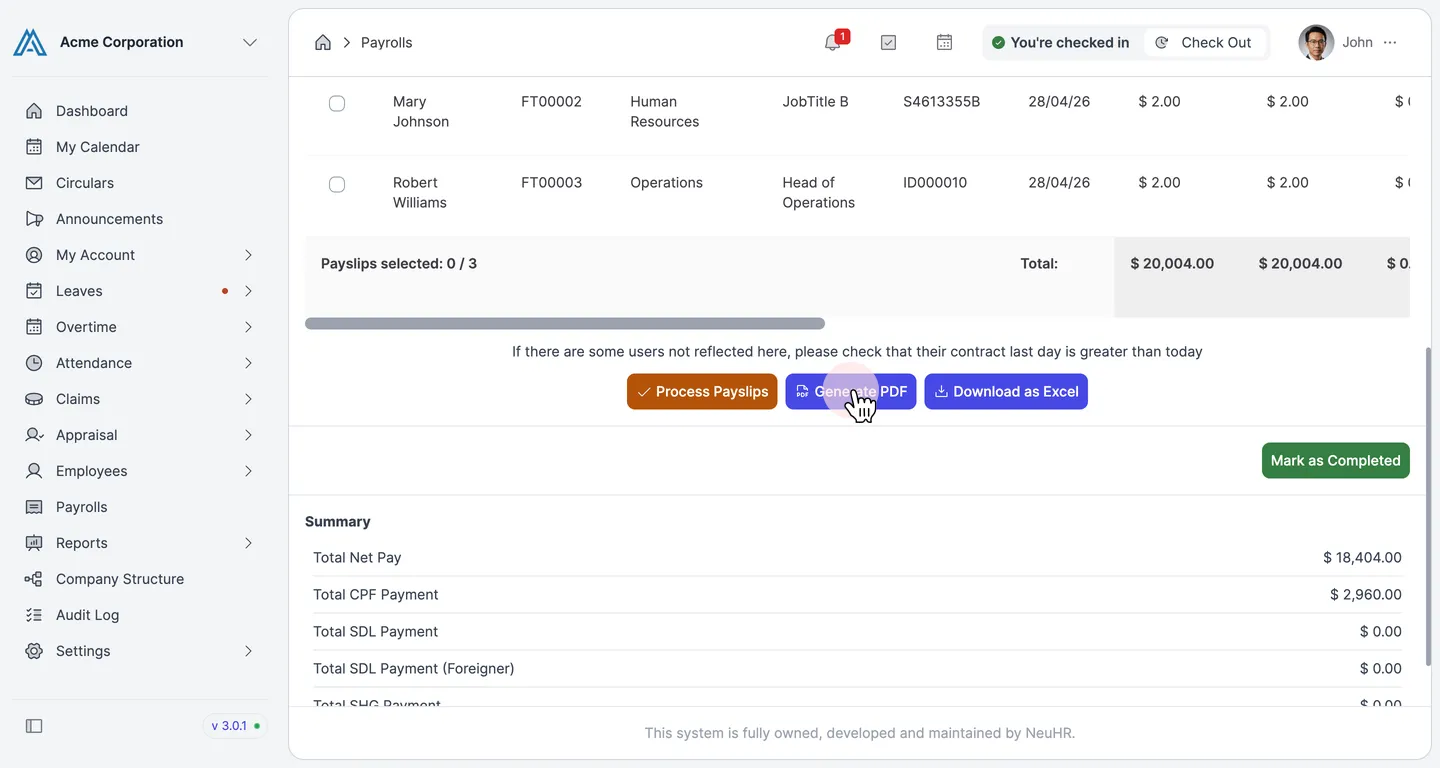
Section titled “Click Generate PDF”On the payroll details page, scroll down to the bottom of the employee list. You will find the action buttons including
Generate PDF. Click it to download the payroll report as a PDF file.The PDF includes all employee details, earnings, deductions, CPF, and net pay for the selected month. A payroll summary showing Total Net Pay, Total CPF Payment, SDL, SHG, and Total Payable Out is also included.