How to Add an Add-On to Current Plan
This guide shows you how to add a headcount add-on to your current NeuHR subscription plan.
-
Navigate to Billing
Section titled “Navigate to Billing”From the sidebar, click
Settingsto expand the menu, then clickBilling.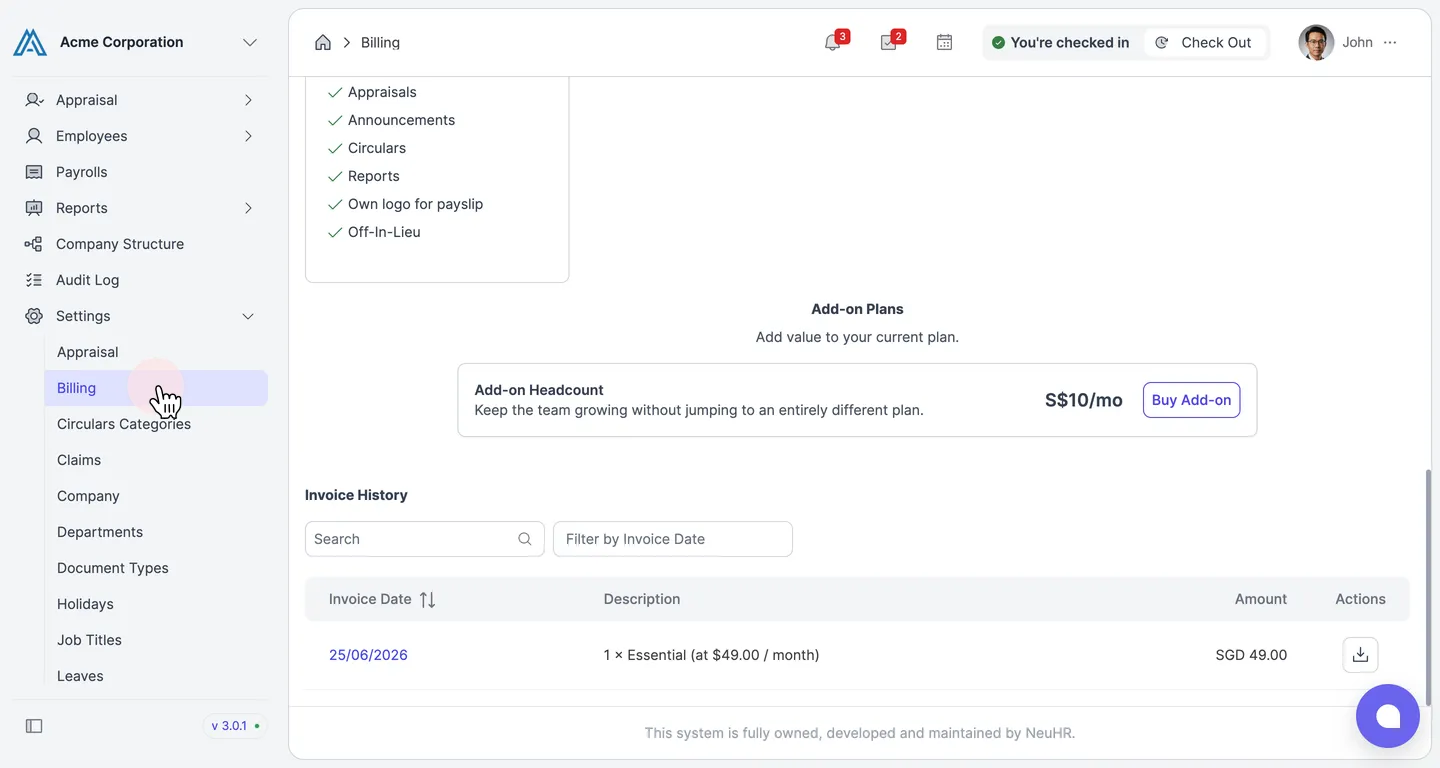
-
Click Buy Add-on
Section titled “Click Buy Add-on”Scroll down to the Add-on Plans section. Under Add-on Headcount, click the
Buy Add-onbutton.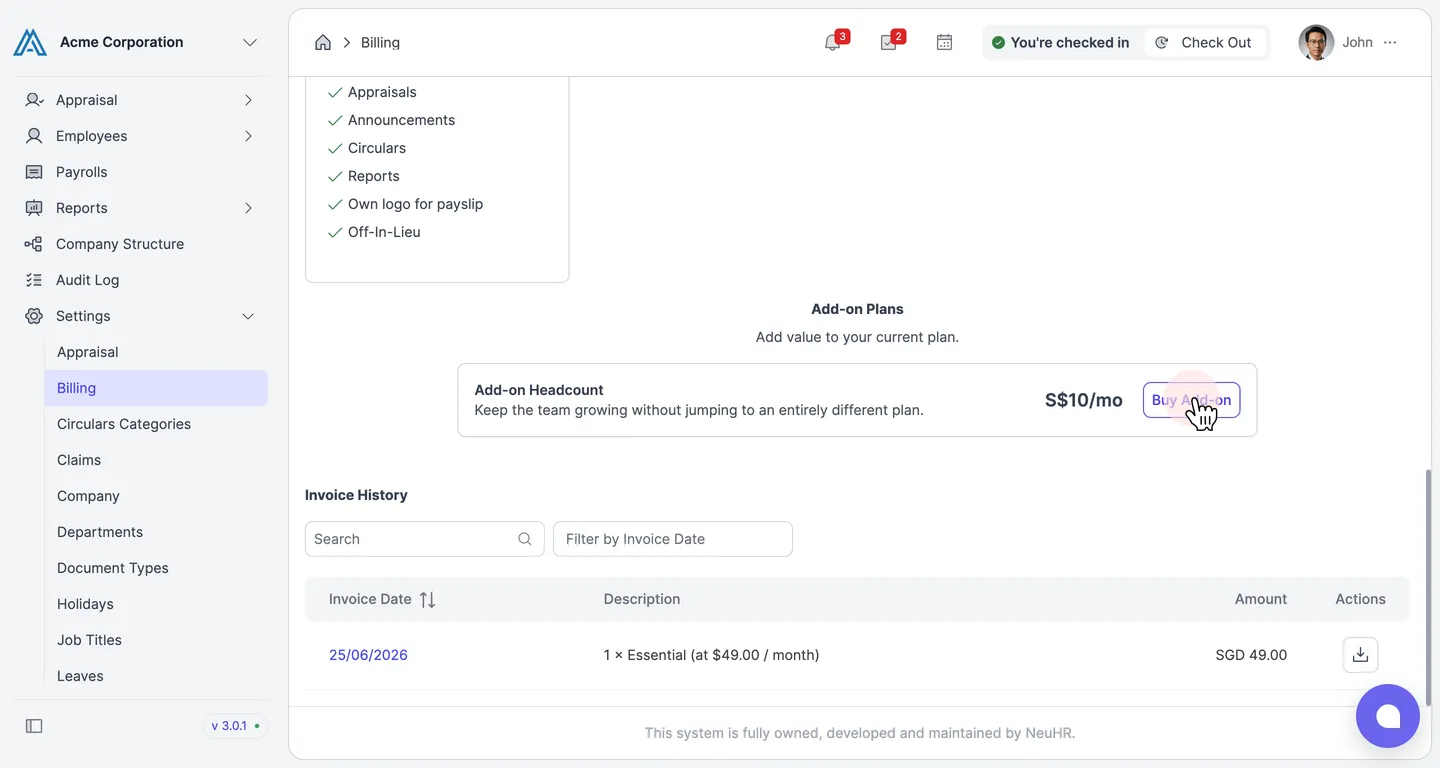
-
Set Quantity and Click Purchase
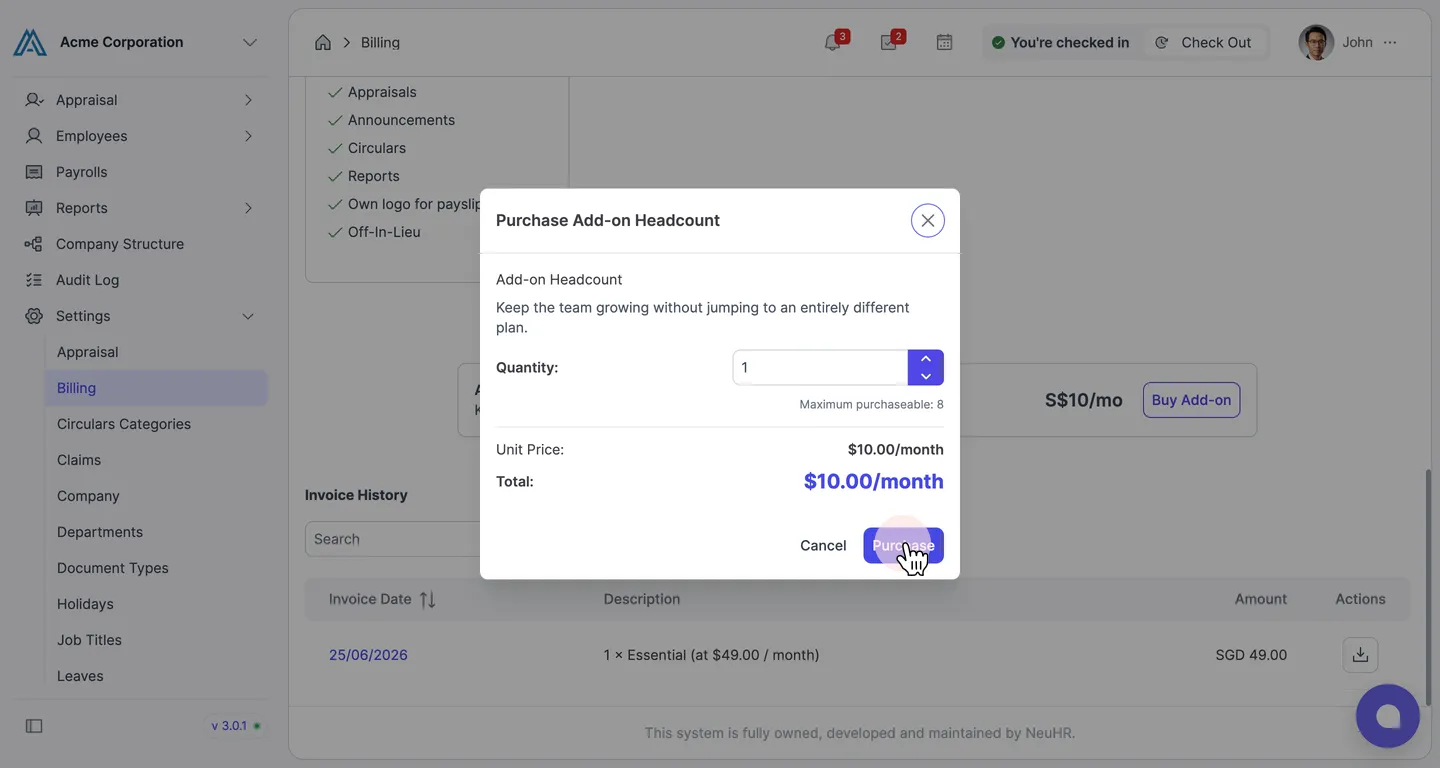
Section titled “Set Quantity and Click Purchase”The Purchase Add-on Headcount modal appears. Review the quantity and pricing, then click
Purchase.- Quantity: Number of additional headcount slots (maximum 8)
- Unit Price: $10.00/month per slot
- Total: Calculated based on quantity selected
-
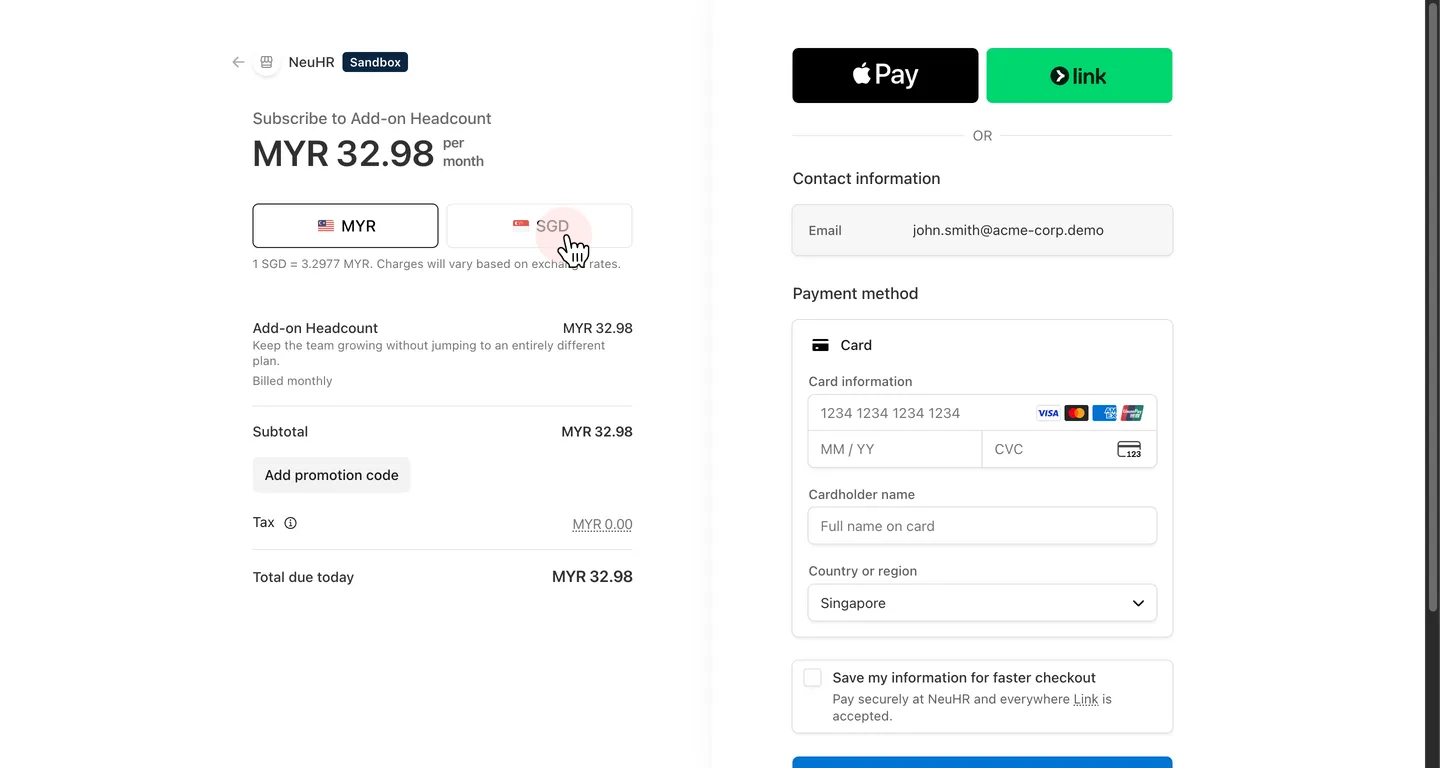
Select Currency on Stripe Checkout
Section titled “Select Currency on Stripe Checkout”You will be redirected to the Stripe checkout page.
-
Enter Payment Details and Subscribe
Section titled “Enter Payment Details and Subscribe”Fill in your payment details:
- Email: Your billing email address
- Card information: Your card number
- Expiration: Card expiry date (MM / YY)
- CVC: 3-digit security code
- Cardholder name: Name as shown on card
- Country or region: Select your country
Click
Subscribeto complete the purchase.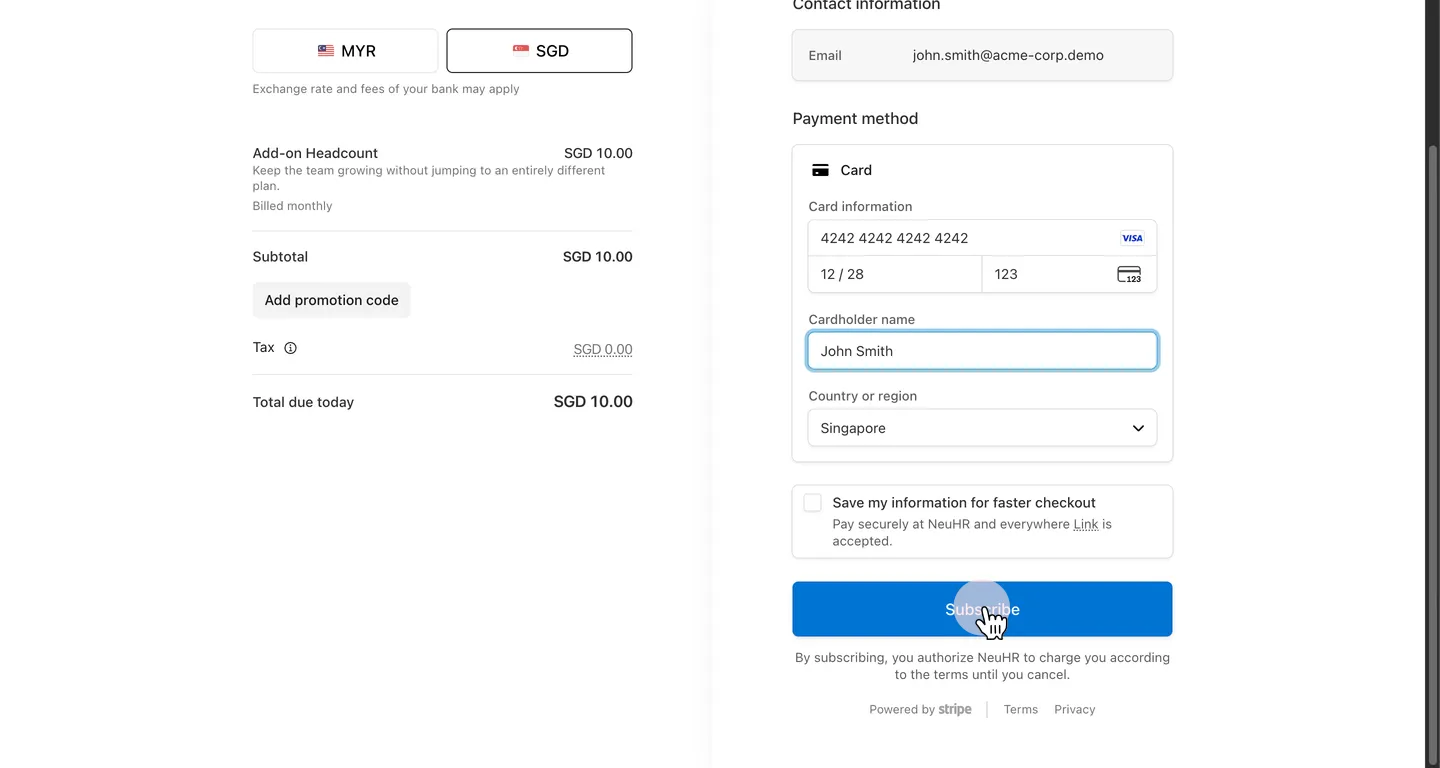
-
Confirm Add-On is Active
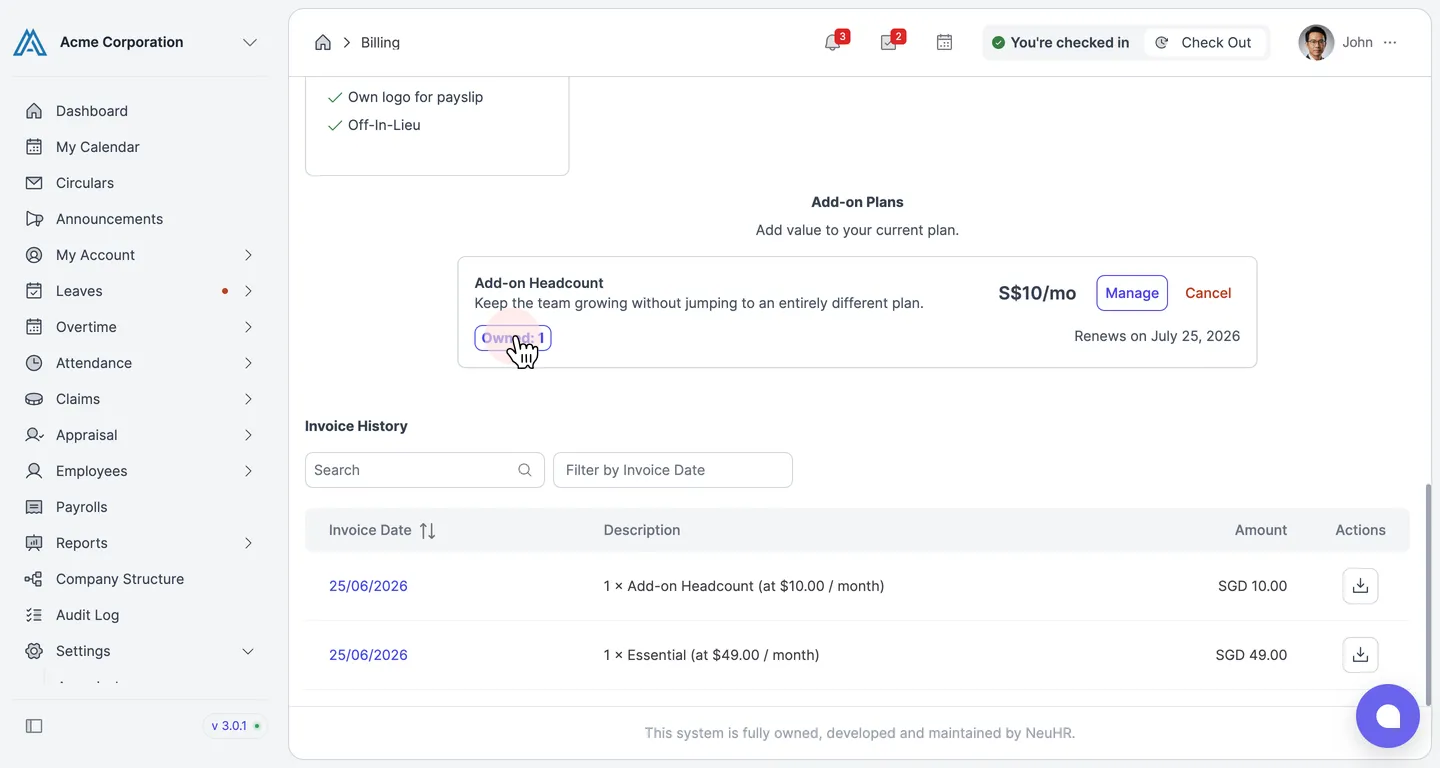
Section titled “Confirm Add-On is Active”After payment, you are redirected back to the Billing page. Under Add-on Plans, the Add-on Headcount entry now shows an
Owned: 1badge and the renewal date. The new invoice also appears in the Invoice History table.