

How to Create a New Circulars
This guide shows you how to create and publish circulars in the NeuHR system. Circulars allow you to share important documents, policies, and announcements with your employees.
-
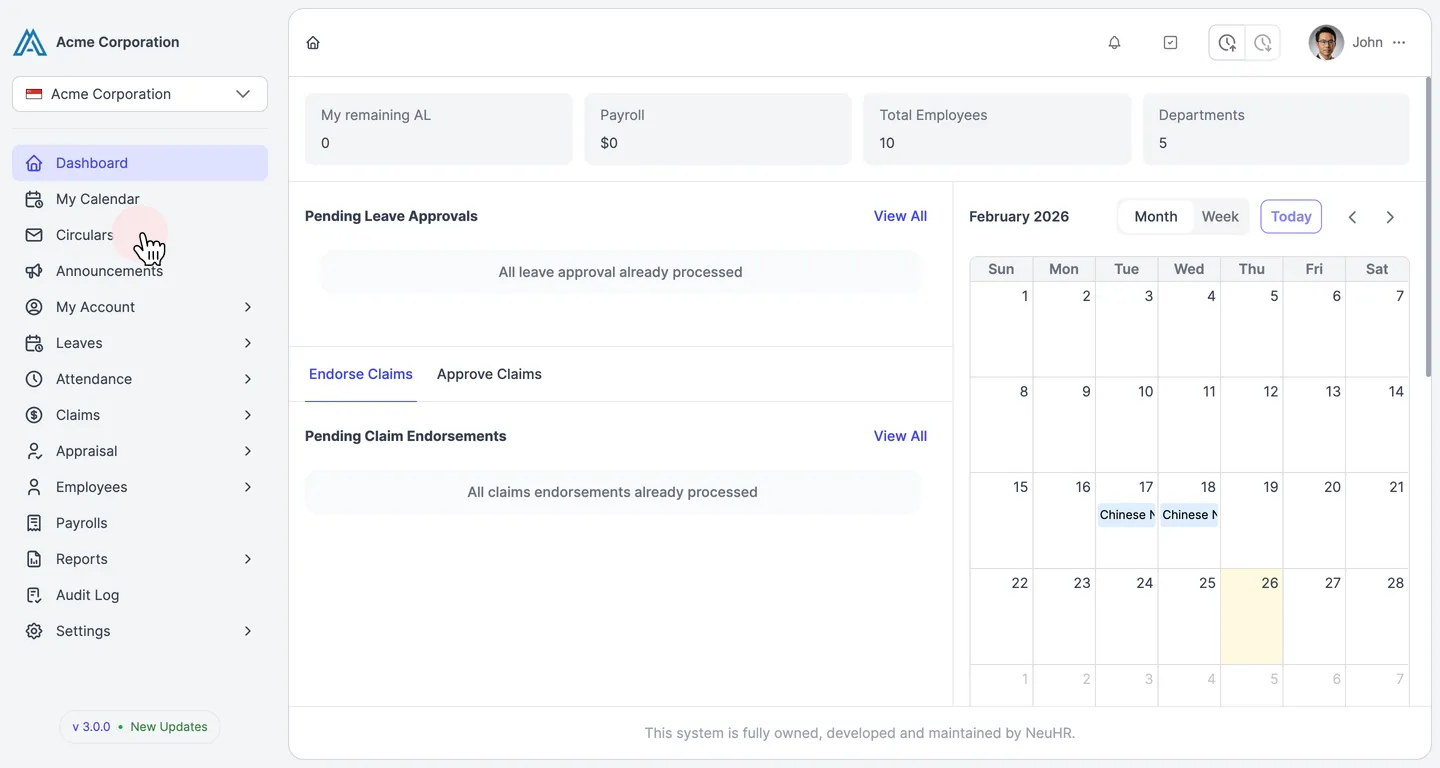
Navigate to Circulars
Section titled “Navigate to Circulars”From the sidebar, click on Circulars.
-
Open the Create Circular Form
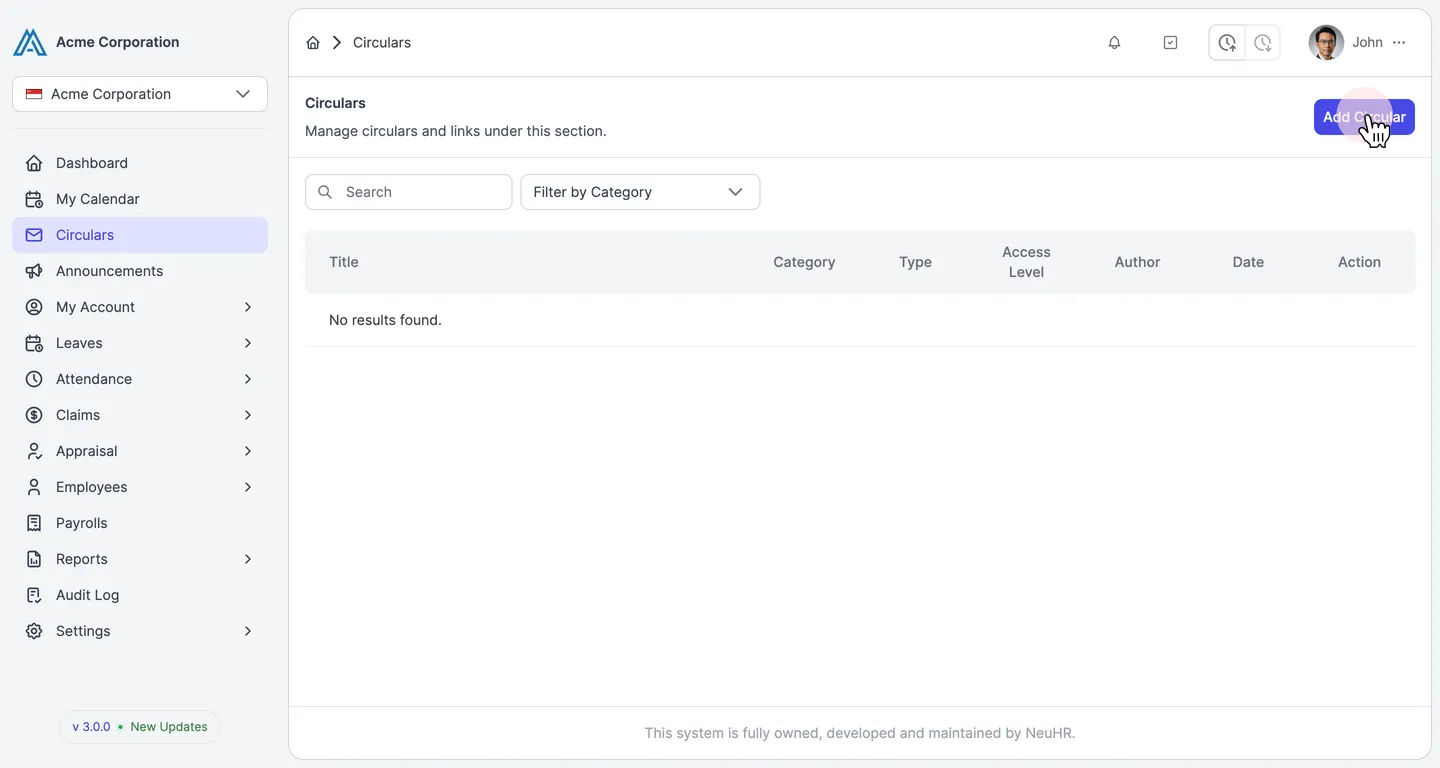
Section titled “Open the Create Circular Form”On the Circulars page, click the Add Circular button in the top right corner.
-
Create a Circular Category (First Time Only)
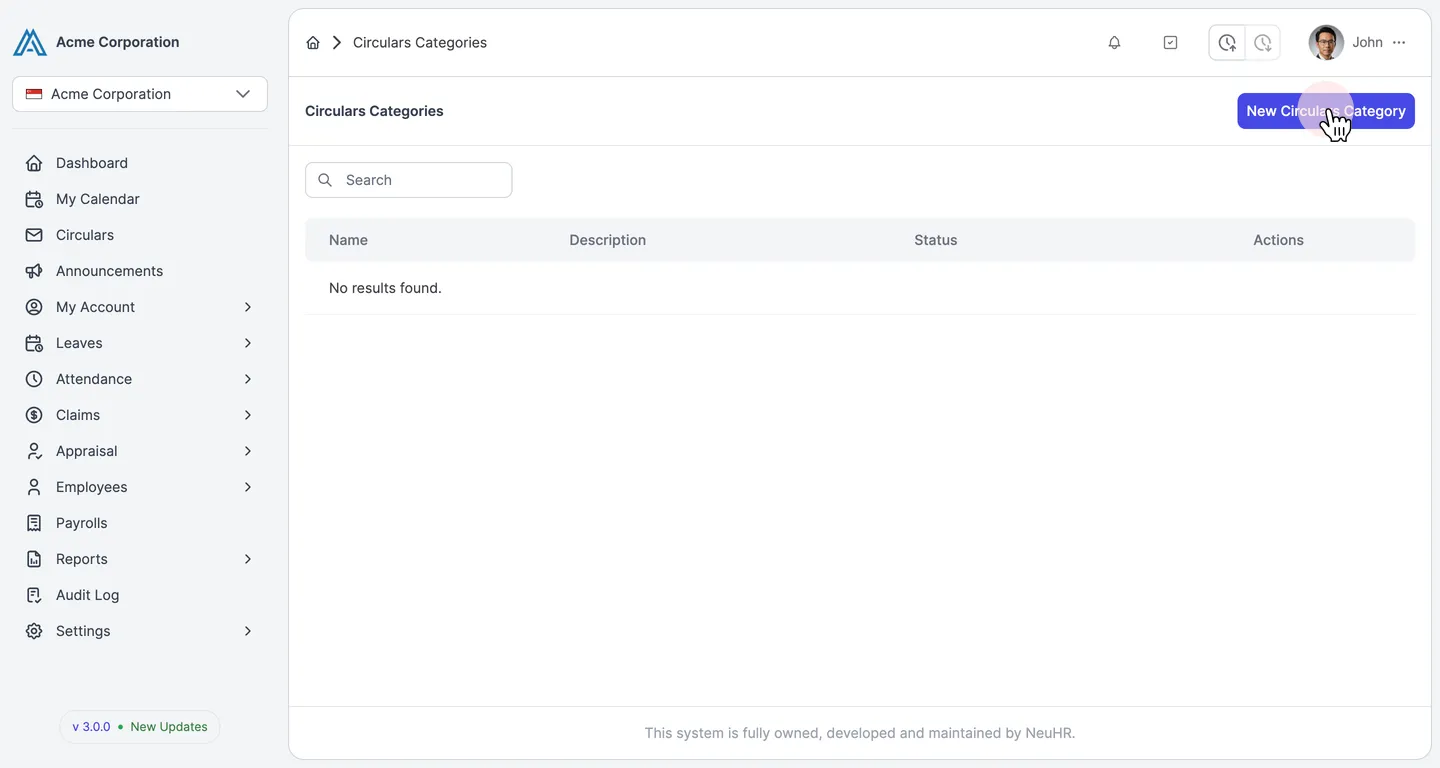
Section titled “Create a Circular Category (First Time Only)”If this is your first time creating a circular, you’ll see a message indicating you need to create a category first. Click the here link or navigate to Settings > Circulars Categories in the sidebar.
Click the New Circulars Category button.
-
Fill in Category Details
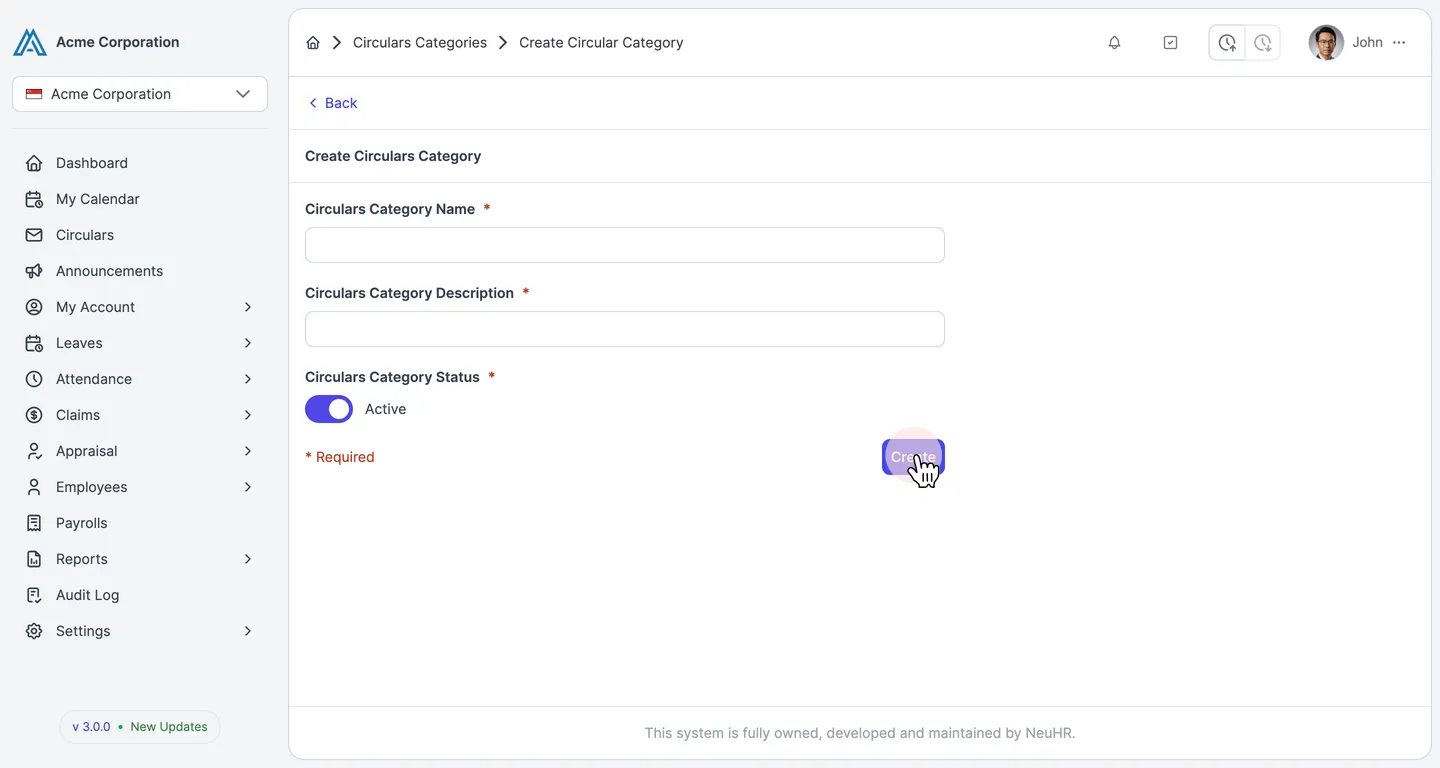
Section titled “Fill in Category Details”Enter the category information:
- Circulars Category Name: Name for the category (e.g., “HR Policies”, “Company Updates”)
- Circulars Category Description: Brief description of what types of circulars belong in this category
- Circulars Category Status: Toggle to Active (enabled by default)
Click the Create button to save the category.
-
Fill in Circular Details
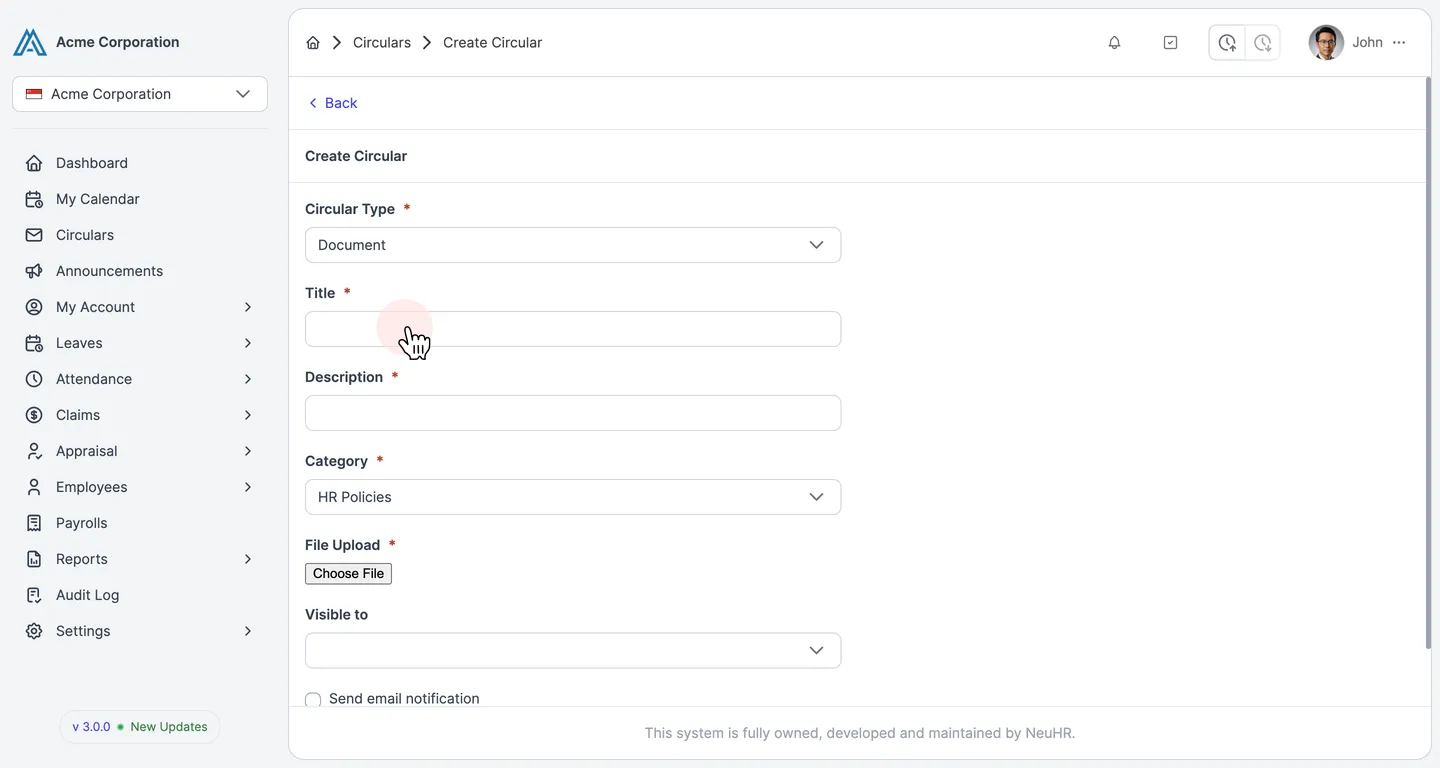
Section titled “Fill in Circular Details”Back on the Create Circular form, complete the following fields:
- Circular Type: Select “Document” (default option)
- Title: Enter a clear, descriptive title for your circular
- Description: Provide a brief summary of the circular content
- Category: Select the category you created (e.g., “HR Policies”)
- File Upload: Click Choose File to upload the document (PDF, DOC, or other supported formats)
- Visible to: Select who can view this circular (optional)
- Send email notification: Check this box to notify employees when the circular is published
-
Create the Circular
Section titled “Create the Circular”Review all the information and click the Create button to publish the circular.
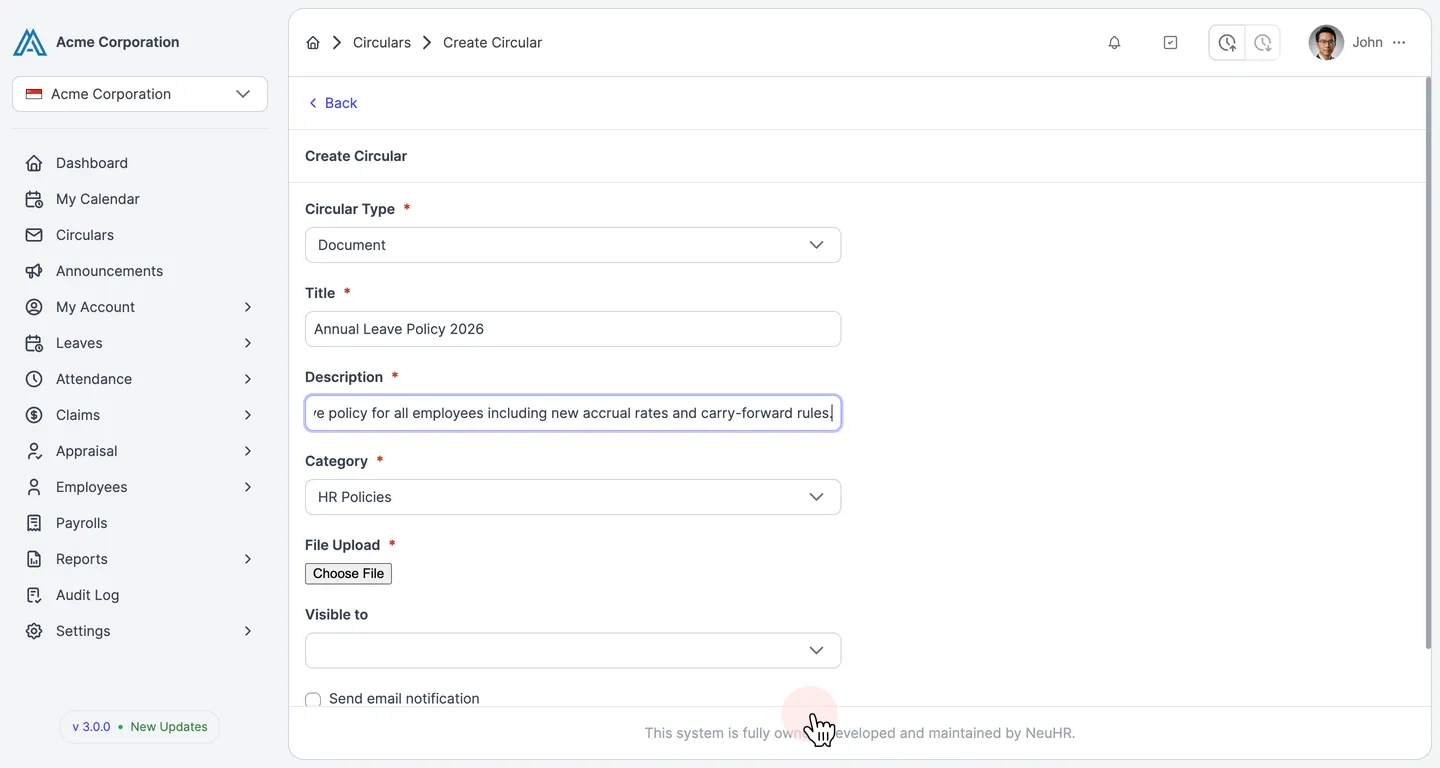
The circular will be created and immediately visible to employees based on the visibility settings you selected. If you enabled email notifications, employees will receive a notification about the new circular.