

How to Check My Monthly Payslips
This guide shows you how to view and download your monthly payslips in NeuHR.
-
Navigate to Payslips
Section titled “Navigate to Payslips”From the sidebar, click on
My Accountto expand the menu, then click onPayslips.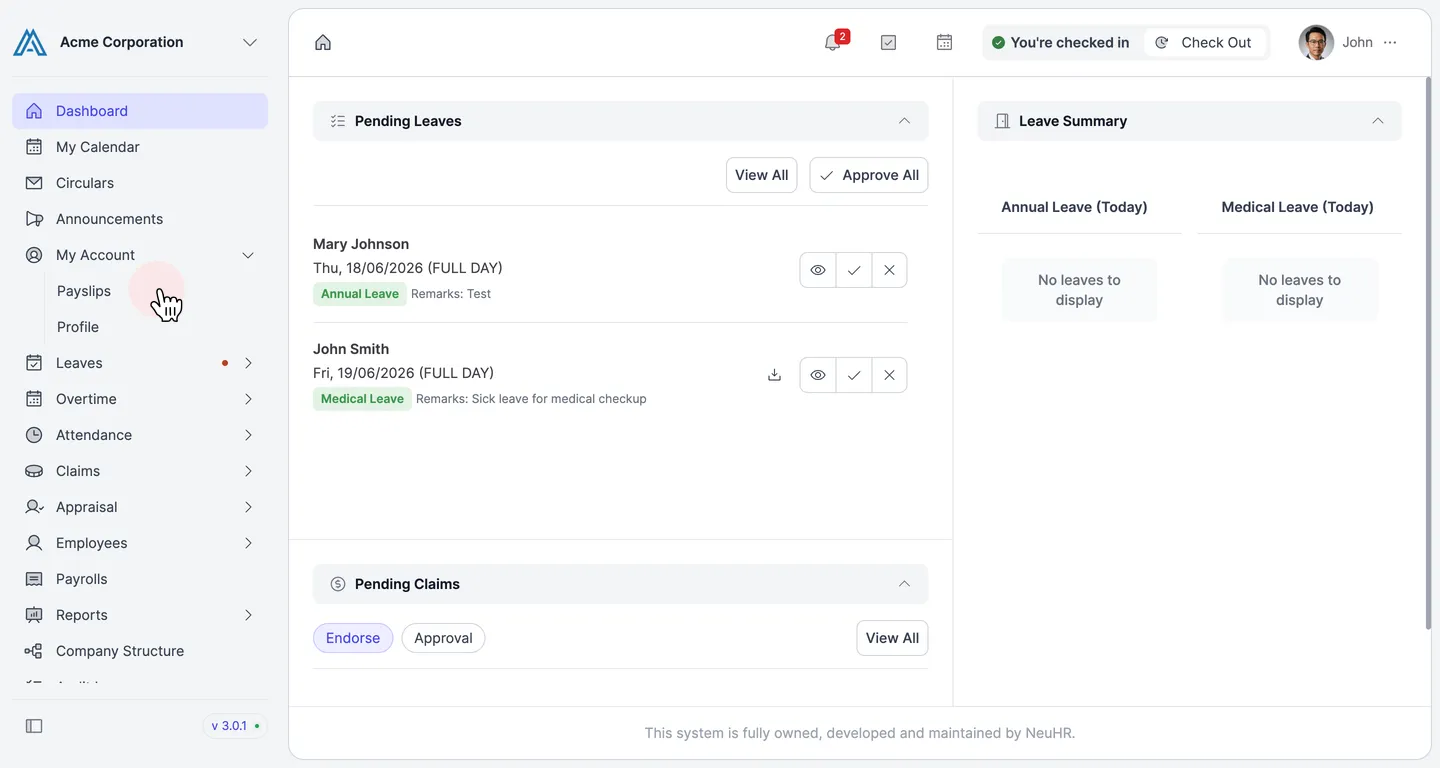
-
View and Download Your Payslip
Section titled “View and Download Your Payslip”The
Payslipspage opens with theMonthlytab active. You’ll see a list of available payslips with the month and year.Click on the month name (e.g.,
April) to download your payslip as a PDF file.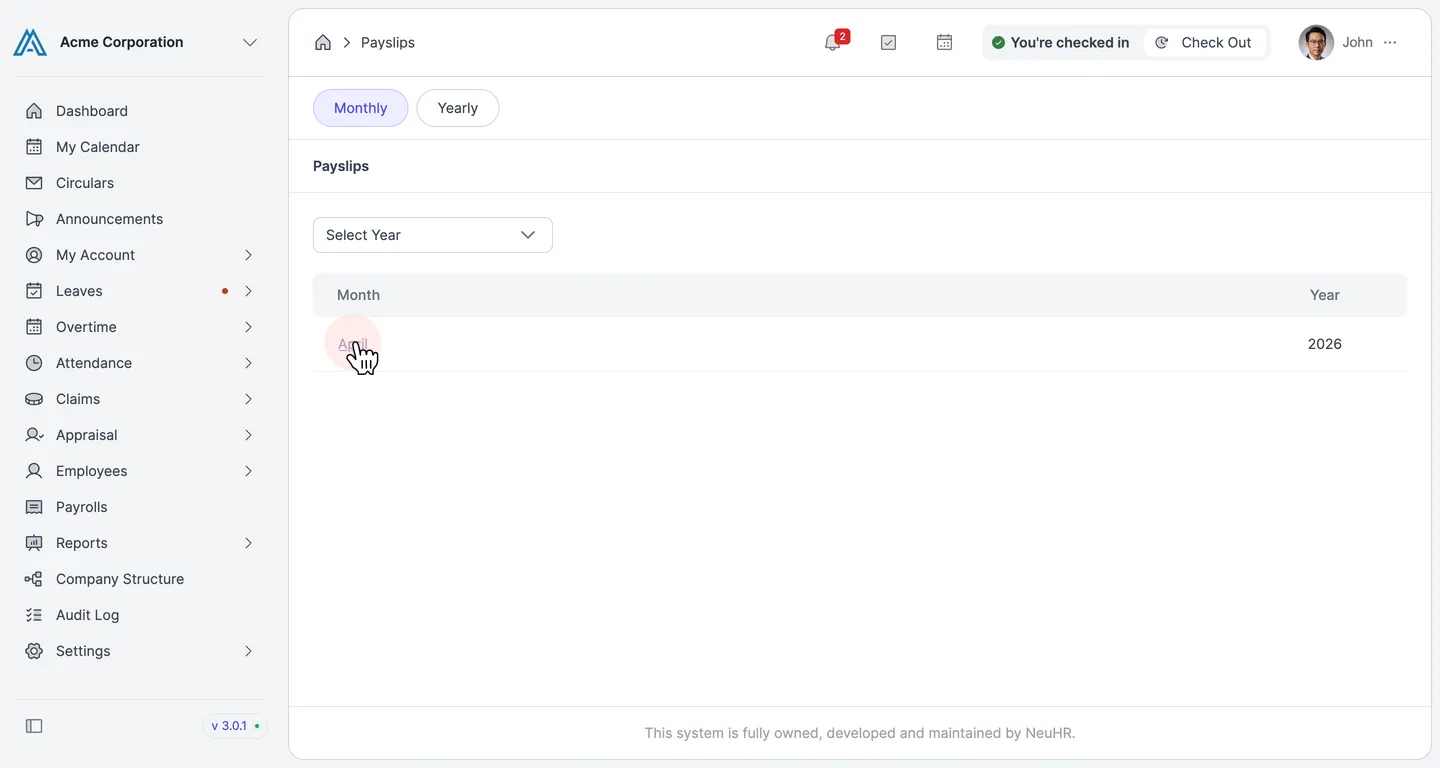
Your payslip will be downloaded automatically to your device.