How to Check My Claims Limit
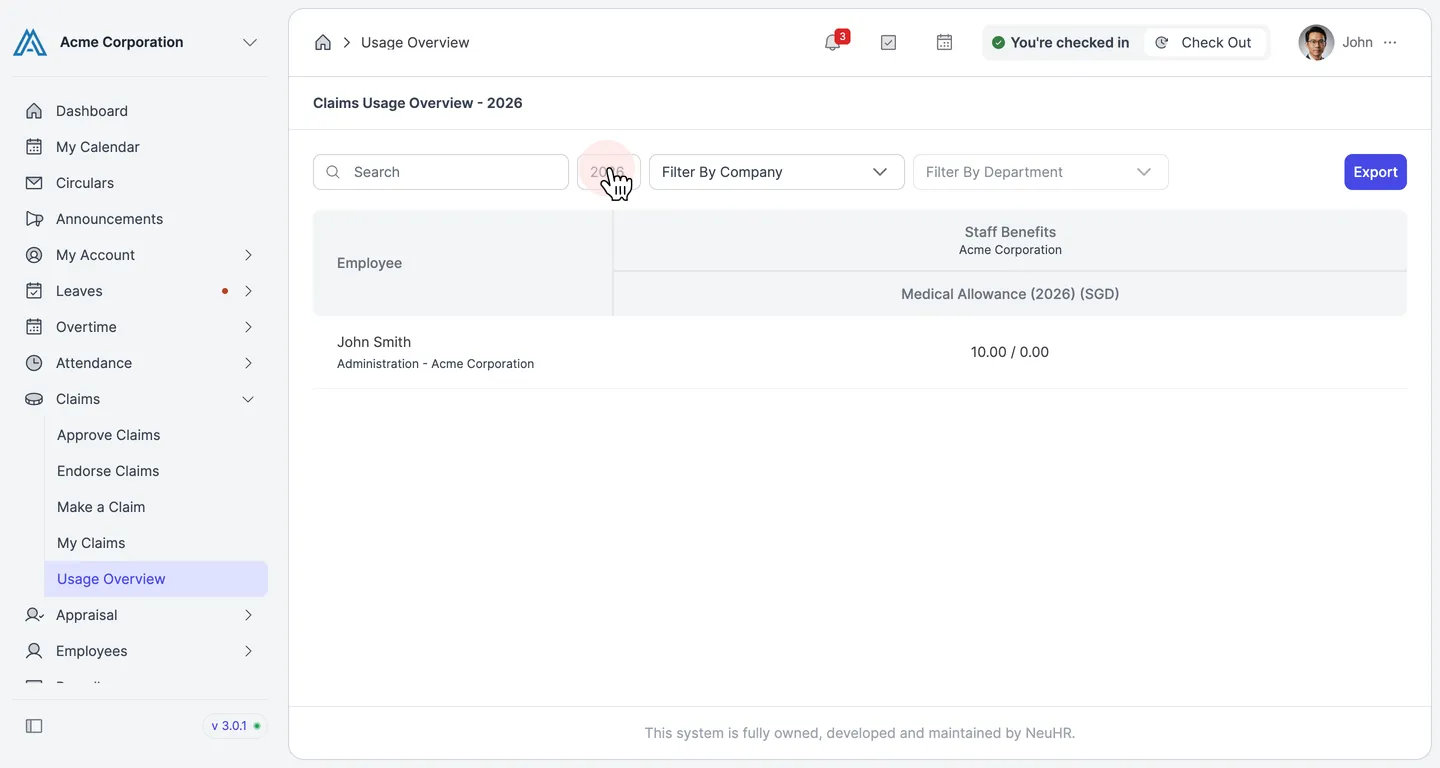
Use the Usage Overview page to see how much of each claim entitlement you have used and how much remains for the current year.
-
Open Usage Overview
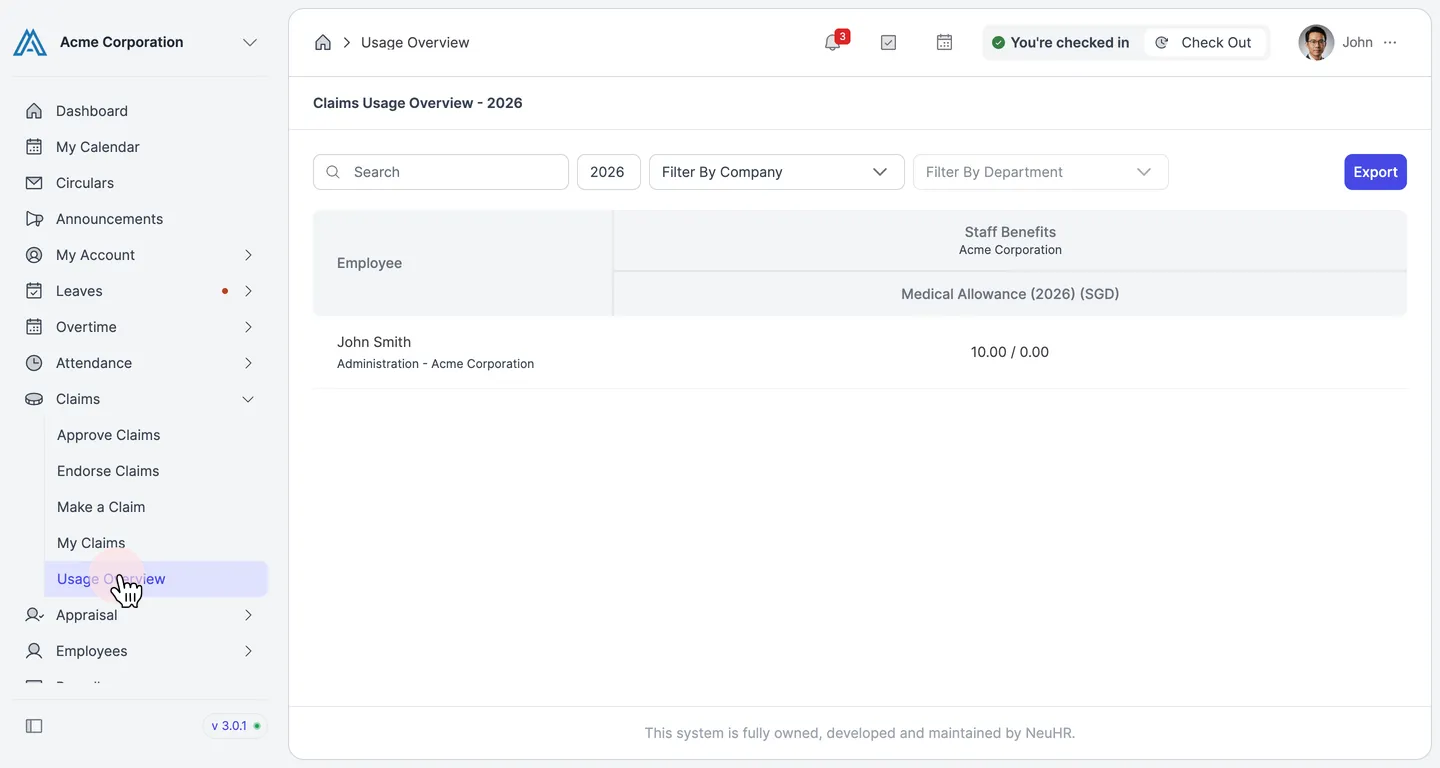
Section titled “Open Usage Overview”In the left sidebar, click Claims to expand the menu, then click Usage Overview.
-
Read your claims balance
Section titled “Read your claims balance”The Claims Usage Overview table lists your claim entitlements by category and subcategory. Each cell shows your usage in the format Used / Limit (e.g.
10.00 / 0.00).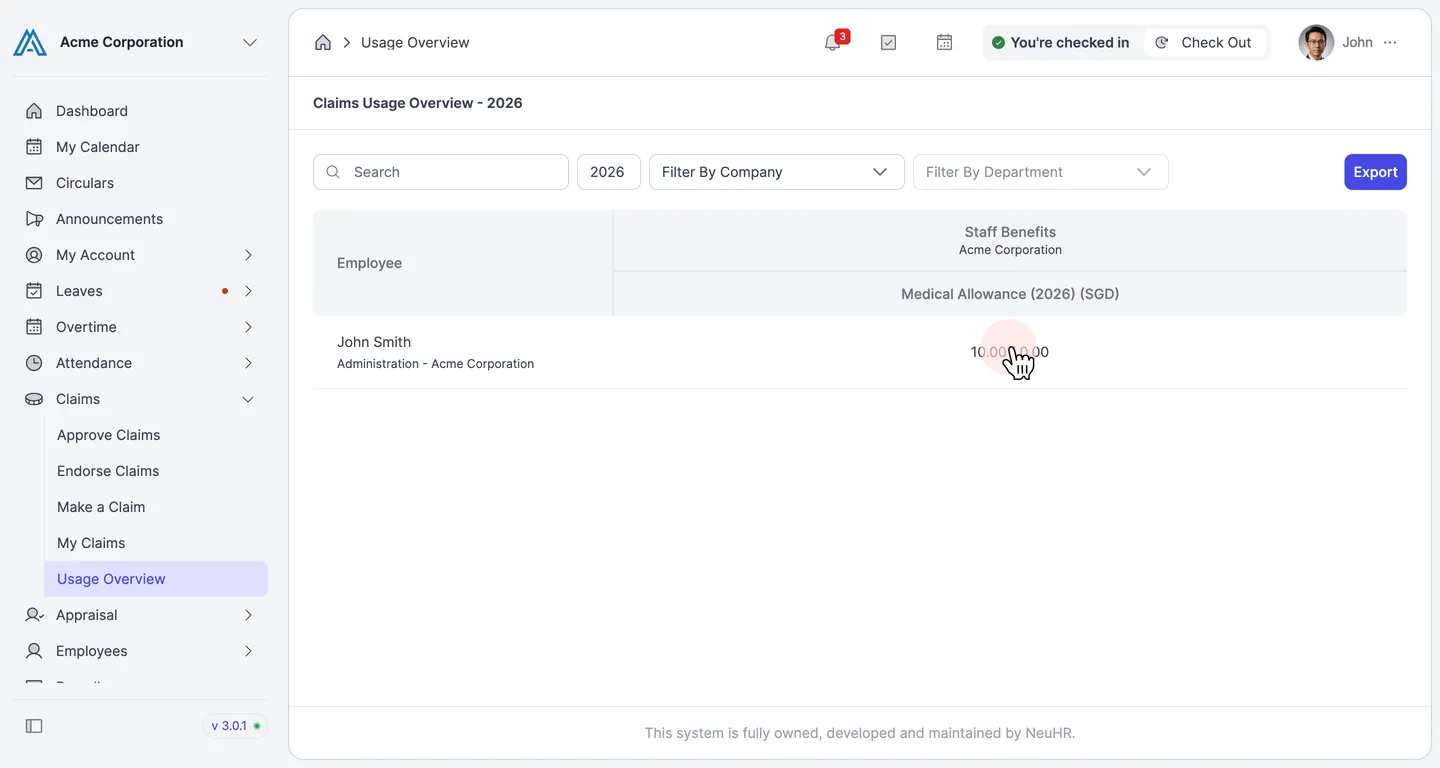
-
Filter by year
Section titled “Filter by year”By default, the page shows the current year. Enter a different year in the year field, or use the Filter By Company and Filter By Department dropdowns to narrow the results.