How to Check My Notifications
This guide shows you how to access and view your notifications in NeuHR.
-
Click the Notification Bell
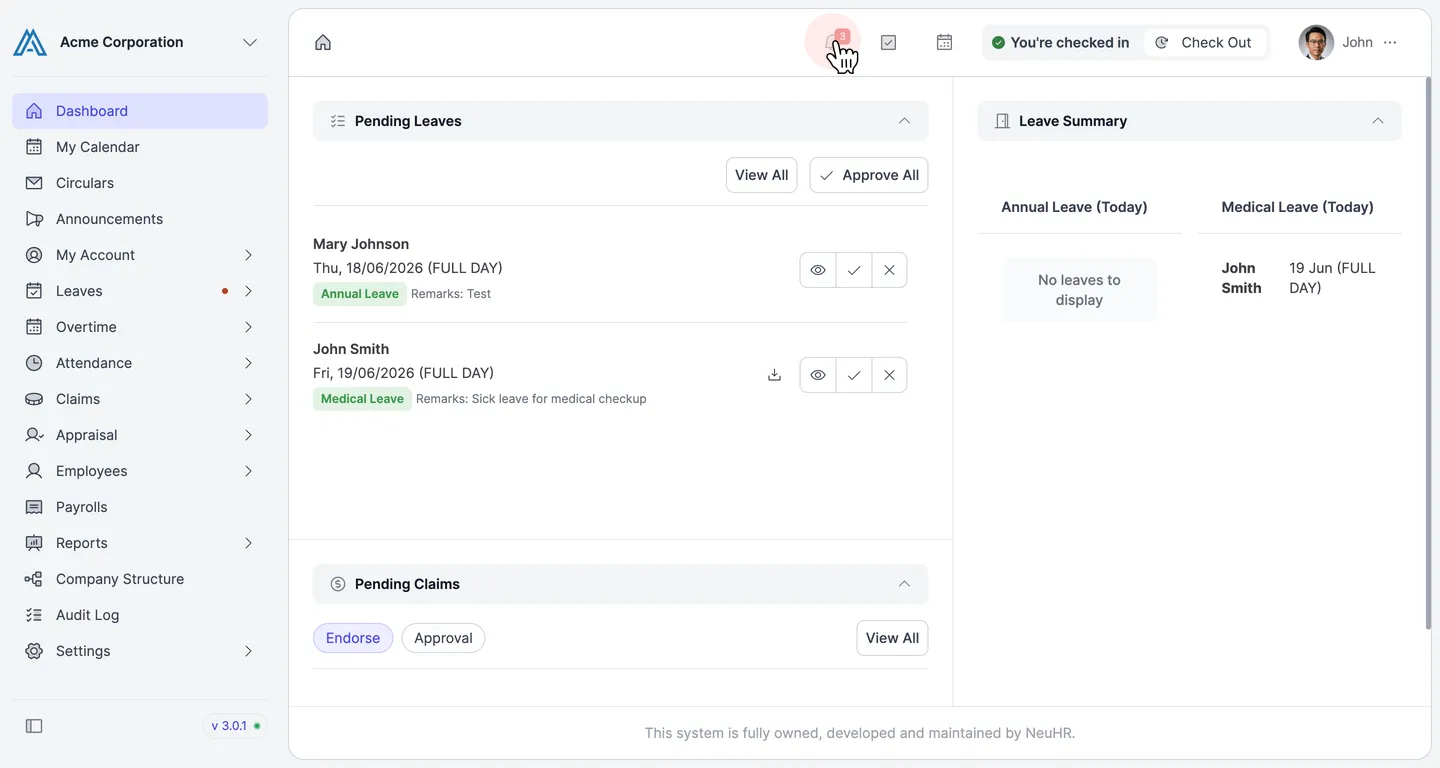
Section titled “Click the Notification Bell”From any page, locate the bell icon in the top navigation bar. If you have unread notifications, a red badge with the count appears on the icon. Click the bell icon to open the notifications panel.
-
View Your Notifications
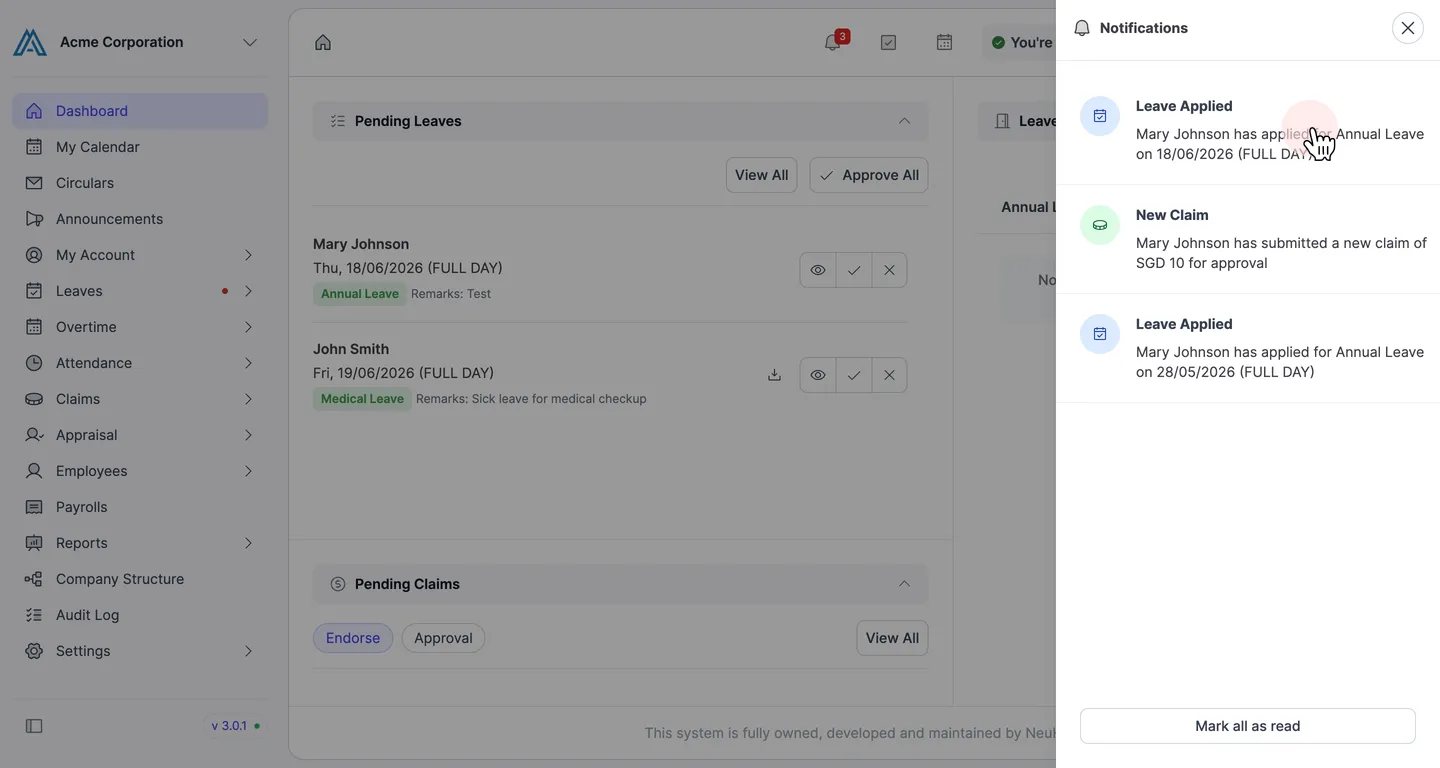
Section titled “View Your Notifications”The Notifications panel slides in from the right, displaying your recent notifications. Each notification shows the type and a brief description of the activity.
To dismiss all notifications at once, click Mark all as read at the bottom of the panel.