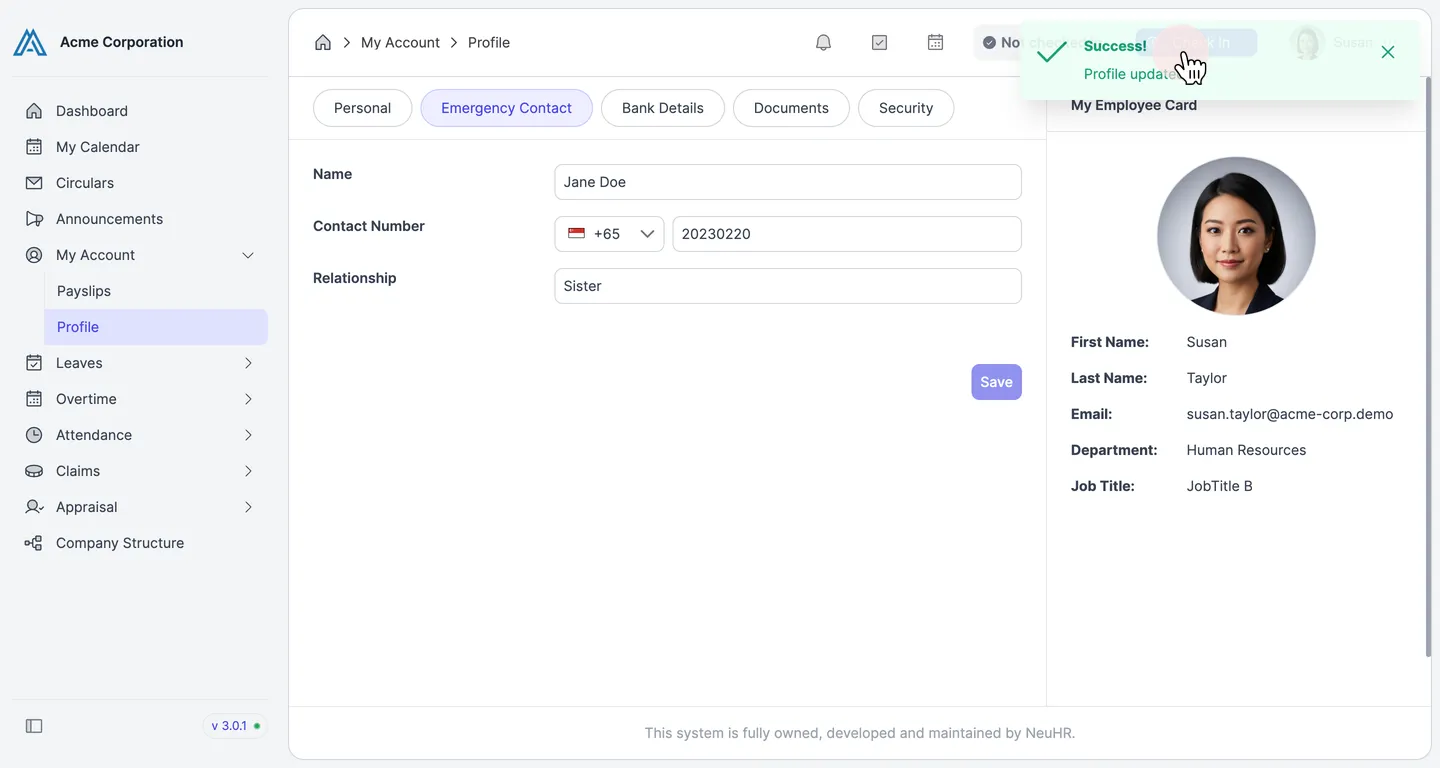
How to Update My Emergency Contact
This guide shows you how to update your emergency contact information in NeuHR.
-
Navigate to Profile
Section titled “Navigate to Profile”From the sidebar, click
My Accountto expand the menu, then clickProfile.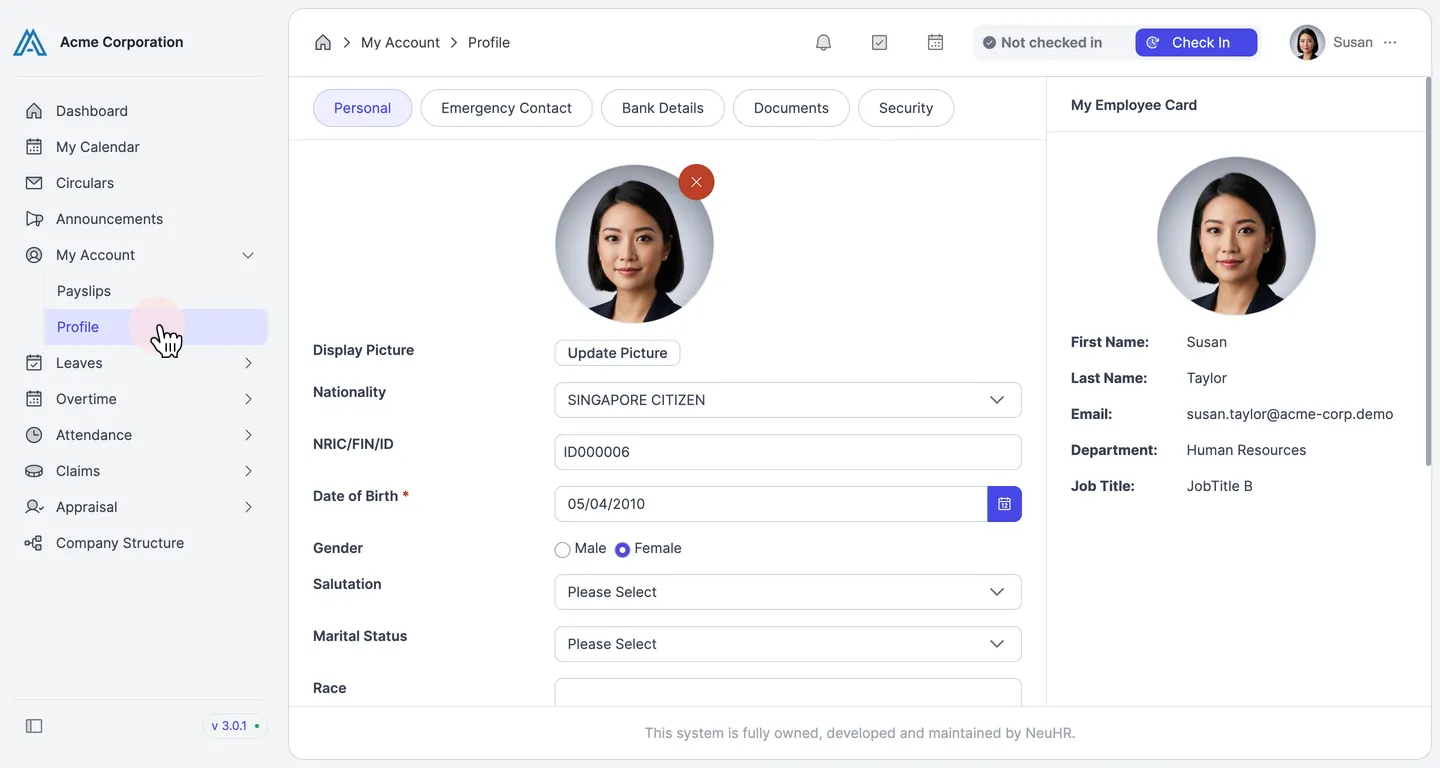
-
Click the Emergency Contact Tab
Section titled “Click the Emergency Contact Tab”On the Profile page, click the
Emergency Contacttab.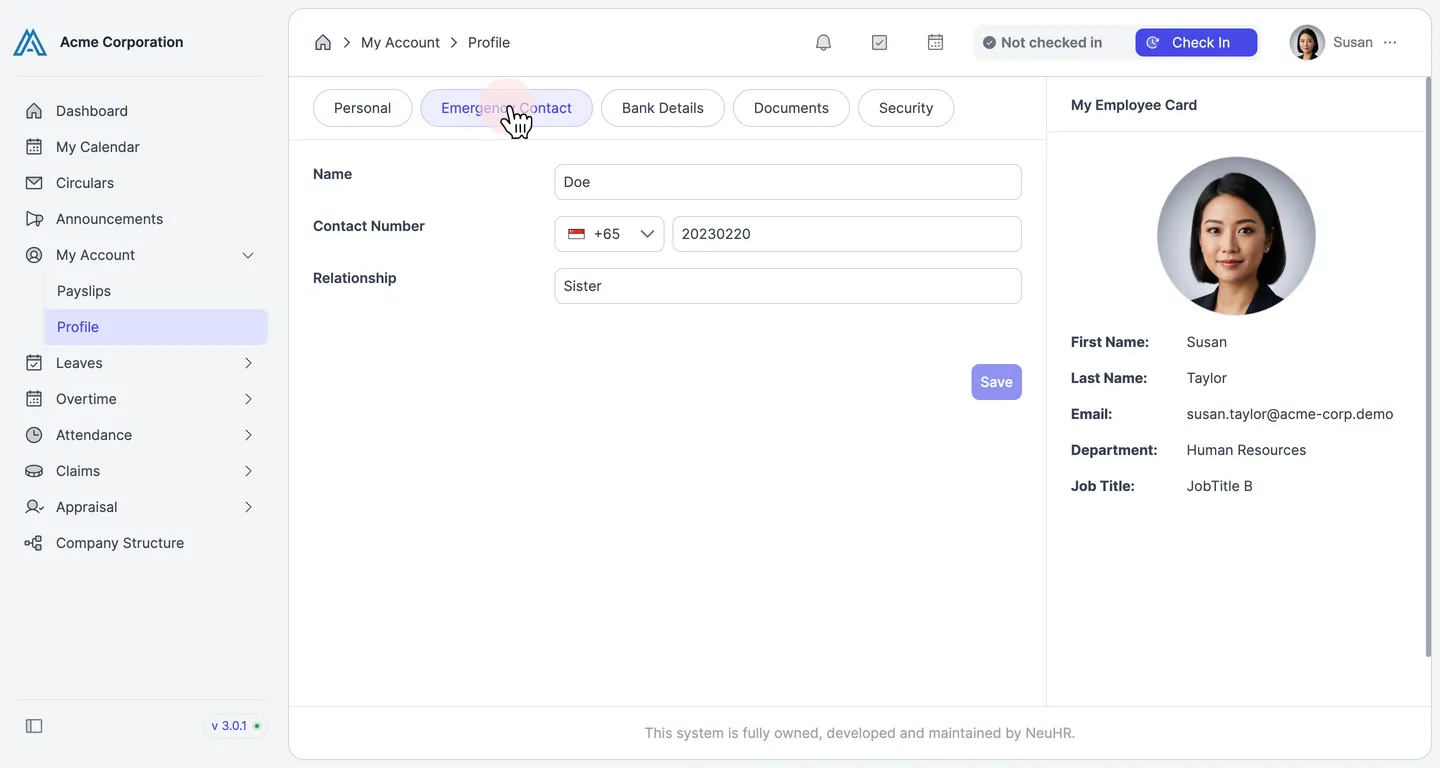
-
Update Your Emergency Contact Details
Section titled “Update Your Emergency Contact Details”Enter or update the following fields:
- Name: Full name of your emergency contact
- Contact Number: Select the country code and enter the phone number
- Relationship: Your relationship to the contact (e.g., Sister, Spouse, Parent)
When done, click
Save.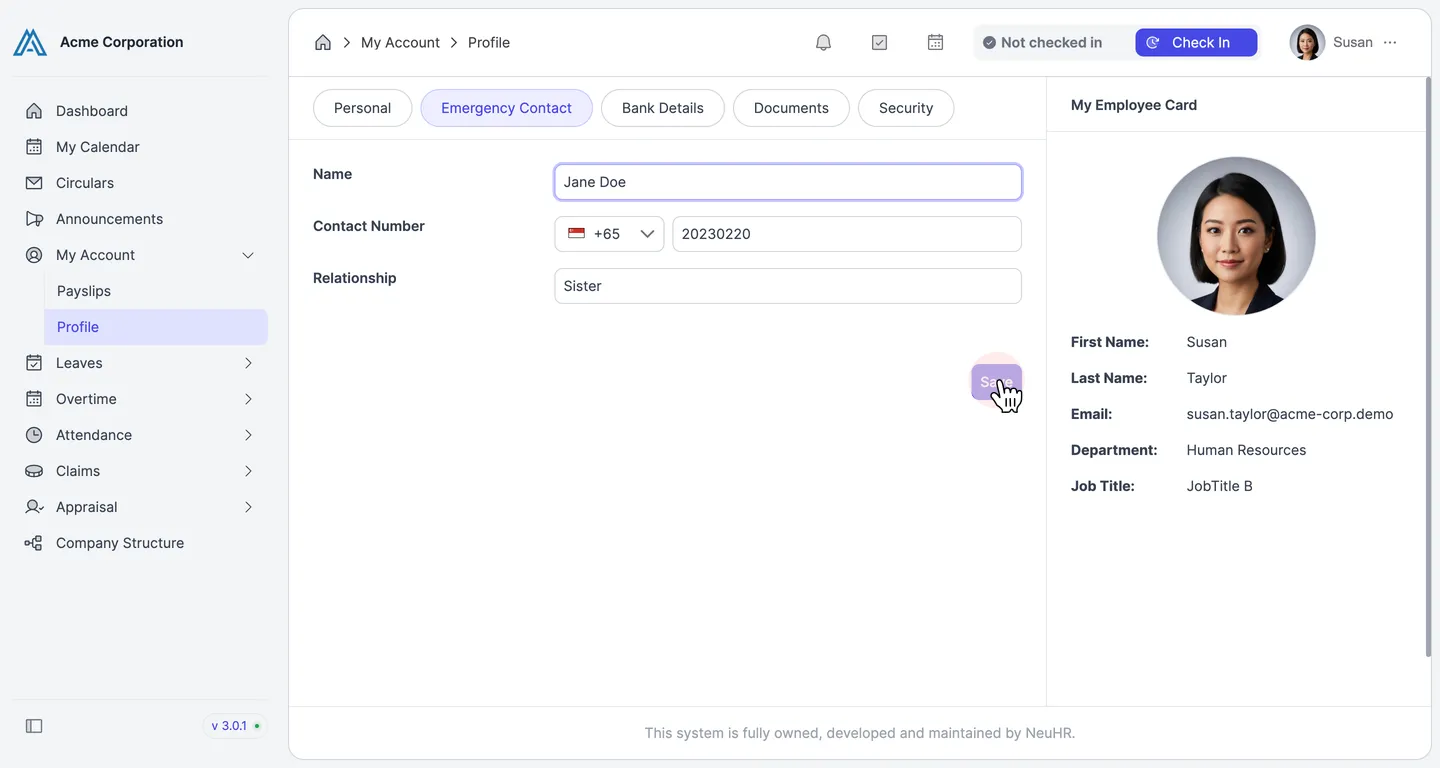
-
Confirm the Update
Section titled “Confirm the Update”You’ll see a success message: “Profile updated.” Your emergency contact details have been saved.