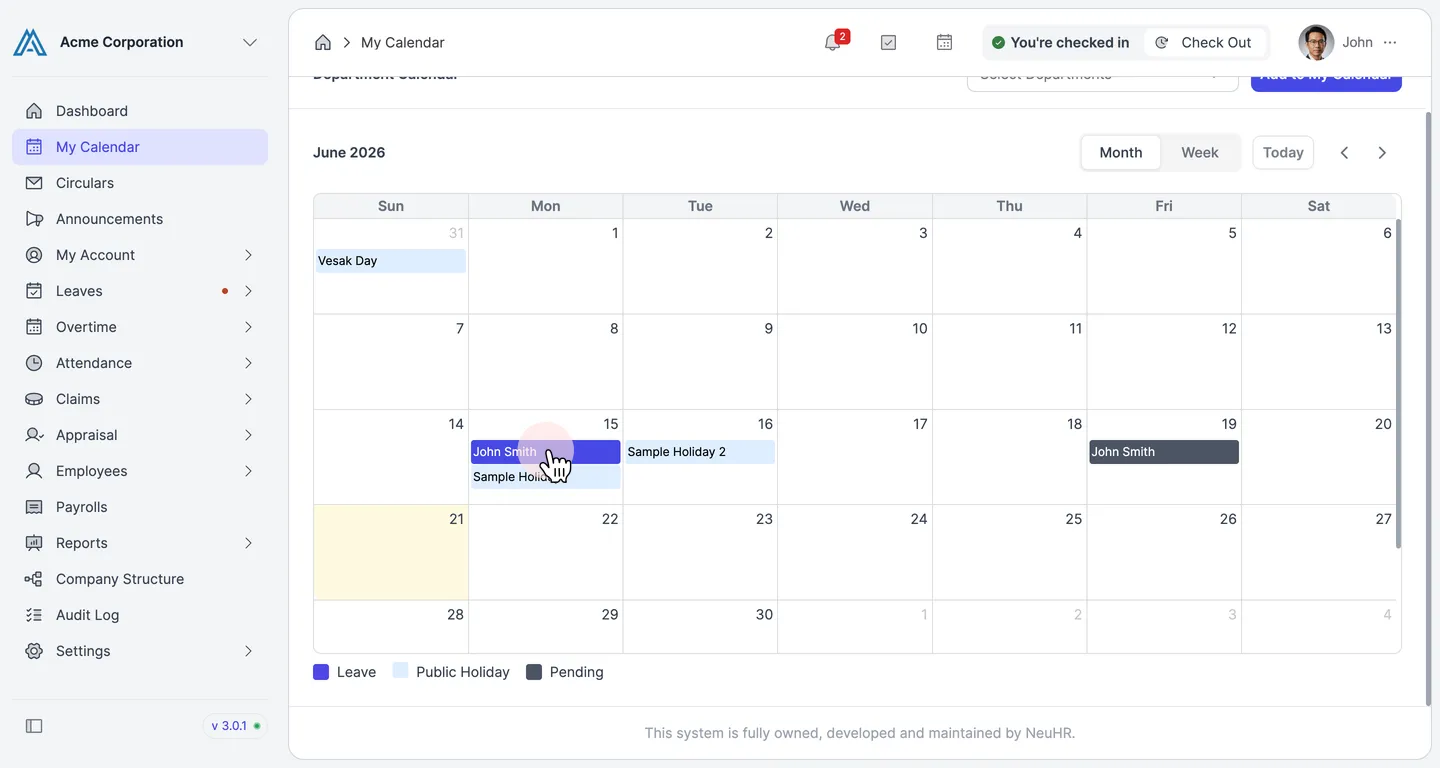
How to Check Companion/My Leave in My Calendar
This guide shows you how to view your own leave and your colleagues’ (companion) leave in the My Calendar page.
-
Navigate to My Calendar
Section titled “Navigate to My Calendar”From the sidebar, click on
My Calendar.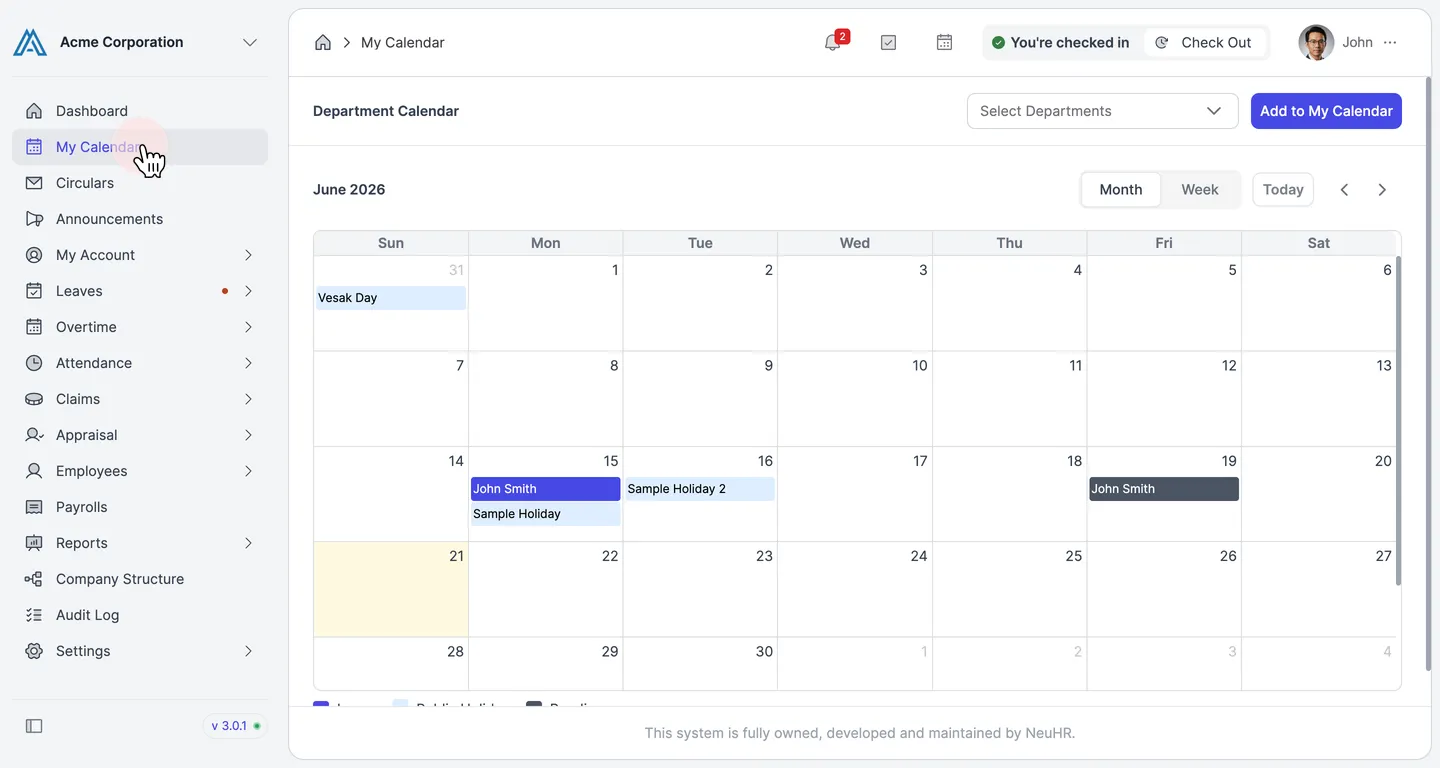
-
View Leave Events in the Calendar
Section titled “View Leave Events in the Calendar”The
Department Calendardisplays leave events for the current month. Each event entry shows the employee’s name along with the leave type color:- Leave (blue) — approved leave, shown with the employee’s name
- Pending (dark gray) — leave pending approval, shown with the employee’s name
- Public Holiday (light blue) — company-wide public holidays
Your own approved or pending leave appears with your name, and your colleagues’ leave appears with their names.
Refer to the legend at the bottom of the calendar to identify each event type.